Do you want to copy your LinkedIn profile URL link on your phone? If so, then I shall explain you in finding and copying the LinkedIn profile URL link on your mobile phone.
How To Copy LinkedIn Profile URL Link
LinkedIn is a professional platform for job seekers and job providers, meaning companies. Through LinkedIn, people are getting clients for their projects, so it means it’s the best site for freelancers after Fiverr and Upwork.
If you have a LinkedIn account and don’t know how to copy the LinkedIn profile URL link, then here are the steps on how to copy the LinkedIn profile URL link.
- Open the LinkedIn account and click profile.
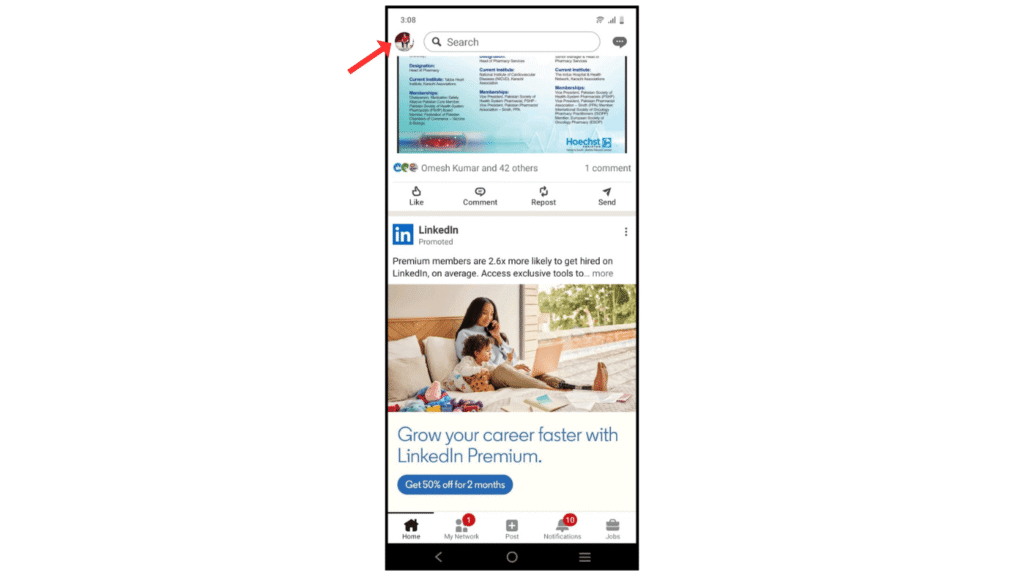
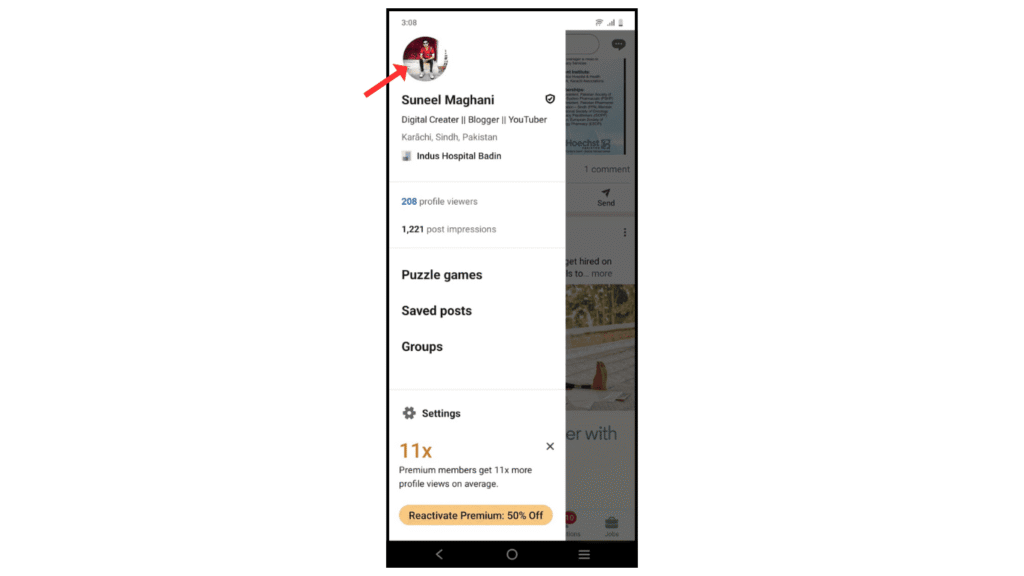
- Now, click on the profile picture.
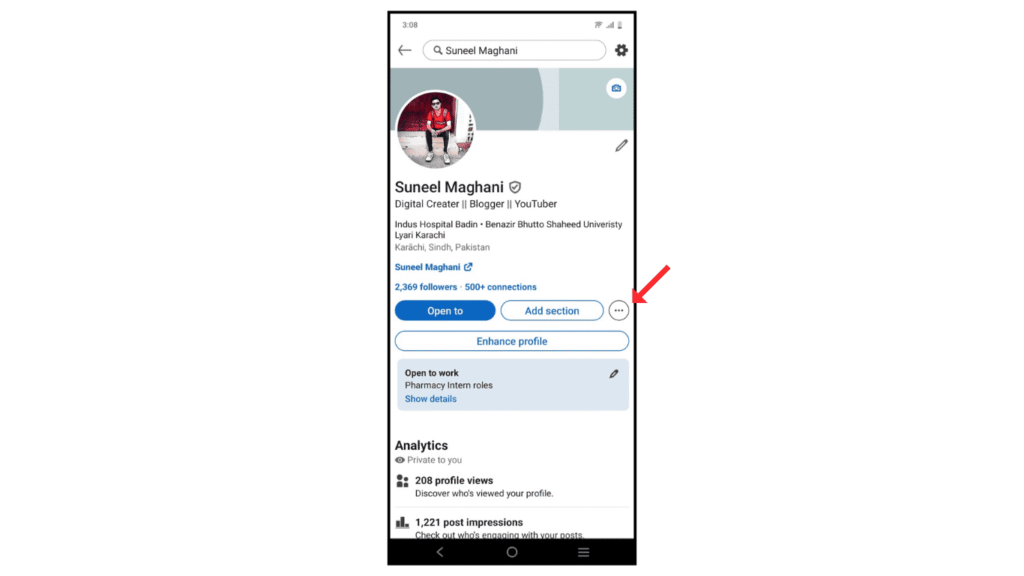
- After that, click on the three-dots icon.
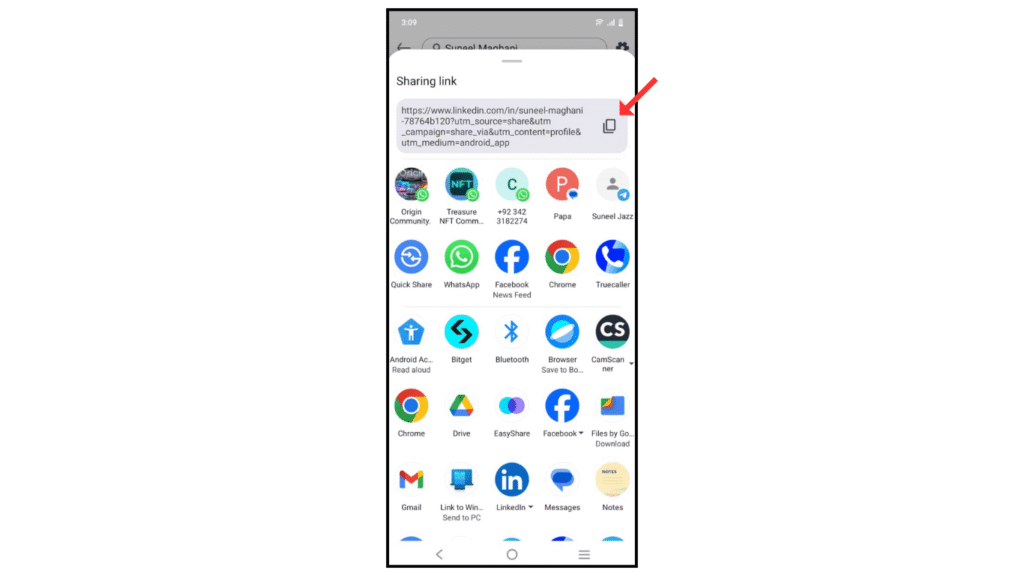
- Then click on share profile.
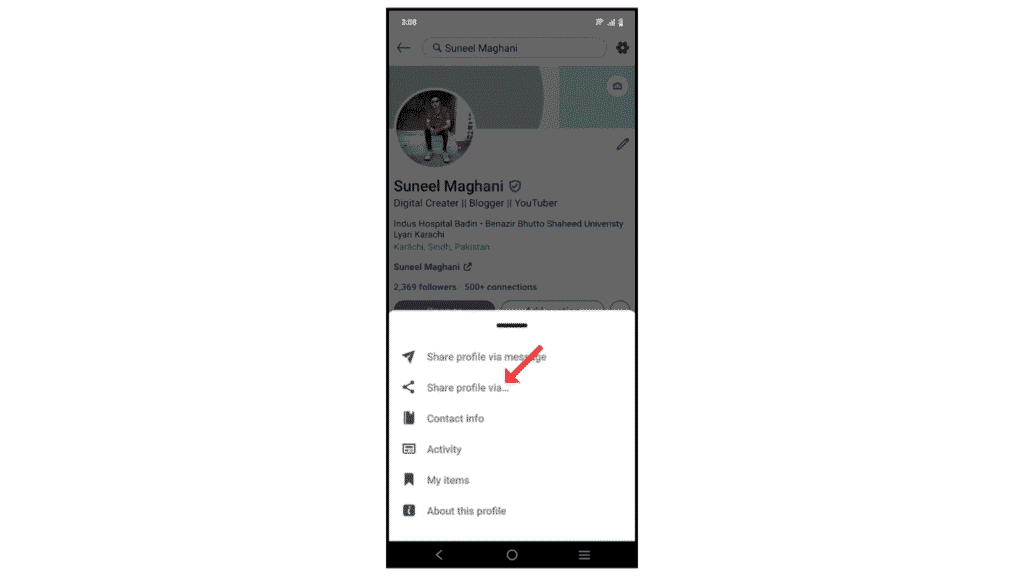
- and copy the URL link.
Also Read: How to Download a LinkedIn Profile as a PDF
Conclusion:
I am sure you have learned how to copy the LinkedIn profile URL link on your phone. If you have any doubt about copying the LinkedIn profile, then you can easily contact me by email.
