
Are you looking for a solution on how to host a Google Meeting on a phone? If so, then I shall explain to you how to host a Google Meeting on a phone in simple steps.
How To Host Google Meeting On Phone
Google Meet is basically a free application from Google, and it is used for online video calls. in which you can easily talk, see people online, share your screen, and also chat.
It also works on your phones (Android and iPhone), computers, and also tablets, and it is easily accessed and connected with your Gmail and Google Calendar.
Here are the steps on how to host google meeting on phone
- Go to Google Meet app or visit Google Meet site.
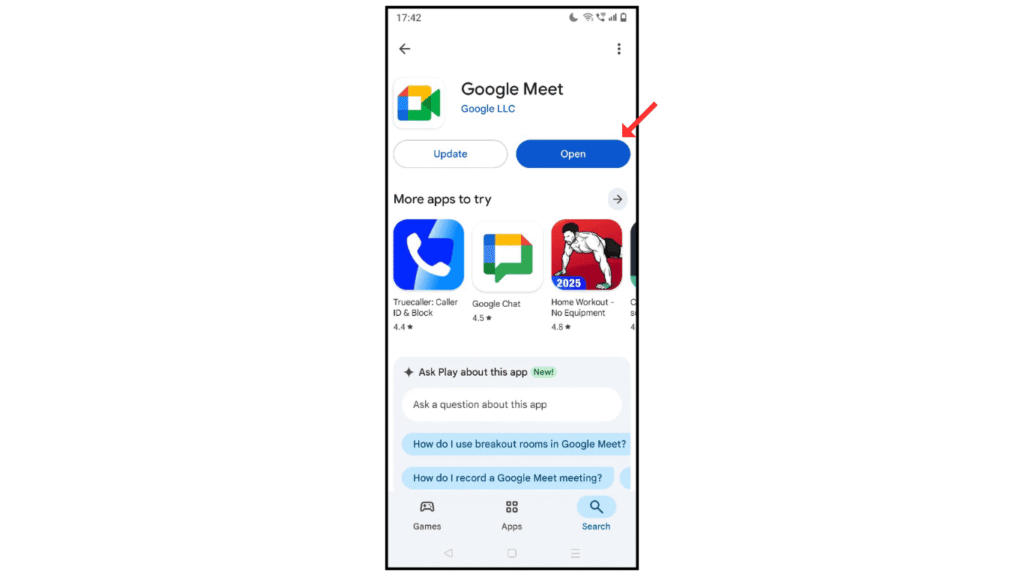
- Now, sign in with your Google account.

- After that, click on the New icon.

- Then, choose the “create a new meeting” or “schedule” option.

- Lastly, share the meeting link and start hosting.

Also Read: How to Change Google Password
Conclusion:
I am sure now you have learned how to host a Google meeting online on your phone. If you have any questions or doubts about hosting Google Meet, you can contact me by email.
