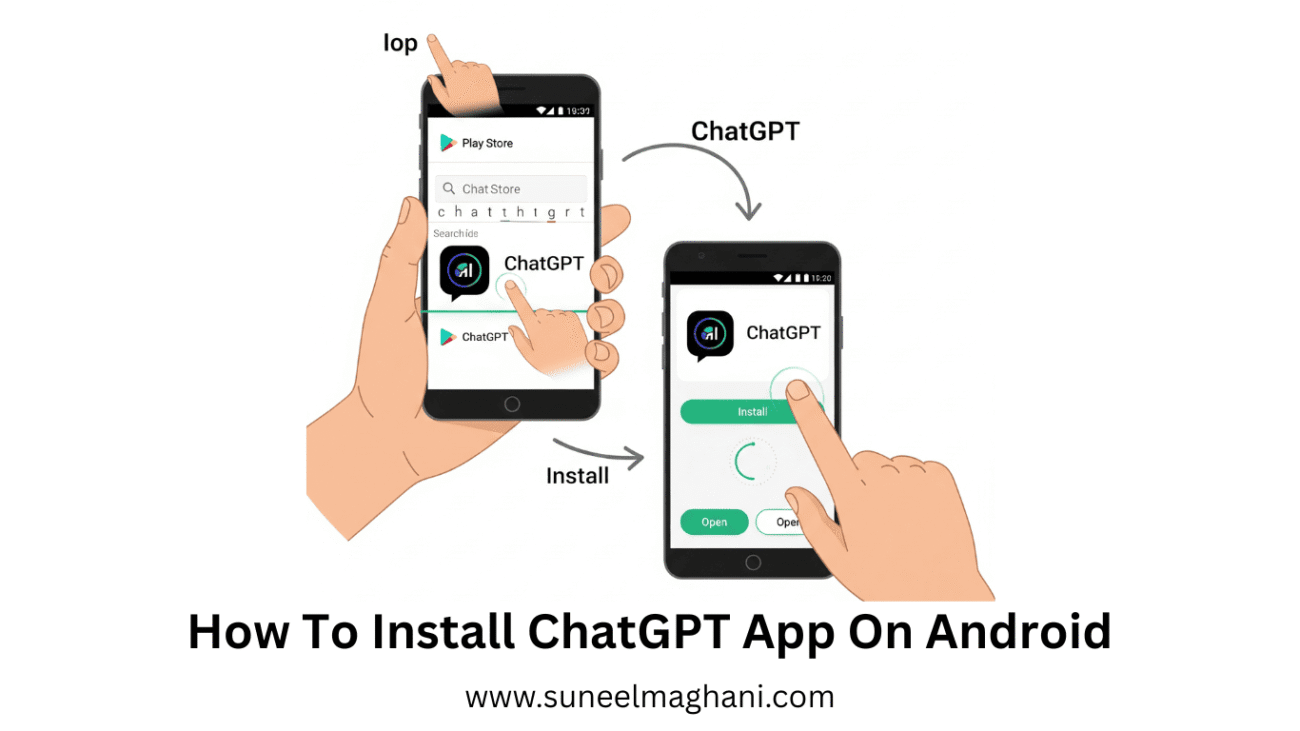
Are you searching for a way on how to install the ChatGPT app on an Android phone? If so, then I shall explain to you how to install the ChatGPT app on Android in simple steps.
How To Install ChatGPT App On Android
ChatGPT is the best AI platform, in which you can get answers to any question and use it on your phone and PC.
In an Android, you can install ChatGPT app. If you want to install ChatGPT, then here are the steps to install ChatGPT app on phone.
- Open the Android phone Play Store.

- Now, search ChatGPT and click on “Install App.”

- After that, open the ChatGPT app.

- Now, you have successfully opened the app, registered an account, and used the ChatGPT app.

Also Read: How To Change ChatGPT Accent Color
Conclusion:
Installing the ChatGPT app on an Android phone is a simple process; just follow the above steps to install the ChatGPT app on an Android phone. If you have any issues while installing the ChatGPT app, then contact me by email.
