Are you looking for a solution on how to get free Meta Facebook verification on a page? If so, then I shall explain to you how to get Facebook verification on a page in a simple way.
How To Get Free Meta Facebook Verification On Page
Facebook verification is a method of Facebook with a blue tick for confirmation and showing the guy or page owner.
If you want to get Facebook Meta verification on a page for free, then here are the steps on how to get Facebook verification on a page.
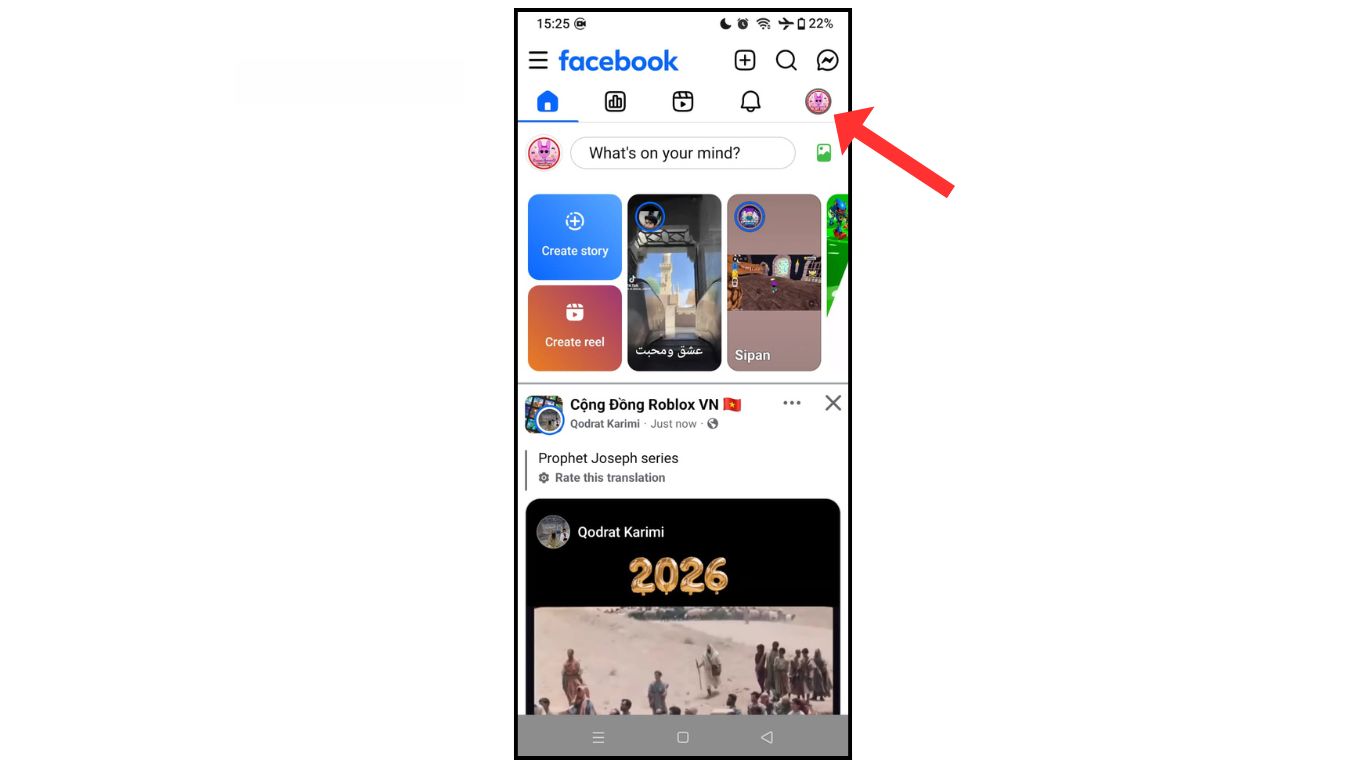
- Open the Facebook page and click on profile.
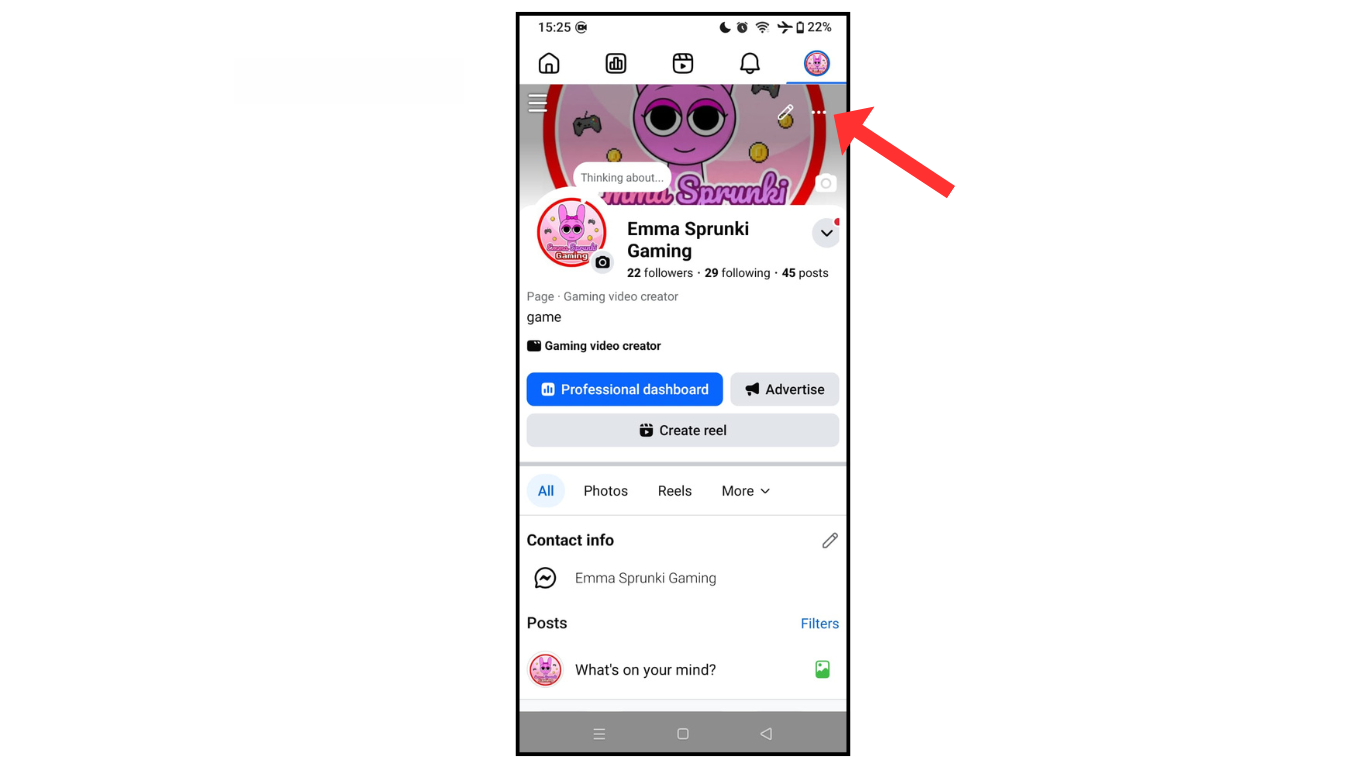
- Now, click on three dots.
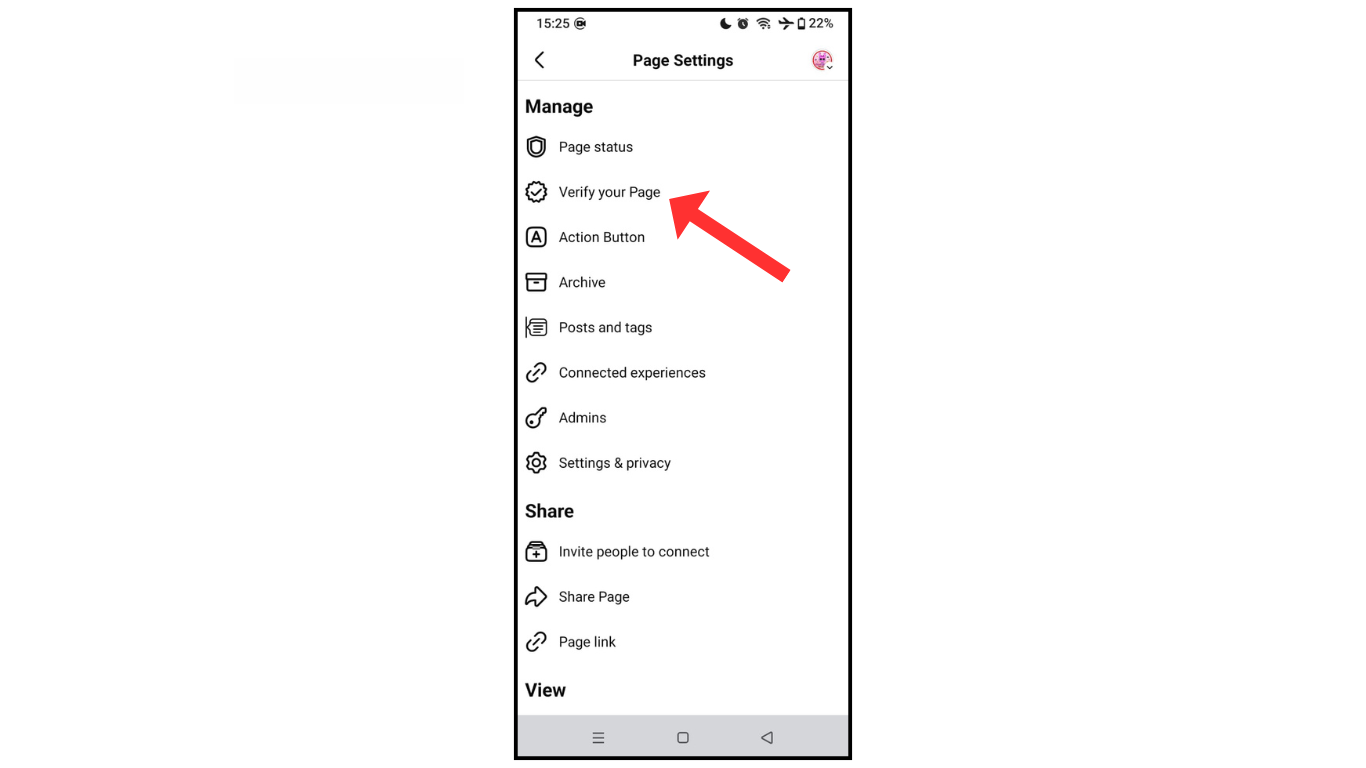
- After that, click on “Verify Your Page.”
- Click on join the waitlist.
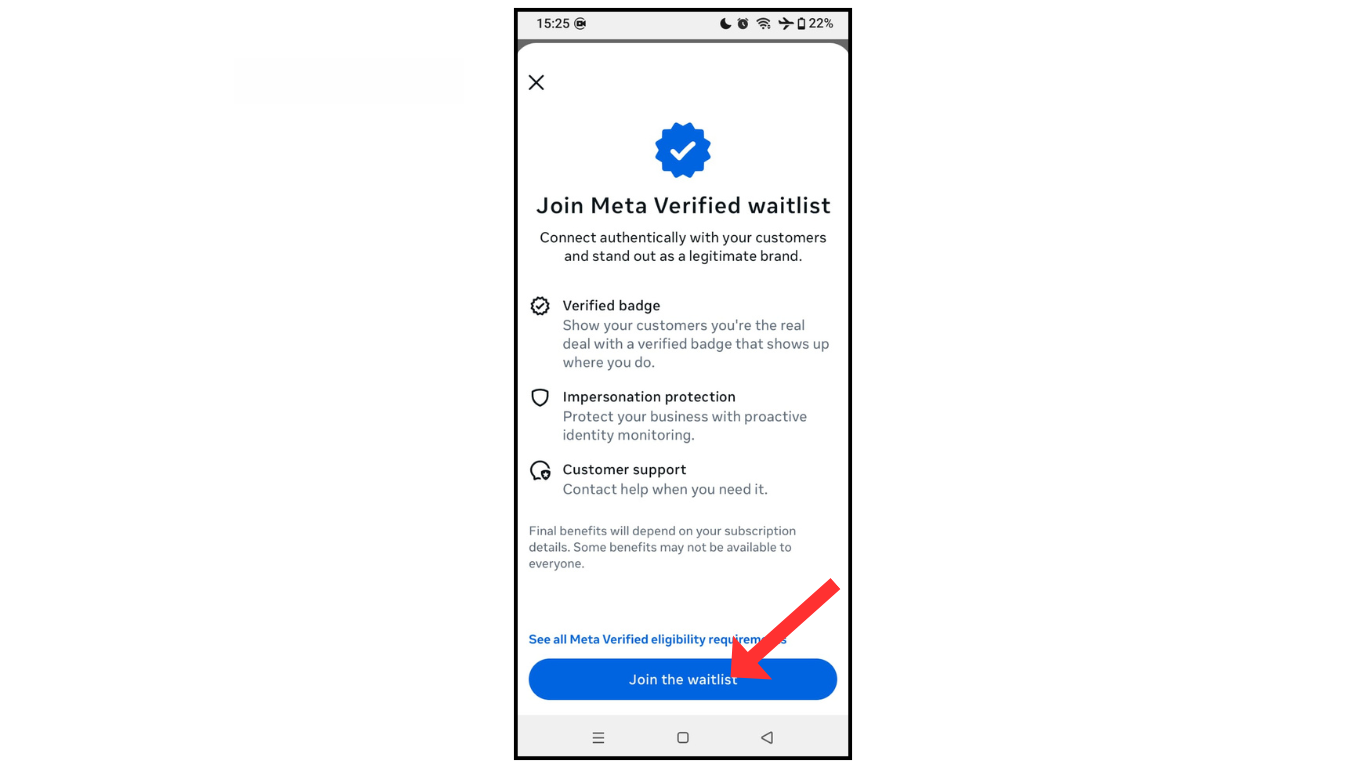
Now, wait for a Facebook reply and check your page. If it is suitable for verification, then you will get verification of the page with a blue tick.
Also Read: How To Change Facebook Password
Conclusion:
I hope you have successfully learned how to get Facebook verification with a blue tick for free in the latest version. If you have any questions about Facebook verification, you can contact me by email.
