Whether you’re switching to a new primary email or your old one is no longer active, updating your Facebook contact email takes just a few steps.
This guide walks through exactly how to change your email on Facebook in 2026.
Step 1: Open Facebook Settings
- Open the Facebook app and tap your profile picture.
- Tap the three-line menu, then Settings & privacy.
- Select Settings.
Step 2: Access Personal Information
- Tap Personal information or navigate to Accounts Center.
- Select Contact info, then find your current email.
Step 3: Add Your New Email
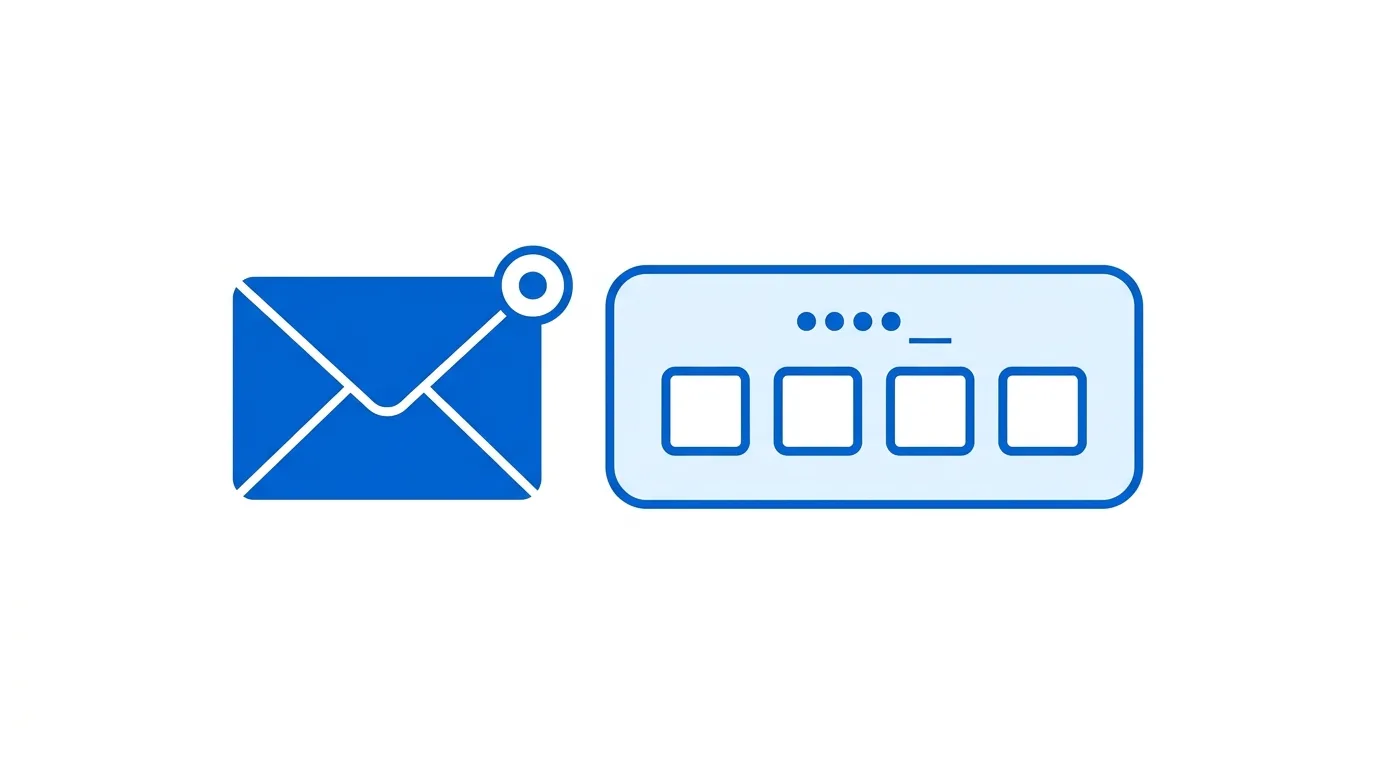
- Tap Add email.
- Enter your new email address.
- Facebook will send a confirmation code to that address.
Step 4: Confirm Your New Email
- Check your new email inbox for the confirmation code.
- Enter the code within Facebook to verify the new address.
Step 5: Set It as Your Primary Email (Optional)
- Once verified, you can choose to make the new email your primary contact address.
- Tap the three-dot menu next to the new email and select Make Primary.
Action step: Setting a new primary email doesn’t automatically remove your old one — if you want to fully replace it, you’ll need to remove the old email separately once you’re confident the new one is working correctly.
How This Affects Linked Facebook Business Pages
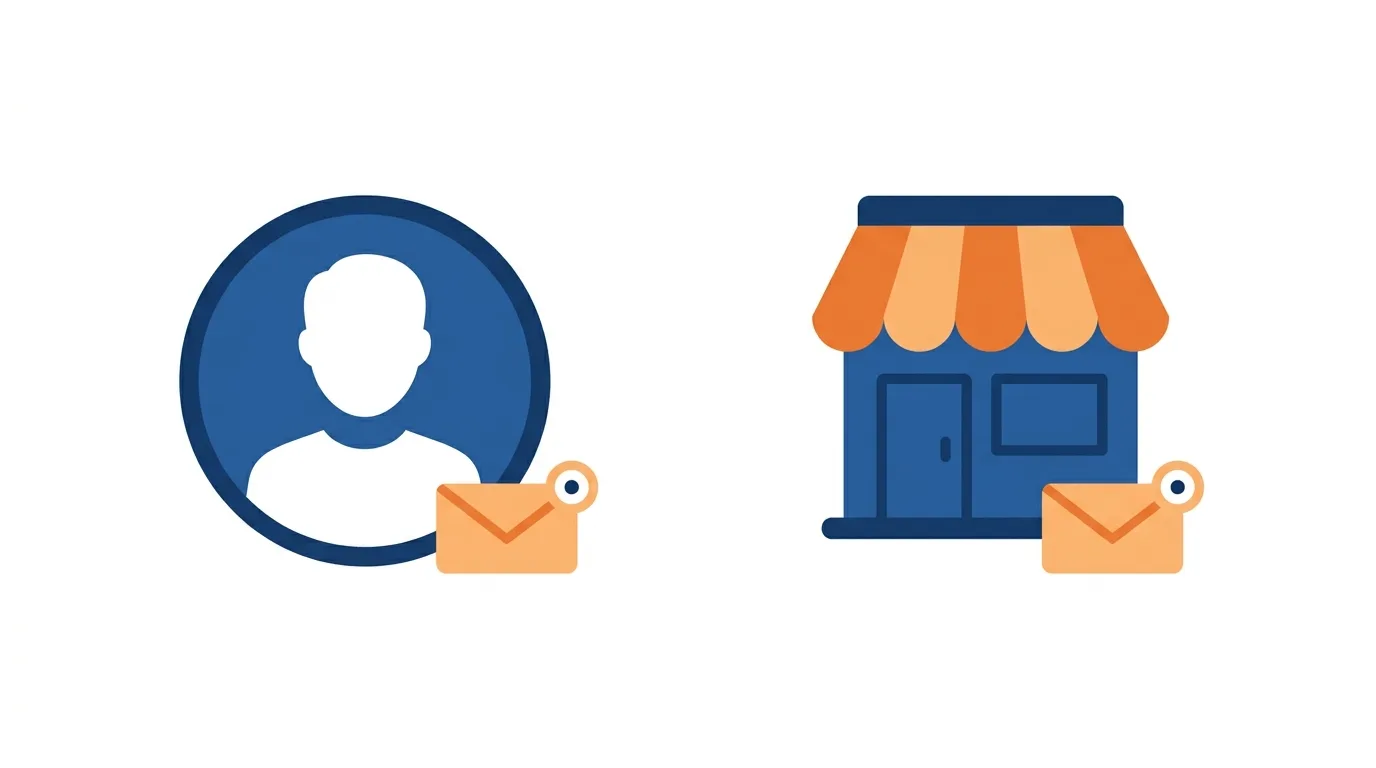
If you manage Facebook Business Pages, changing your personal account’s email doesn’t automatically affect Page-level contact information.
Action step: Review your Business Page’s separate contact settings if you also need to update the email associated specifically with your Page, since personal account and Page contact details are managed independently within Meta Business Suite.
Security Considerations When Changing Your Email
Since email is often used for account recovery and security notifications, changing it deserves some care.
Action step: After adding and confirming your new email, review your two-factor authentication settings to ensure everything still works correctly with the updated contact information, since some security features may be tied to your previous email in ways worth double-checking.
How This Interacts With Instagram and Other Linked Meta Accounts
If your Facebook account is connected to Instagram or other Meta services through Accounts Center, understand how email changes might ripple across these connections.
Action step: Check your Accounts Center settings after changing your Facebook email, since some shared account settings across Meta’s platforms may reference your contact information consistently, and reviewing this ensures your other connected accounts remain properly configured.
How to Remove Your Old Email
Once your new email is confirmed and working, you can remove the outdated one if desired.
- Go back to Contact info within Personal information.
- Find your old email and tap the three-dot menu.
- Select Remove.
Action step: Confirm you can successfully log in and receive security notifications through your new email before removing the old one entirely, since you’ll want a working recovery contact method at all times.
How to Change Your Email on Desktop
Prefer using a browser? Here’s the process:
- Go to Facebook.com and log in.
- Click your profile icon, then Settings & privacy → Settings.
- Select Accounts Center → Contact info.
- Add and verify your new email, following the same steps as the mobile app.
What Happens If You No Longer Have Access to Your Old Email?
If you’ve lost access to your current primary email and need to add a new one for account recovery, the process requires additional verification.
Action step: If you can’t access your current email to confirm changes normally, use Facebook’s account recovery process instead, which may ask for alternative verification methods like your phone number or answers to identity verification questions.
Does Changing Your Email Affect Your Login?
If you use your email address specifically to log into Facebook (rather than a phone number or username), updating your primary email also updates your login credential.
Action step: Make a note of your new login email clearly, and update any password managers or saved login credentials accordingly, since forgetting this change is a common cause of login confusion shortly after an email update.
Why You Might Want Multiple Emails on Your Account
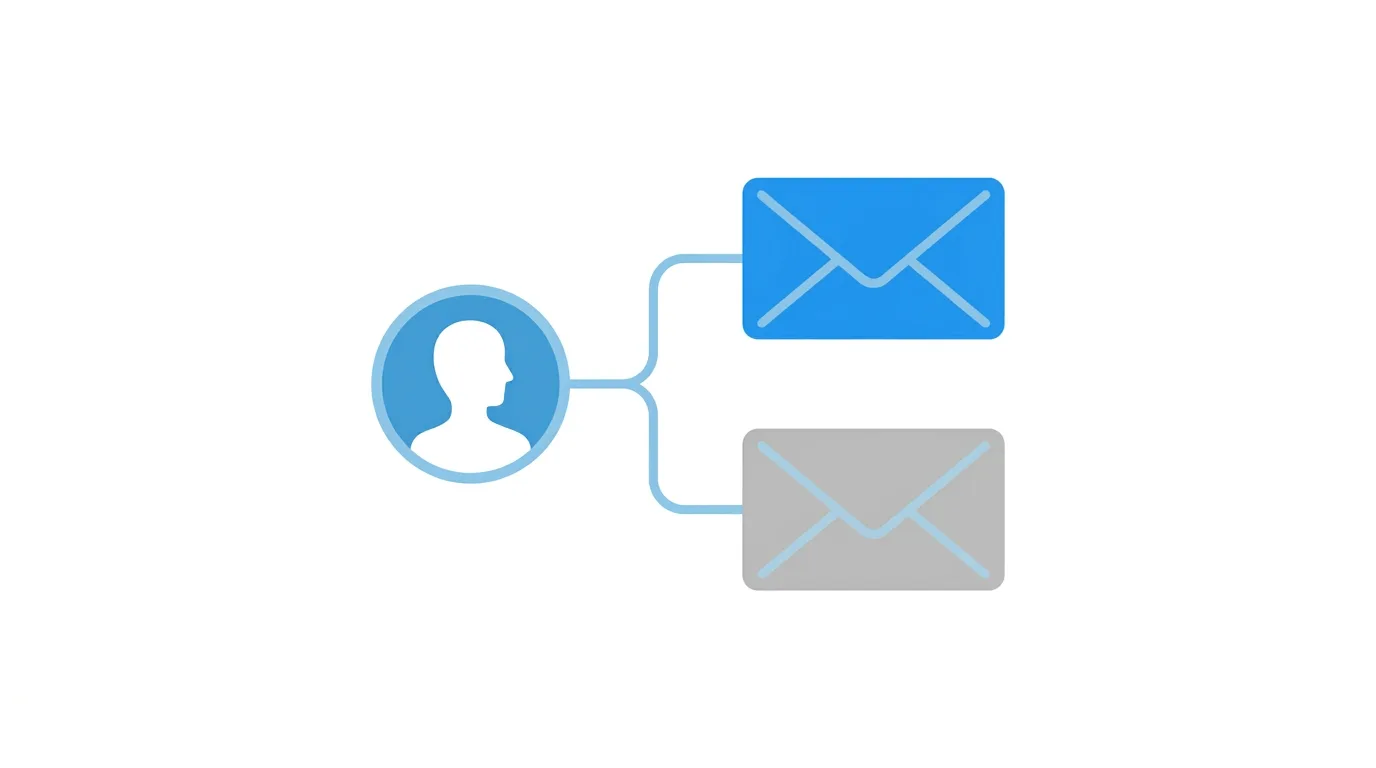
Facebook allows adding more than one email address to your account, not just a single primary one.
Action step: Consider adding a secondary email as a backup recovery option even if you don’t plan to change your primary login email, since having multiple verified contact methods significantly improves your ability to recover your account if you ever lose access to your primary email.
Common Issues When Changing Your Email
Confirmation code not arriving?
Check your spam or junk folder, and confirm you entered the new email address correctly without typos.
“Email already in use” error?
This means the email is already associated with another Facebook account — you’ll need to use a different email or resolve the conflict with your other account first.
Can’t remove your old email?
Facebook requires at least one verified contact method (email or phone) on your account at all times, so you may need to add and verify a phone number first if you’re trying to remove your only email.
Discord Expands AI-Powered Moderation as Servers Scale in 2026
Final Thoughts
Changing your email on Facebook takes just a few steps — add the new email, verify it, then optionally set it as primary and remove the old one. Keep at least one working recovery contact method on your account at all times, and update any saved login credentials to reflect the change once complete.
