If you want to know how to delete your Telegram account, there are two official ways to do it.
You can delete it right away through Telegram’s website, or you can let it delete itself after a period of inactivity.
Deleting an account is permanent, so it pays to prepare first.
This guide explains both methods, what gets erased, and what to do before you press the button.
Before You Delete: What You Need to Know
Deleting your Telegram account cannot be undone.
Once it is gone, Telegram cannot restore your account, your chats, or your contacts.
Your cloud messages, media, and settings are erased from the account.
Your username is released, and someone else may take it.
You can create a new account later with the same phone number, but it will be a fresh account with no history.
Uninstalling the app does not delete your account.
If you only delete the app, your account stays active and your messages stay on Telegram’s servers.
Should You Delete or Just Take a Break?
Deleting is a big step.
If you only want fewer distractions, there are gentler options.
You can mute noisy chats, turn off notifications, or leave groups you no longer need.
You can also log out of Telegram on your devices and simply stop using it.
If you want privacy without deleting, you can hide your phone number, last seen time, and profile photo in your privacy settings.
Choose deletion only if you are sure you want a clean break.
Things to Do Before You Delete
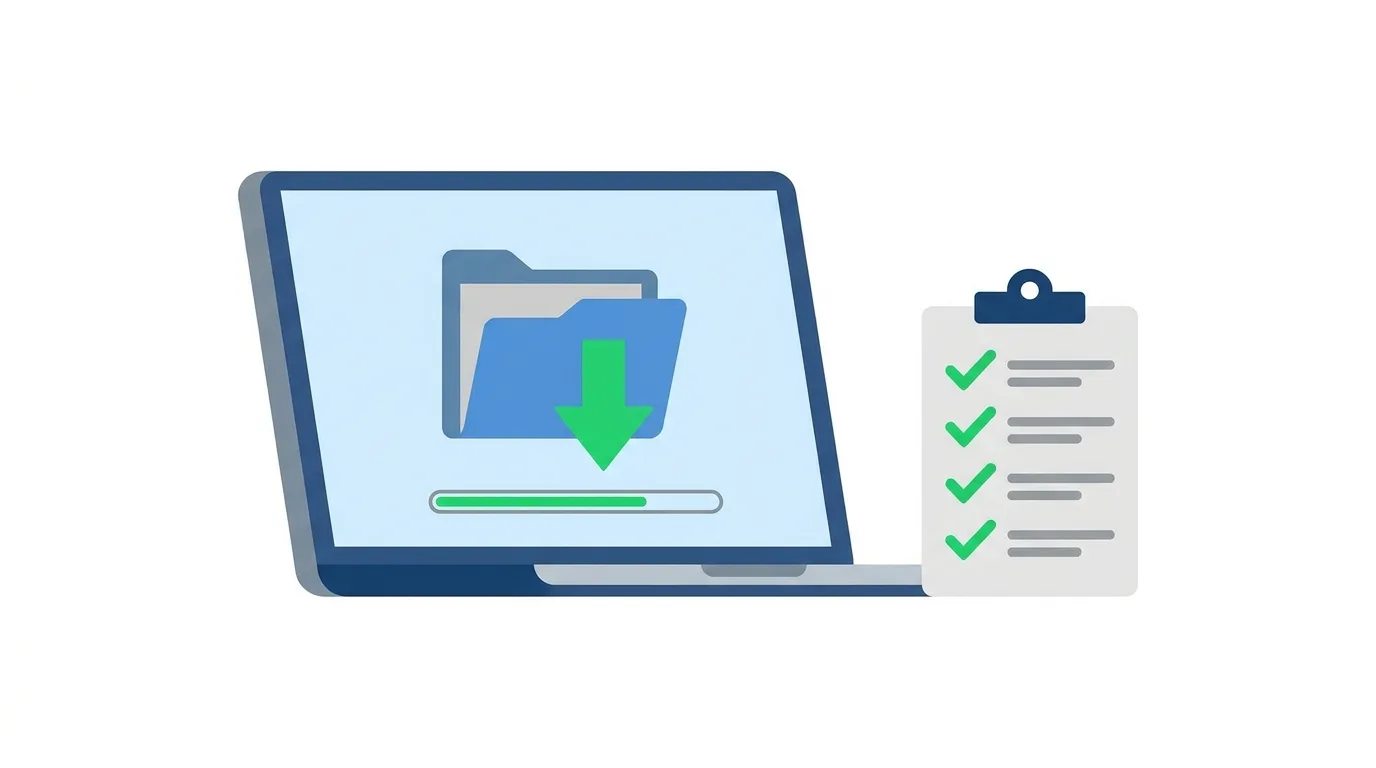
A little preparation saves regrets later.
First, back up anything you want to keep.
Use Telegram Desktop to export your chats, photos, videos, and files before you delete.
Second, tell important contacts.
Let family, friends, and clients know where to reach you, so you do not lose touch.
Third, handle any groups or channels you own.
If you manage a group or channel, think about transferring ownership to someone you trust first, so the community is not left without an owner.
Fourth, check connected services.
If you used Telegram to log in to other websites or bots, make sure you have another way to access them.
Finally, note any payments or subscriptions, such as Telegram Premium, and cancel them separately if needed.
Method 1: Delete Your Telegram Account Right Away
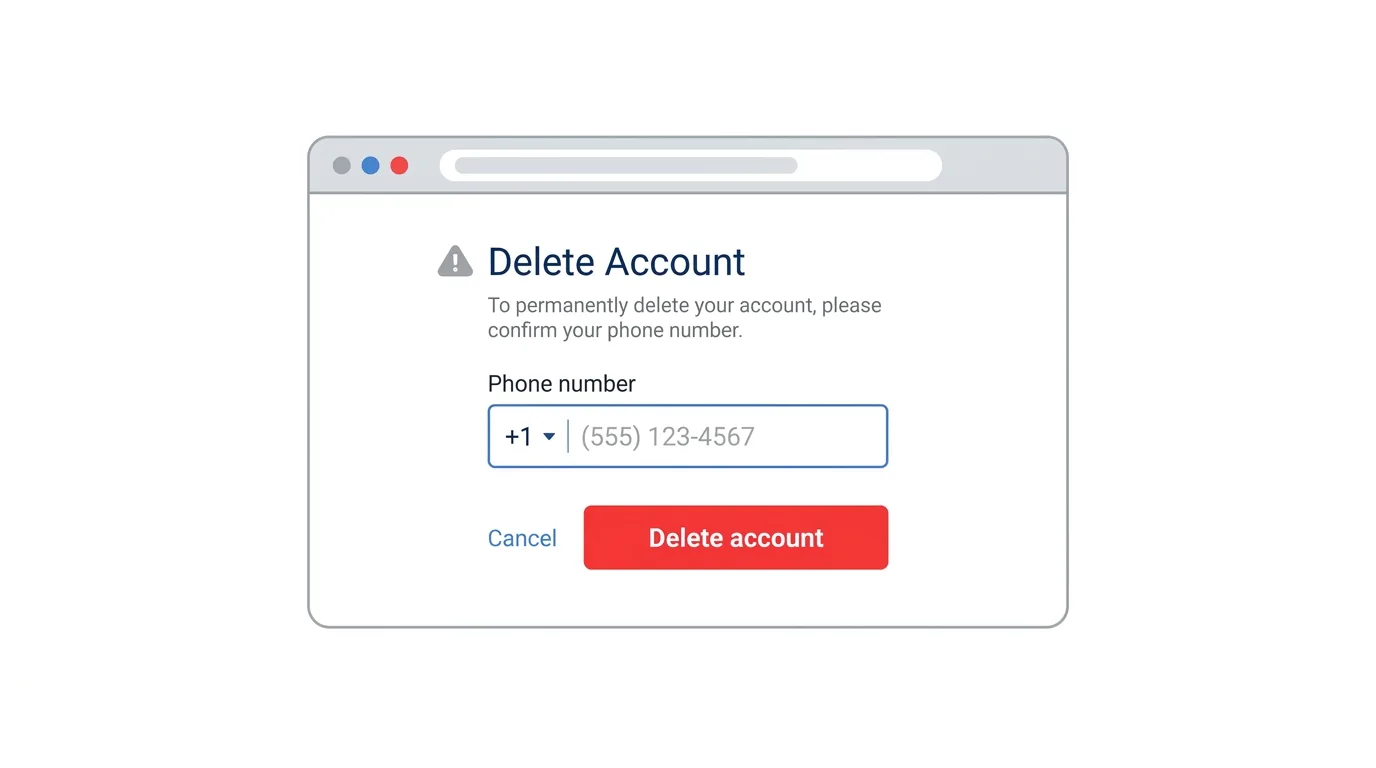
The fastest official method uses Telegram’s account deletion page in a web browser.
It works from a phone or a computer.
- Open a web browser and go to my.telegram.org/delete.
- Enter the phone number linked to your Telegram account, including the country code, and click Next.
- Open the Telegram app and find the confirmation code that Telegram sends you.
- Type the code into the website and click Sign in.
- Click Delete account, or the similar button shown on the page.
- If asked, choose a reason or leave the field blank.
- Read the warning carefully, then confirm that you want to delete your account.
Once you confirm, your account is deleted.
The page layout can change, so look for the words Delete account if your screen looks different.
Make sure you open the official Telegram address, and never share your login code with anyone.
Method 2: Set Your Account to Delete Itself Automatically
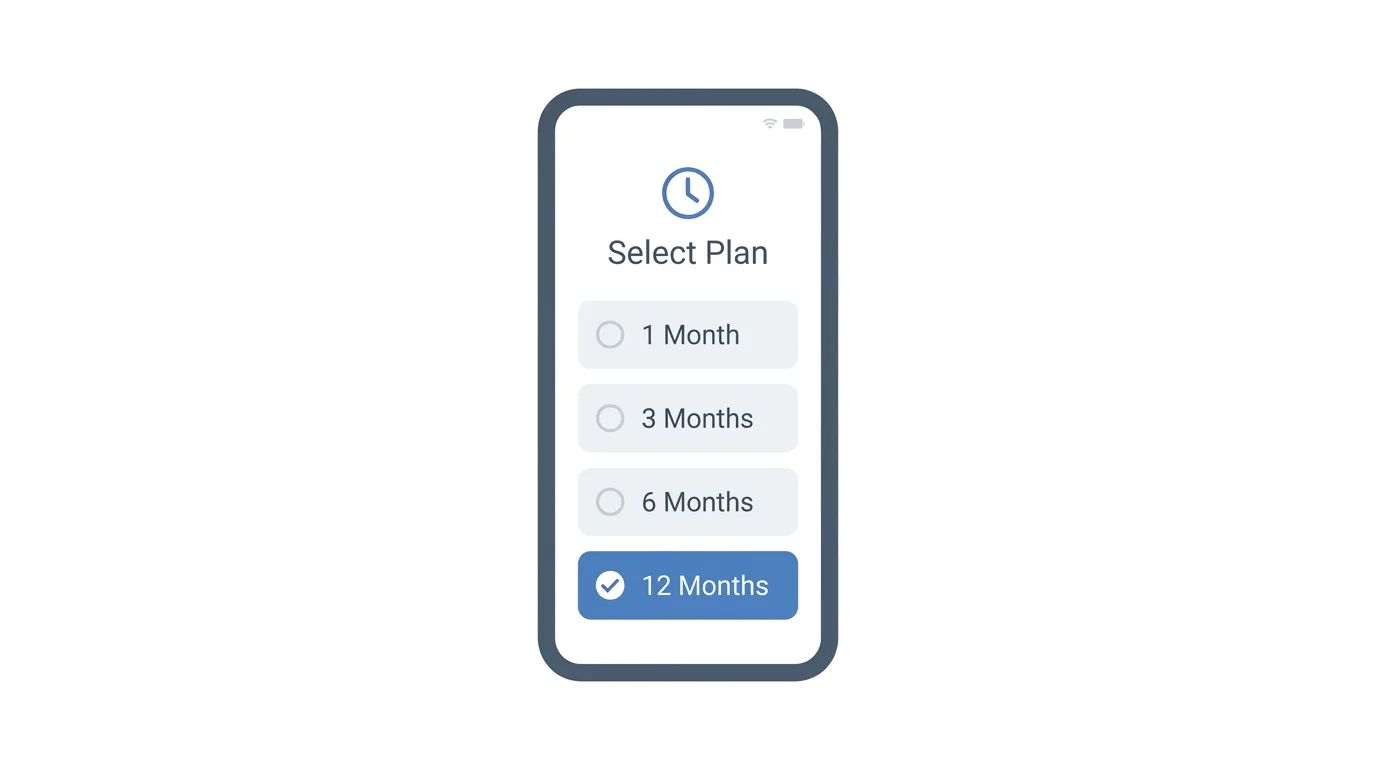
Telegram also lets you set a timer that deletes your account if you stop using it.
This is useful if you want to leave slowly.
- Open Telegram and go to Settings.
- Tap Privacy and Security.
- Scroll down and tap Delete my account or If away for.
- Choose a time period, such as 1, 3, 6, or 12 months.
- Confirm your choice if the app asks.
If you do not open Telegram during that time, the account is deleted automatically.
Using the app resets the timer, so simply opening Telegram keeps your account safe.
The default period is usually six months.
Some versions of the app also show a button to delete your account immediately.
If you see one, it works the same way as the website method.
What Happens After You Delete Your Account?
Telegram removes your account data permanently.
Your messages, contacts, and profile are deleted.
Other people will no longer see your profile, and your name will disappear from chat lists.
Messages you sent in other people’s chats and groups may remain visible to them, because those chats belong to their accounts as well.
Groups you created may stay without you, depending on whether anyone else is an admin.
Secret chats exist only on the devices where they were started, so they will disappear from your device along with your account.
Can You Recover a Deleted Telegram Account?
No.
Telegram says deletion is permanent.
You cannot reactivate the account, restore your chats, or recover your old username.
If you change your mind, the only option is to sign up again and start from scratch.
This is why backing up your data first is so important.
Can You Reuse Your Phone Number?
Yes.
After you delete your account, you can register a new Telegram account with the same phone number.
You will start with an empty account, and you will need to add contacts and join groups again.
Some people use this as a way to start fresh while keeping their number.
How Long Does It Take?
The website method is immediate.
The account is deleted as soon as you confirm.
The automatic method takes as long as the time period you chose.
If you pick 12 months, the account is deleted only after a full year without any activity.
Troubleshooting: Cannot Delete Your Account
If you run into problems, try these fixes:
- Did not get the code. Open Telegram on any device where you are logged in and look for a message from Telegram. Request a new code if needed.
- Cannot log in on the website. Check that you typed your full phone number with the country code.
- No access to your Telegram devices. If you cannot receive the code, you may need to recover access first before you can delete.
- Two-step verification is on. You may be asked for your password, so keep it handy.
- Page not loading. Try a different browser, or turn off any extension that blocks scripts.
- Not sure if it worked. Try logging in on the app with your number. If the account is gone, you will be asked to sign up as a new user.
Frequently Asked Questions
How do I delete my Telegram account permanently?
Go to my.telegram.org/delete, enter your phone number, sign in with the code Telegram sends, and confirm deletion.
Does deleting the Telegram app delete my account?
No.
Your account stays active until you delete it or the automatic timer ends.
Can I get my Telegram account back after deleting it?
No.
Deletion is permanent, and Telegram cannot restore the account.
Will the other person’s chat history be deleted too?
Not necessarily.
Messages you sent may remain visible in other people’s chats.
Can I use the same number again?
Yes.
You can register a new account with the same number, but it will have no history.
How do I delete my account if I forgot my password?
If you only forgot your Telegram password for two-step verification, use the Forgot password? option to reset it first.
Is there a way to deactivate Telegram temporarily?
Telegram does not have a pause button.
You can log out, mute notifications, or use the self-destruct timer, but a true deactivation is not available.
X Launches Subscriber-Only Group Chats for Creators (2026 News)
Final Thoughts
Deleting your Telegram account is a permanent decision, so take a few minutes to back up your data and tell your contacts first. The fastest method is the official deletion page, while the automatic timer is a slower option for people who want to leave gradually. If you are not completely sure, try muting, logging out, or tightening your privacy settings before you delete.
