If you want to know how to leave a WhatsApp group, the answer is simple: it takes about ten seconds.
Maybe the group is too noisy, the topic no longer matters to you, or you were added without asking.
Whatever the reason, you can exit at any time.
This guide shows you exactly how to leave a WhatsApp group on iPhone and Android, what other members see, and what to try if you would rather stay without the noise.
What Happens When You Leave a WhatsApp Group?
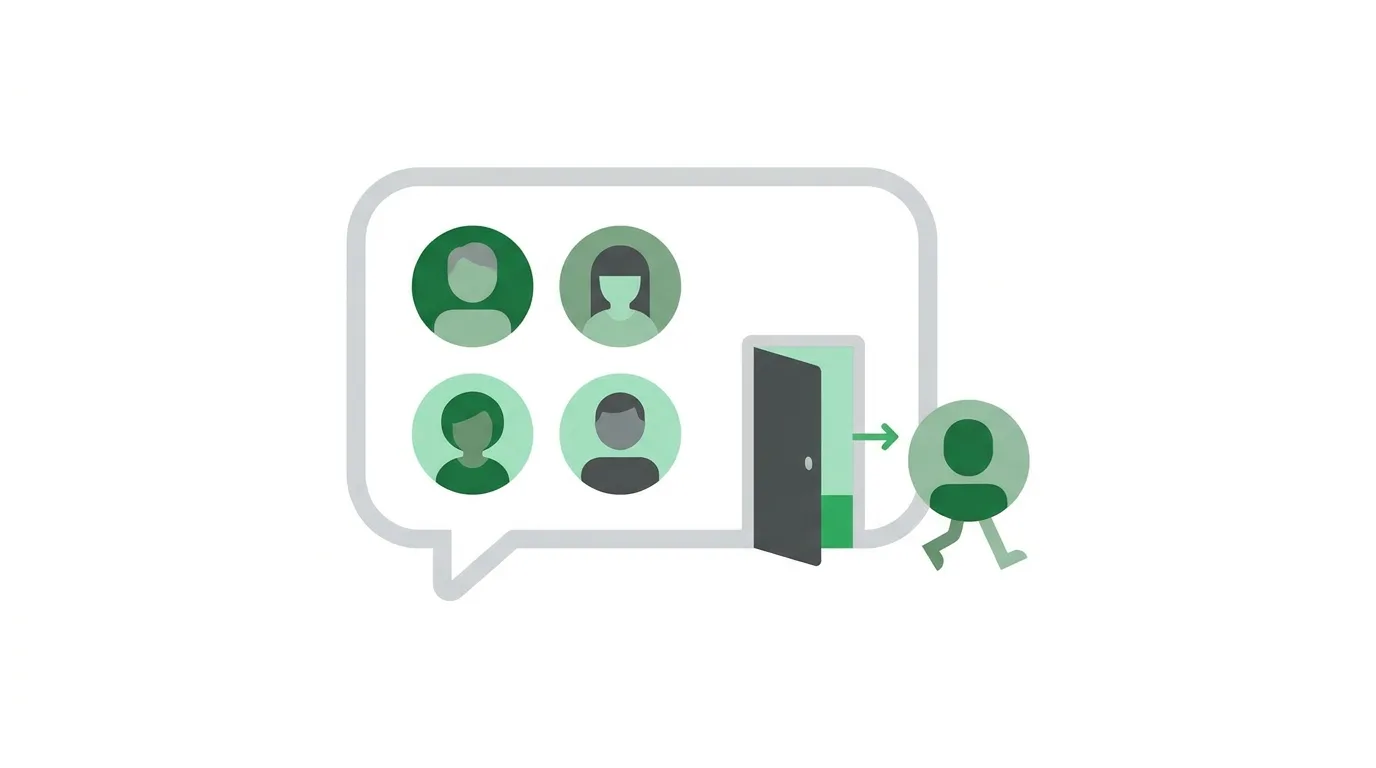
When you leave a group, you stop receiving its messages.
The group disappears from your active chat list, although the old messages stay on your phone until you delete the chat.
Other members can see that you left.
In many versions of WhatsApp, a short system message appears in the chat saying you exited the group.
WhatsApp has also been rolling out an option to leave quietly, so that only admins are told instead of everyone.
Whether you see that option depends on your app version and your region.
You are not blocked or banned when you leave, and the other members stay in touch with you in private chats.
Should You Leave or Just Mute?
Leaving can feel awkward, especially in groups with family, friends, or coworkers.
If the only problem is constant notifications, muting is a gentler choice.
Muted groups stay on your phone, but they do not buzz or light up your screen.
You can open the chat whenever you want to catch up.
You can mute a group for eight hours, one week, or always.
Archiving the chat also tidies your list without any announcement.
Choose leaving only when you truly want to stop being part of the group.
How to Leave a WhatsApp Group on iPhone
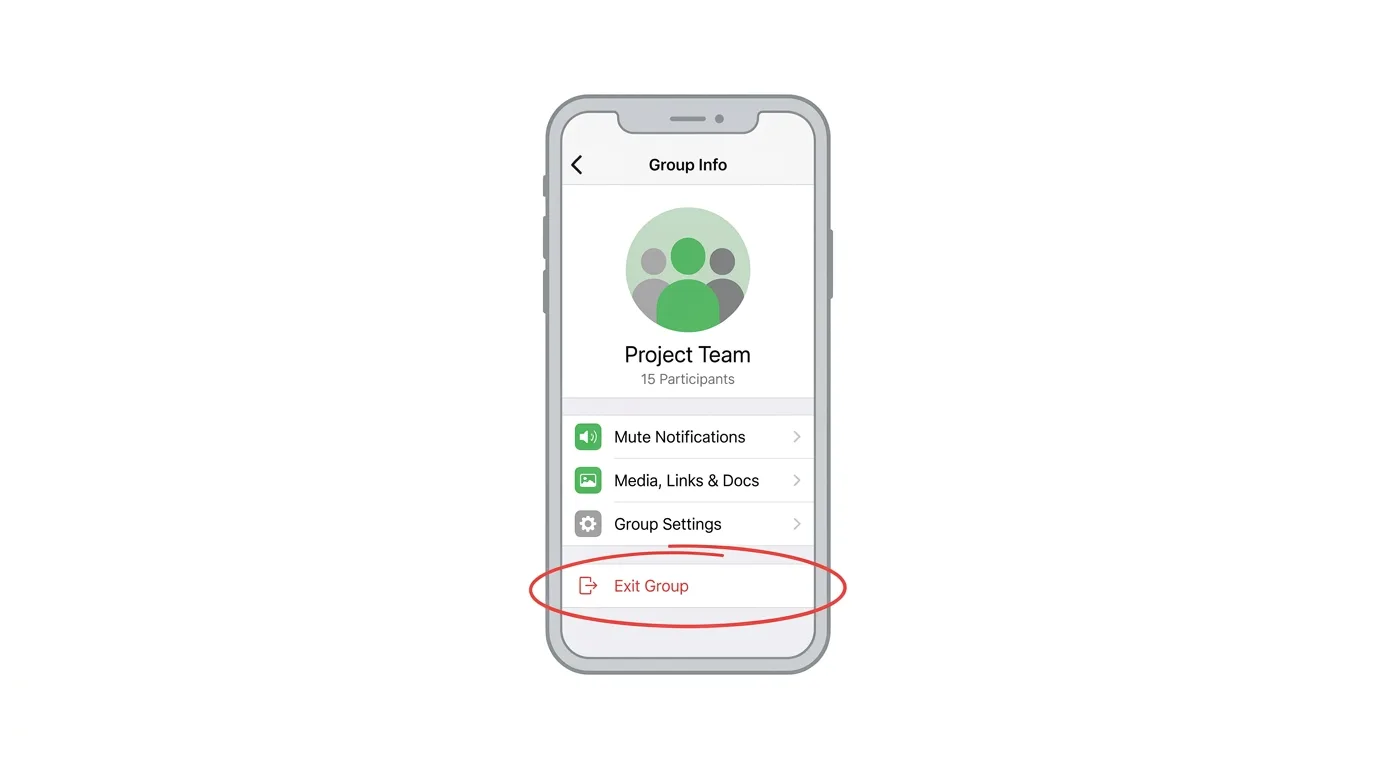
Menu names can change slightly between app versions, so look for the word Exit if your screen looks different.
- Open WhatsApp and tap the group chat you want to leave.
- Tap the group name at the top of the screen.
- Scroll to the bottom and tap Exit Group.
- Tap Exit Group again to confirm.
You can also swipe left on the group in your chat list, tap More, and choose Exit group.
Once you confirm, you are removed from the group straight away.
How to Leave a WhatsApp Group on Android
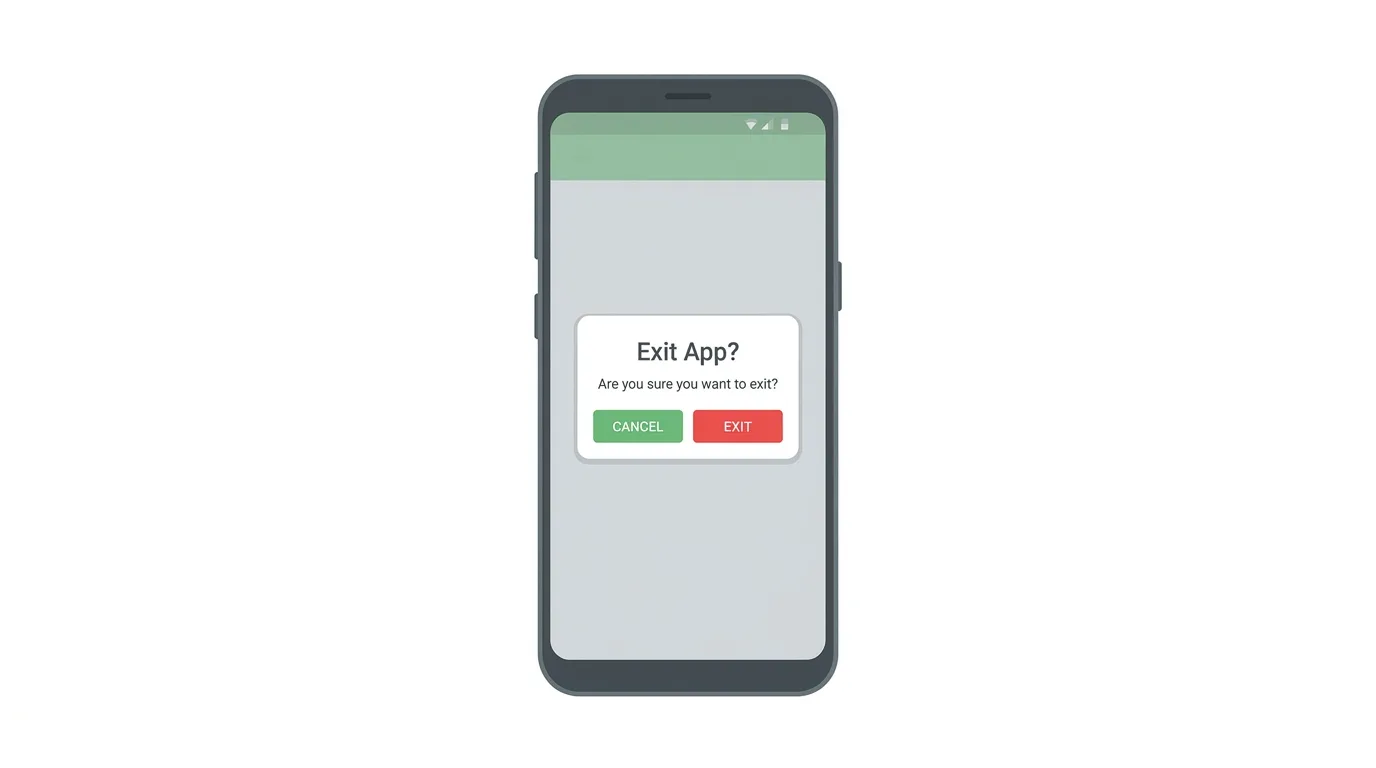
The steps on Android are very similar.
- Open WhatsApp and tap the group chat you want to leave.
- Tap the group name at the top of the screen, or tap the three-dot menu.
- Tap More, then Exit group, or scroll down and tap Exit group.
- Tap Exit to confirm.
You can also press and hold the group in your chat list, tap the three-dot menu, and choose Exit group.
If WhatsApp offers an option to leave quietly, you may see it as a choice on the confirmation screen.
How to Leave a Group on WhatsApp Web and Desktop
You can leave groups from your computer too.
Open the group chat, click the group name at the top, scroll down, and click Exit group.
Confirm your choice when WhatsApp asks.
Because your account is linked, the group is removed from your phone as well.
How to Delete the Group Chat After Leaving
Leaving does not erase the old messages from your phone.
After you exit, WhatsApp shows a message saying you can no longer send or receive messages in the group.
To remove the chat completely, tap the group name, then choose Delete group or Delete chat.
On iPhone you can also swipe left on the group in your chat list, tap More, and choose Delete group.
This clears the chat from your device only.
The messages still exist for the people who remain in the group.
What If You Are the Group Admin?
Admins can leave too.
If other admins exist, the group continues normally.
If you are the only admin, WhatsApp may pick another member as the new admin, so the group does not end up without a manager.
If you want to control who takes over, make someone an admin before you exit.
Open the group info, tap the member’s name, and choose Make group admin.
What If You Created the Group?
Creating a group does not give you special permanent status.
Admin rights are what matter.
If you leave and another admin remains, the group carries on without you.
If you want to end the group completely, remove the other members first, and then leave and delete it.
Can You Rejoin a Group After Leaving?
Yes, but you need an invitation.
A group admin can add you again, or send you the group’s invite link.
If you left because you were added by mistake or by strangers, simply ignore any new invitations.
You can also control who may add you to groups.
Go to Settings, then Privacy, then Groups, and choose My contacts or My contacts except….
That stops unknown people from adding you in the first place.
Can People Add You Back Without Your Permission?
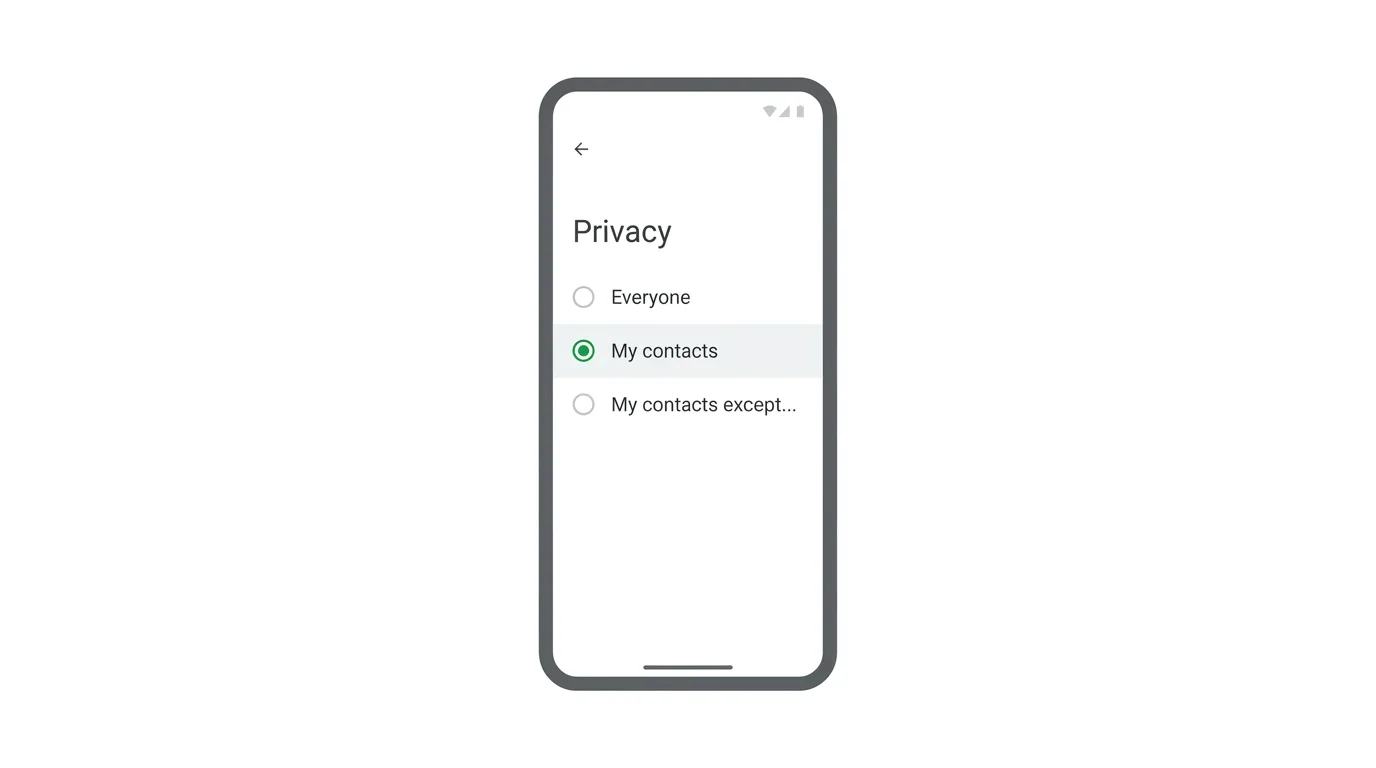
It depends on your privacy settings.
If your group privacy is set to Everyone, anyone can add you.
If it is set to My contacts, only people saved in your contacts can add you.
If it is set to My contacts except…, you can block specific contacts from adding you.
Some versions send you an invitation first, so you can accept or decline.
Troubleshooting: Cannot Leave a Group
If the exit option is missing or not working, try these fixes:
- You are no longer in the group. If you were removed, there is nothing to exit, but you can delete the chat.
- The group is not loading. Check your internet connection and try again.
- The button is missing. Update WhatsApp, then open the group info page again.
- A community group. Groups inside a community may have different exit options, so check the community info page.
- Still receiving messages. Make sure you tapped Exit and not only muted or archived the chat.
Frequently Asked Questions
Can I leave a WhatsApp group without anyone knowing?
Not always.
Many versions show a message that you left, though WhatsApp has been adding an option to leave quietly, where only admins are told.
Will leaving a group delete my messages?
No.
The chat stays on your phone until you delete it.
Can the admin stop me from leaving?
No.
Anyone can leave a group at any time.
What happens to my messages after I leave?
The messages you sent remain in the group for the other members to see.
Can I be added back after leaving?
Yes, if an admin adds you again or sends you the group invite link, depending on your privacy settings.
Is leaving the same as muting?
No.
Muting silences notifications, while leaving removes you from the group.
How do I stop people from adding me to groups?
Open Settings, then Privacy, then Groups, and choose who can add you.
Threads Overtakes X in Monthly Users, Meta Says 2026
Final Thoughts
Leaving a WhatsApp group takes only a few taps, and you do not need anyone’s permission. If you want to stay connected but hate the noise, try muting or archiving the chat instead. When you are ready to leave, remember to check your group privacy settings so you are not added back by accident.
