
If you want to know how to change your profile picture on TikTok, the answer is quick and easy.
It takes only a few taps, and the new photo appears on your profile straight away.
Your profile picture is the first thing people see when they find you in search, comments, or the For You page.
A clear, friendly photo helps you look trustworthy and can make more people tap to follow you.
This guide shows you exactly how to change your TikTok profile picture on phone and computer, what makes a good photo, and what to do if something goes wrong.
Why Your TikTok Profile Picture Matters

Your profile picture appears everywhere you appear on TikTok.
It shows beside your comments, in your followers list, in search results, and in direct messages.
Because it is displayed as a small circle, a simple and clear image works best.
A good photo helps people recognize you, remember you, and decide whether your account feels real.
If you run a business or a creator account, your photo is part of your brand.
A consistent image across TikTok, Instagram, and YouTube makes you easier to find.
What Do You Need Before You Start?
Have these ready:
- The latest version of the TikTok app, or a web browser.
- Your TikTok account logged in.
- The photo you want to use, saved on your phone or computer.
If you want to take a new photo, make sure you have good light and a clean background.
How to Change Your TikTok Profile Picture on iPhone and Android
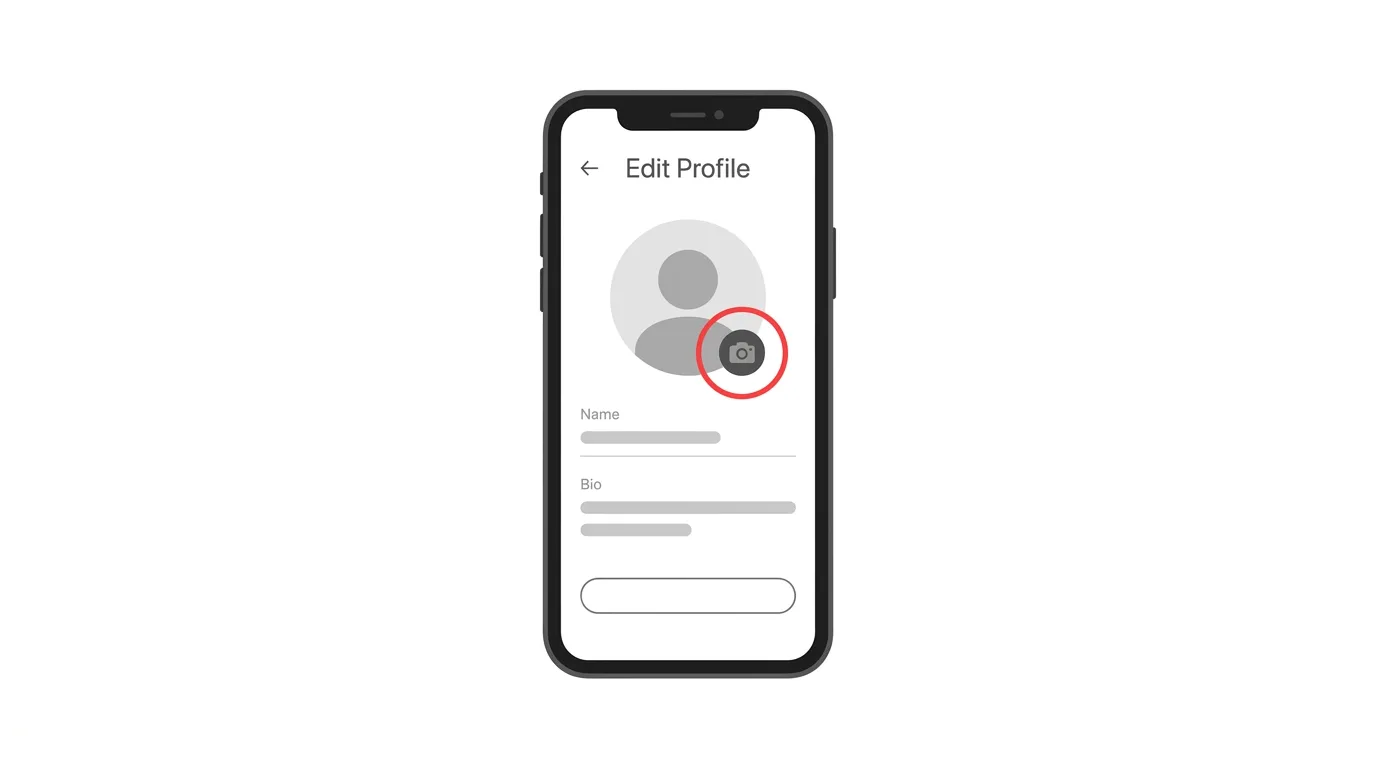
Menu names can change slightly between app versions, so look for the words Edit profile if your screen looks different.
- Open the TikTok app and tap Profile at the bottom right.
- Tap Edit profile.
- Tap your profile picture, or the words Change photo.
- Choose Upload photo to pick an image from your gallery, or Take photo to use your camera.
- Move and zoom the image so your face sits in the middle of the circle.
- Tap Save.
Your new picture appears on your profile right away.
You may need to refresh the app to see it everywhere.
How to Change Your TikTok Profile Picture on Desktop
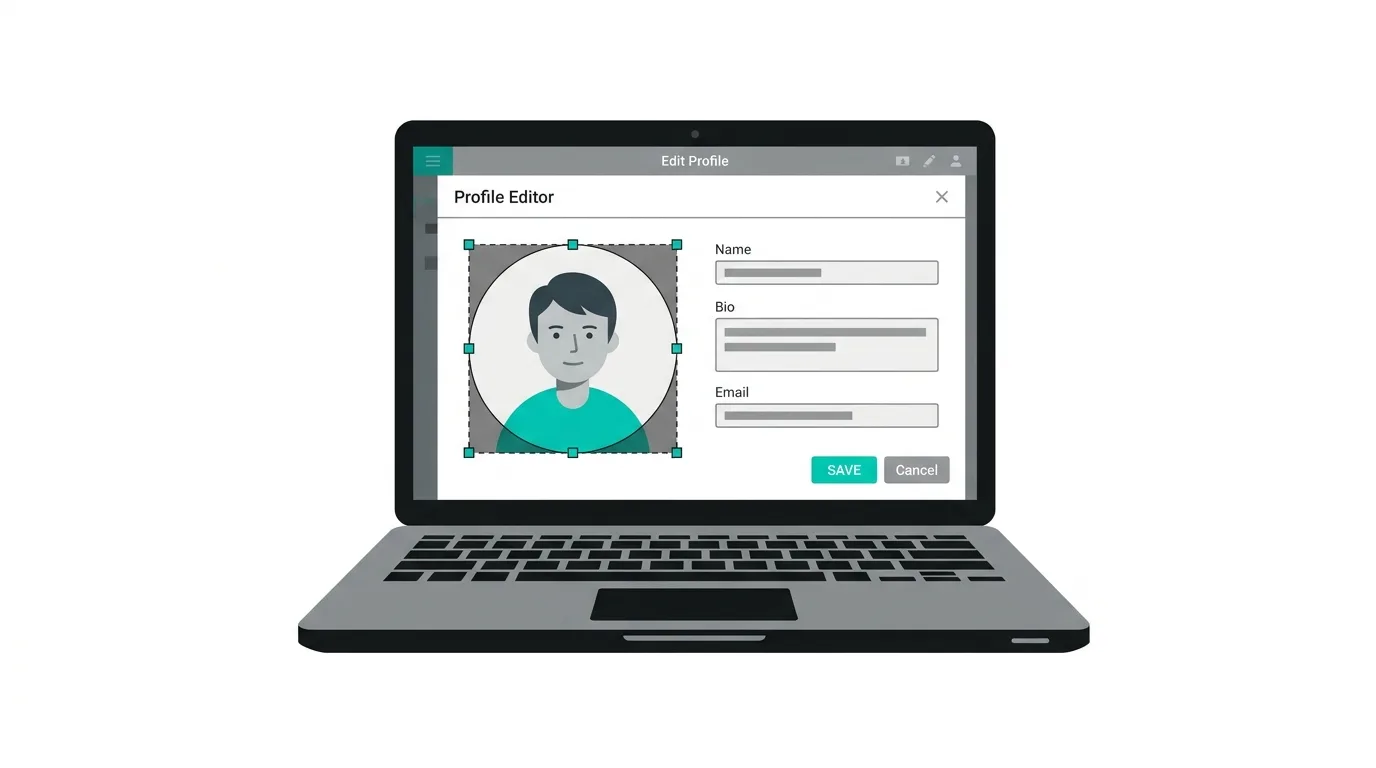
You can also change it from a computer.
- Go to tiktok.com and log in.
- Click your profile picture at the top right, then click View profile.
- Click Edit profile.
- Click your current profile picture.
- Choose a photo from your computer, adjust the crop, and click Apply or Confirm.
- Click Save.
The change is saved to your account, so it also shows on your phone.
How to Use a Profile Video Instead
TikTok also lets you use a short video as your profile image on some accounts.
When people open your profile, the video plays instead of a still photo.
To try it, open Edit profile and look for Change video next to the photo option.
Choose or record a short clip, trim it, and save.
A profile video can make your account feel more lively, but a still photo is simpler and works well on every device.
What Makes a Good TikTok Profile Picture?
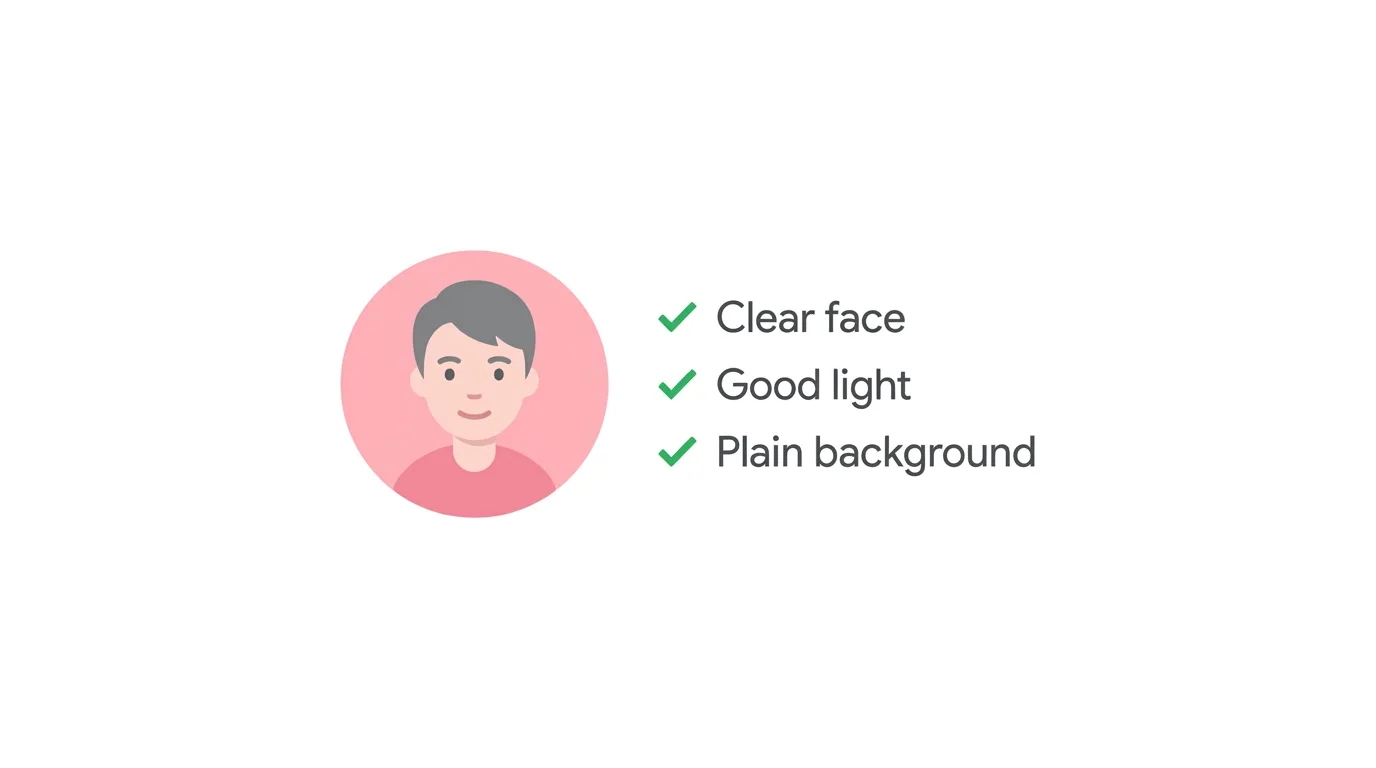
A strong picture is clear, simple, and easy to recognize at a very small size.
Use a close-up of your face, or a clean logo if you represent a brand.
Pick a photo with good lighting, so your features are easy to see.
Keep the background plain, because busy backgrounds make small images hard to read.
Avoid group photos, because viewers will not know which person is you.
Avoid heavy filters, text, and blurry images.
Choose a square photo, since TikTok crops it into a circle.
A commonly recommended minimum size is 200 by 200 pixels, but larger, sharper images look better.
Ideas for Creators and Businesses
Different accounts need different approaches.
Personal creators do best with a friendly, smiling face that matches their content style.
Business accounts usually work best with a simple logo on a solid color.
Faceless or niche accounts can use a mascot, icon, or a consistent graphic that fits their topic.
Brand consistency matters.
If your Instagram and YouTube use the same image, followers can find you on all three platforms.
Can You Change Your Profile Picture as Often as You Like?
Usually, yes.
You can update your photo whenever you want.
However, changing it too often can confuse your followers.
If you rebrand or want a seasonal look, it is fine to update.
For everyday use, a stable photo helps people recognize your account.
How to Remove Your Profile Picture
If you want to remove your photo, open Edit profile and tap your picture.
Look for a Remove or Delete photo option, if your version offers one.
If it is not available, simply replace it with a plain image.
Accounts without a photo can look less trustworthy, so it is better to choose a neutral photo than to leave it empty.
Troubleshooting: Profile Picture Not Changing
If your new photo does not appear, try these quick fixes:
- Wait a few minutes. Updates can take a moment to show everywhere.
- Refresh the app. Close TikTok completely and open it again.
- Check your internet connection. A weak connection can stop the upload.
- Try a smaller image. Very large files can fail to upload.
- Use a JPG or PNG. Common formats upload most reliably.
- Update TikTok. An older version may have a different layout.
- Allow photo access. If you cannot choose a photo, open your phone’s settings and allow TikTok to access your photos.
- Photo rejected. TikTok may refuse images that break its community rules, so choose a different, appropriate picture.
Frequently Asked Questions
How do I change my profile picture on TikTok?
Go to Profile, tap Edit profile, tap your photo, choose a new image, and tap Save.
Can I change my TikTok profile picture on a computer?
Yes.
Log in at tiktok.com, open your profile, click Edit profile, and change your photo.
Why can’t I change my TikTok profile picture?
It may be a weak connection, an old app version, or a photo that does not meet TikTok’s rules.
Can I use a video as my profile picture?
Many accounts can use a short profile video through the Change video option, if it is available.
What size should a TikTok profile picture be?
Use a square image of at least 200 by 200 pixels, though larger images look sharper.
Will my followers be notified when I change my photo?
TikTok does not usually send a separate announcement, but people may notice the new image when they see your profile.
Does changing my picture affect my videos?
No.
Your videos, followers, and likes stay exactly the same.
Reddit Ends RSS Feeds on November 13 and Closes Its Public API in 2027 (News)
Final Thoughts
Changing your profile picture on TikTok takes just a minute and can instantly improve how your account looks. Pick a clear, simple photo that fits your style or brand, and keep it consistent across your platforms. If the change does not appear right away, refresh the app and check your connection.
