An old or weak password is one of the easiest ways for someone else to get into your VK account.
Whether you’re updating your password as a routine security habit or because you suspect someone else has it, VK makes the process quick.
This guide walks through exactly how to change your password on VK, on both mobile and desktop, and covers what to do if you can’t remember your current one.
Why You Should Update Your VK Password Regularly
VK, like any large platform, has been targeted by password leaks tied to other websites in the past.
If you’ve ever reused your VK password anywhere else, and that other site was breached, your VK account could be at risk even if VK itself was never hacked.
Changing your password periodically, and making sure it’s unique to VK, closes that gap.
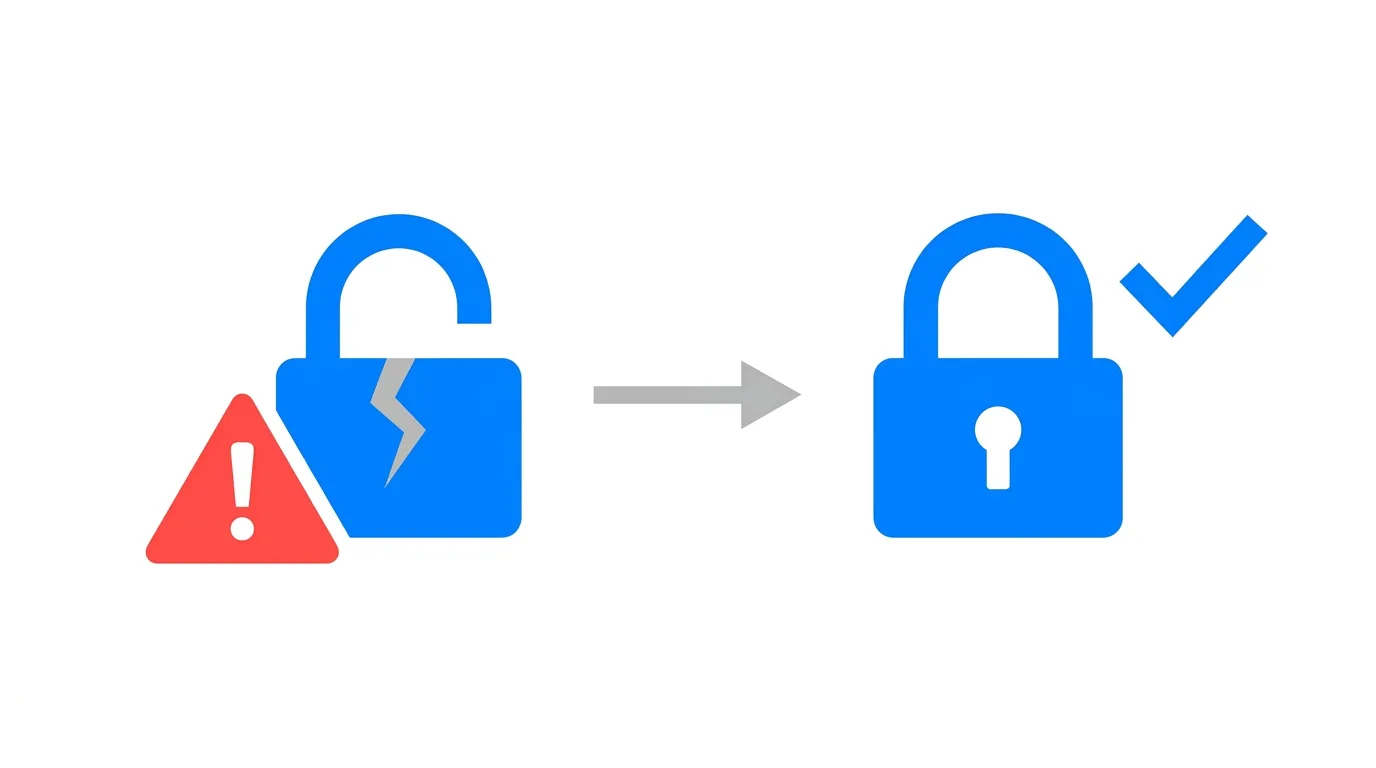
It’s also worth changing immediately if you notice unfamiliar login activity, messages you didn’t send, or posts you don’t remember making.
How to Change Your Password on VK (Mobile App)
Step 1. Open the VK app on your phone.
Step 2. Tap your profile icon in the bottom right corner.
Step 3. Tap the gear or menu icon to open Settings.
Step 4. Tap Account.
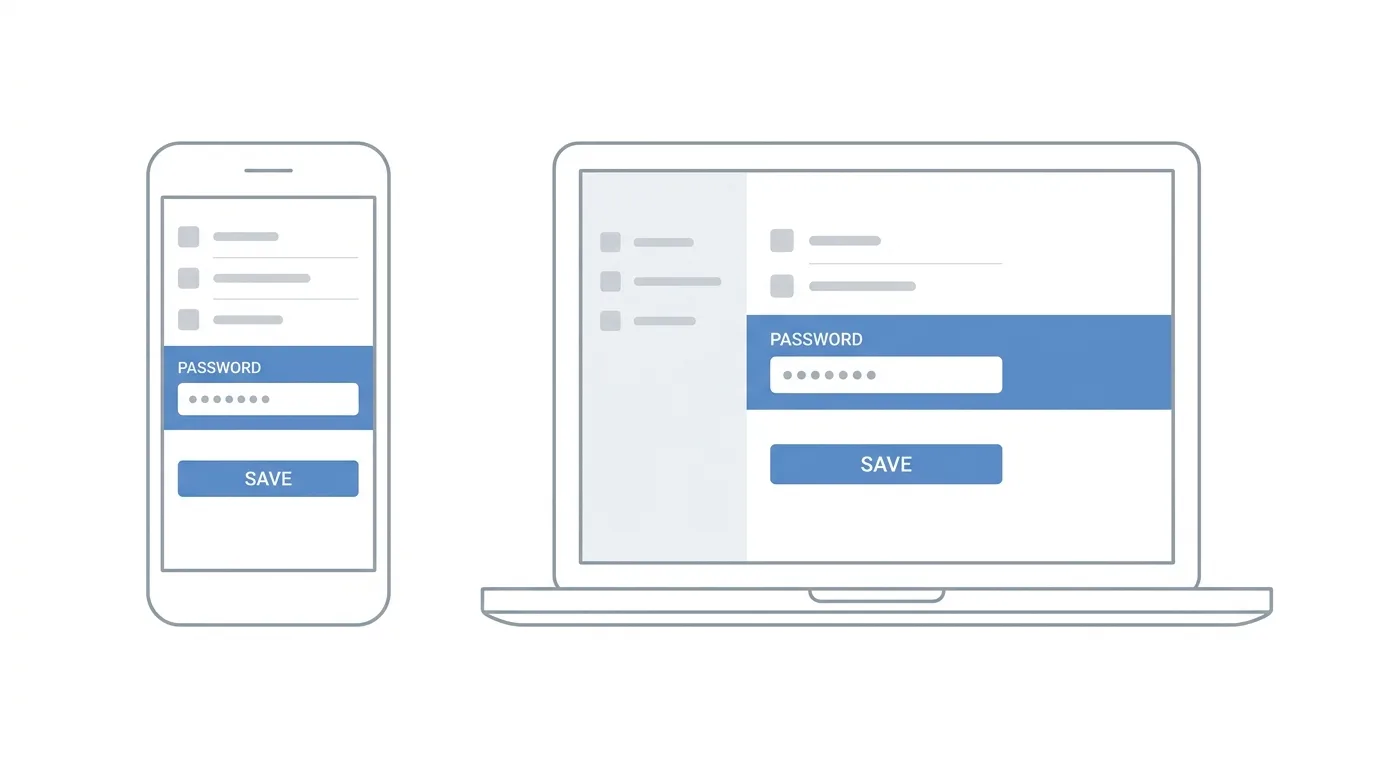
Step 5. Tap Change Password.
Step 6. Enter your current password.
Step 7. Enter your new password, then confirm it a second time.
Step 8. Tap Save to apply the change.
VK may ask you to confirm the change through a code sent to your linked phone number or email, depending on your account’s security settings.
How to Change Your Password on VK (Desktop / Web)
Step 1. Log into VK through a web browser.
Step 2. Click your profile picture in the top right corner.
Step 3. Click Settings from the dropdown menu.
Step 4. Stay on the Main or Account tab, and find Change Password.
Step 5. Enter your current password, followed by your new password twice.
Step 6. Click Save Changes.
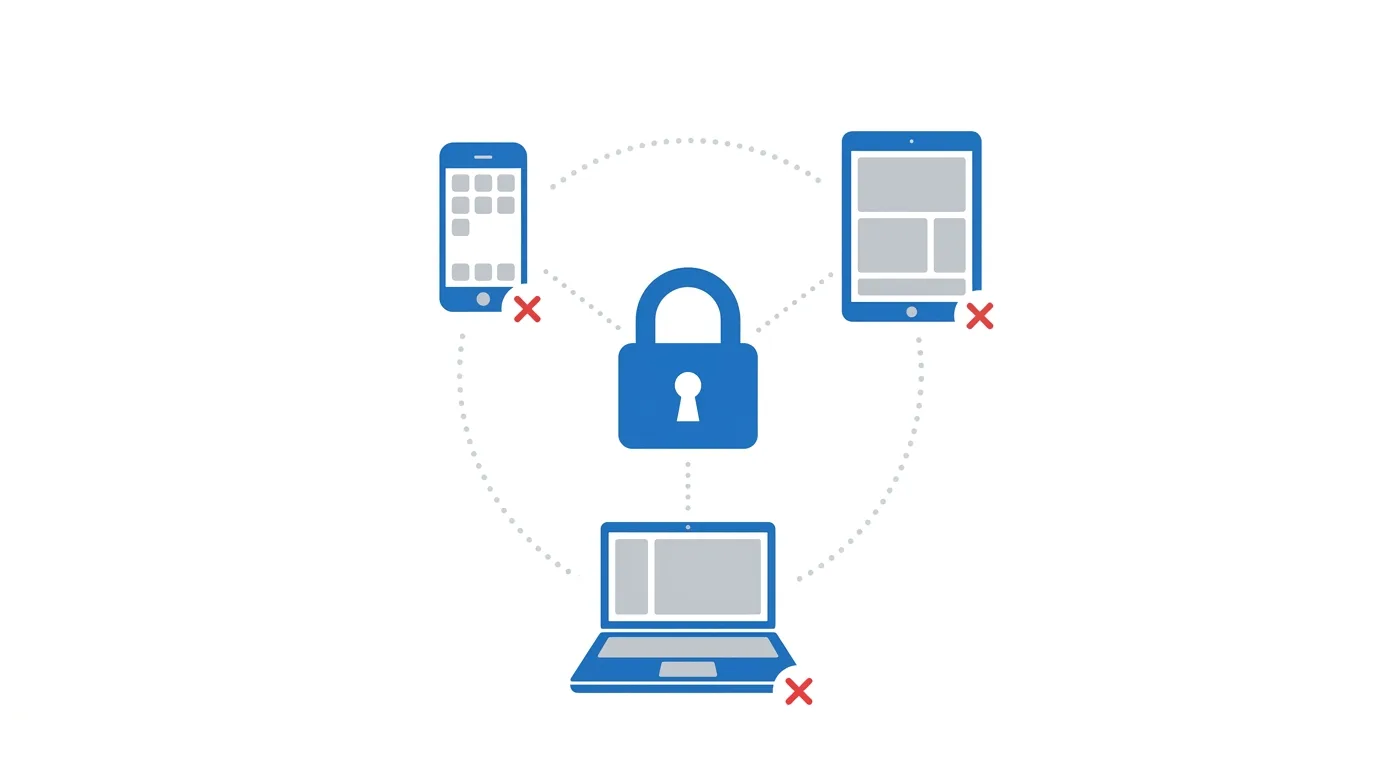
Once saved, VK typically logs your other active sessions out automatically, which means any device currently logged into your account will need the new password to get back in.
Choosing a Strong New Password
VK requires a minimum password length, but meeting the minimum isn’t the same as being secure.
Aim for at least twelve characters, mixing uppercase and lowercase letters, numbers, and a symbol.
Avoid using your name, birthday, or anything easily found on your own profile, since these are the first guesses an attacker will try.
A random passphrase built from a few unrelated words is often both stronger and easier to remember than a short string of random characters.
What Happens After You Change Your Password
Once your new password is saved, VK generally signs you out of any other device or browser that was previously logged in.
This is a safety feature. If someone else had access to your account, this step removes them immediately.
You’ll need to log back in with your new password on every device you personally use, including your phone, tablet, and any browser.
Troubleshooting: You Don’t Remember Your Current Password
If you’re locked out and can’t provide your current password, VK has a separate recovery path.
Step 1. On the VK login screen, tap or click Forgot Password.
Step 2. Enter the phone number or email linked to your account.
Step 3. VK will send a verification code to that phone number or email.
Step 4. Enter the code, then set a brand-new password.
Make sure the phone number and email linked to your VK account are current. If both are outdated, account recovery becomes significantly harder.
Should You Also Turn On Two-Factor Authentication?
Changing your password is a strong first step, but pairing it with two-factor authentication adds another layer.
With two-factor authentication turned on, even someone who somehow gets your new password still needs a one-time code from your phone to log in.
VK offers this under Settings → Security, and it’s worth setting up right after you change your password, especially if the password change was prompted by a security concern.
How Often Should You Change Your VK Password
There’s no strict rule, but a reasonable habit is updating it every six to twelve months, or immediately after any of the following:
You reused the same password on a site that later had a data breach.
You logged into VK on a shared or public computer.
You noticed unfamiliar activity on your account.
Outside of those triggers, using a unique, strong password from the start matters more than changing it on a fixed schedule.
How To Change Your Language on Instagram (2026 Guide)
Final Thoughts
Changing your password on VK takes less than a minute once you know where the setting lives.
Pick something long, unique to VK, and unrelated to your personal details, and consider pairing it with two-factor authentication for a much stronger layer of protection.
If you ever lose access entirely, the recovery flow through your linked phone number or email will get you back in.
