If you want to know how to delete your WhatsApp account, the process is quick, but the result is permanent.
Deleting the app from your phone does not remove your account.
To leave WhatsApp for good, you need to use the in-app delete option.
This guide explains exactly how to do it on iPhone and Android, what gets erased, and what to do before you press the button.
Delete vs Uninstall: What Is the Difference?
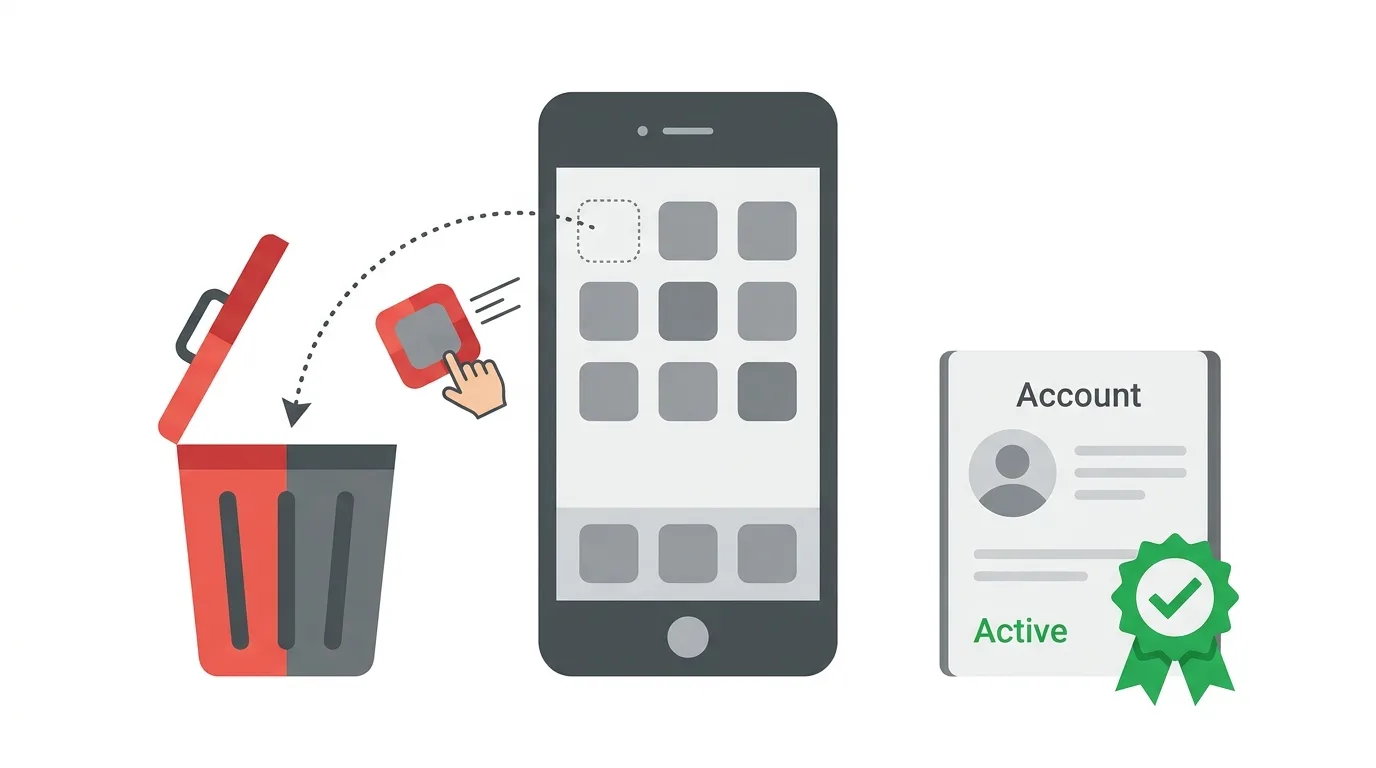
Many people think removing the app deletes everything.
It does not.
If you only uninstall WhatsApp, your account stays active.
Your name, profile, group memberships, and messages stored on other people’s phones remain.
People can still send you messages, and those messages wait for you if you ever reinstall the app.
Deleting your account is a separate step that permanently removes it.
What Happens When You Delete Your WhatsApp Account?
WhatsApp says deleting your account is permanent.
When you delete it:
- Your account information and profile photo are erased.
- You are removed from all of your WhatsApp groups.
- Your message history on your device is deleted.
- Your WhatsApp backups are deleted, according to WhatsApp’s help pages.
Messages you sent to other people are not removed from their chats.
They keep their own copy, and group members still see what you posted before you left.
If you are the only admin of a group, WhatsApp may choose a new admin from the members.
WhatsApp also says some information, such as logs, may remain on its servers for a limited time, and that it can take up to around 90 days to finish the deletion process.
Should You Delete Your Account or Do Something Gentler?
Deleting is final, so consider the alternatives.
If you just want a break, you can mute chats, turn off notifications, or log out of linked devices.
If you are switching to a new phone number, use the Change number option instead of deleting.
It moves your chats, groups, and settings to the new number.
If you only want more privacy, you can hide your last seen, profile photo, and read receipts in your privacy settings.
Choose deletion when you are certain you want to leave the platform entirely.
Things to Do Before You Delete
A few minutes of preparation can save you from regret.
Save your chats. If you need a chat later, use the Export chat option to send it to your email or save it as a file.
Download your account information. WhatsApp lets you request a report of your account details and settings.
Back up your photos and files. Save important photos, documents, and voice notes from your chats to your phone gallery or cloud storage.
Tell your contacts. Let important people know how to reach you, so you do not lose touch with family, friends, or clients.
Handle your groups. If you run an important group, make another member an admin before you leave.
Check your business use. If customers contact you on WhatsApp, move them to another channel first.
Note your phone number. You will need to type it in full when you delete the account.
How to Delete Your WhatsApp Account on iPhone
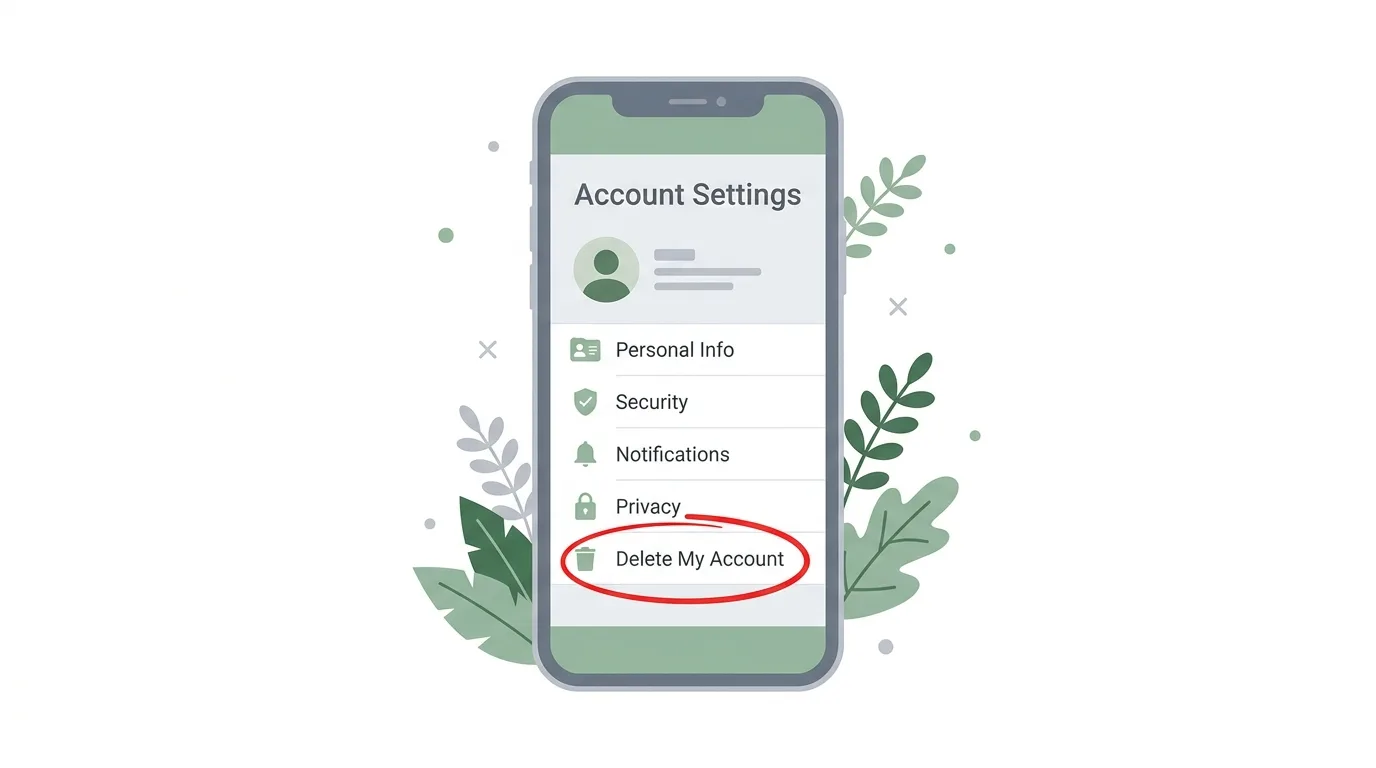
Menu names can change slightly between app versions, so look for the word Delete if your screen looks different.
- Open WhatsApp and tap Settings at the bottom right.
- Tap Account.
- Tap Delete My Account.
- Enter your phone number in full international format, including the country code.
- Tap Delete My Account again to confirm.
Your account is deleted straight away.
You will be logged out and the app returns to the welcome screen.
How to Delete Your WhatsApp Account on Android
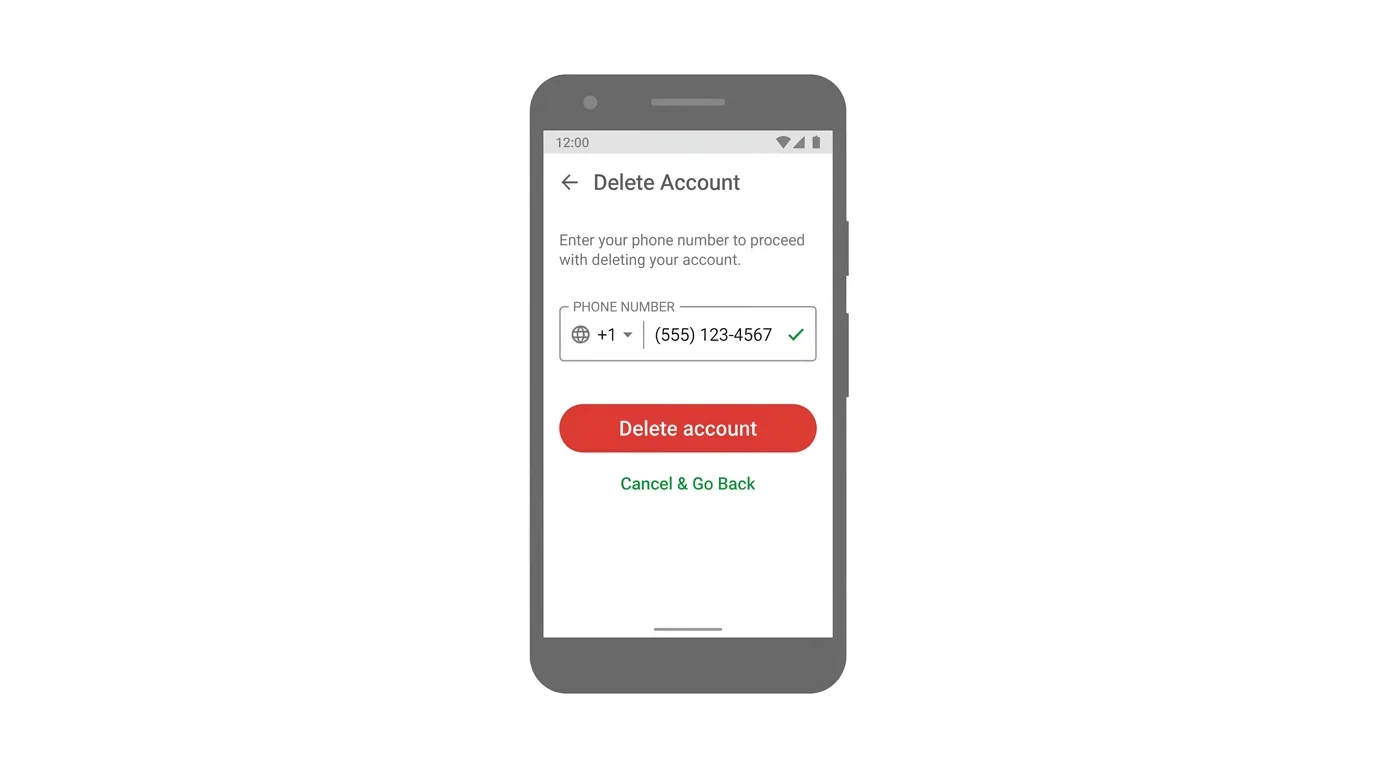
The steps on Android are very similar.
- Open WhatsApp and tap the three-dot menu at the top right.
- Tap Settings, then Account.
- Tap Delete account.
- Enter your phone number in full international format.
- Tap Delete account.
- Choose a reason from the list if the app asks, then confirm.
Once you finish, WhatsApp erases the account and logs you out.
The reason you choose does not affect the deletion.
How to Delete WhatsApp Business
WhatsApp Business accounts follow the same idea.
Open the WhatsApp Business app, go to Settings, then Account, and look for the delete option.
Deleting a business account removes your business profile, catalog, and chats from the app, so export anything you need first.
If you use both WhatsApp and WhatsApp Business on one phone number, deleting one does not automatically delete the other, so check each app separately.
What About Your Backups?
Backups deserve extra attention.
WhatsApp says deleting your account also deletes your WhatsApp backups.
However, copies in your own cloud storage, such as Google Drive or iCloud, can sometimes remain on your account if you manage them yourself.
After deleting, open your cloud storage settings and look for WhatsApp backups.
Remove any that remain if you want a clean break.
Can You Recover a Deleted WhatsApp Account?
No.
WhatsApp cannot restore a deleted account, your messages, or your group memberships.
You can sign up again with the same phone number, but it will be a brand-new account with no history.
Old chat backups from before the deletion cannot be restored after the account is gone.
Can You Delete WhatsApp Without Your Phone?
It is difficult.
The deletion option sits inside the app, and you need to be logged in on a device that has your account.
If you lost your phone, first get a new SIM card with the same number and register WhatsApp on a new device.
Then you can follow the normal delete steps.
If your account is already inactive, WhatsApp may delete it on its own after a long period of inactivity.
Troubleshooting: Cannot Delete Your Account
If something goes wrong, try these fixes:
- Cannot find the option. Update WhatsApp, then check Settings, then Account.
- Phone number rejected. Make sure you typed the full number with the country code, exactly as it appears in your account.
- Error message. Check your internet connection and try again.
- Banned or restricted account. Contact WhatsApp support through the app if you cannot reach the settings.
- Still receiving messages. Make sure you deleted the account and did not just uninstall the app.
Frequently Asked Questions
How do I delete my WhatsApp account permanently?
Go to Settings, then Account, choose the delete option, enter your phone number, and confirm.
Does uninstalling WhatsApp delete my account?
No.
Your account stays active until you delete it from inside the app.
Will my messages be deleted for other people?
No.
Messages you already sent remain in other people’s chats.
Can I get my WhatsApp account back after deleting it?
No.
Deletion is permanent, and WhatsApp cannot restore it.
Will deleting WhatsApp delete my backups?
WhatsApp says it deletes your WhatsApp backups, but you should also check your Google Drive or iCloud storage for leftover copies.
Can I use the same number again?
Yes.
You can register a new account with the same number, though it will have no history.
Is there a way to deactivate WhatsApp temporarily?
WhatsApp does not offer a pause button.
You can mute notifications, log out of linked devices, or simply stop using the app.
LinkedIn Tests a Network Feed and Adds New Creator Tools 2026
Final Thoughts
Deleting your WhatsApp account takes only a minute, but it cannot be undone, so prepare before you confirm. Save the chats and files you need, tell your contacts where to find you, and remove any leftover backups afterward. If you are not completely sure, try muting, changing your number, or tightening your privacy settings first.
