
Are you looking for a solution on how to download TikTok profile picture on your phone (Android and iPhone)? If so, then in this artcile i shall guide you on how to download TikTok profile picture in very simple steps.
How To Download TikTok Profile Picture
TikTok is one of the most popular social media platforms, where users can watch and upload TikTok short videos. By using the TikTok platform, you can follow, like, and comment on your influencers’ videos.
TikTok also helps users to earn money from TikTok videos through its creator program and their are also many other ways to make money on TikTok.
TikTok is now the most popular platform for online shopping and affiliate marketing. You can also download your TikTok profile picture. Here are the steps on how to download TikTok profile pictures on your phone (Android and iPhone).
- In the first step, log in to your TikTok account.
- Now, go to your influencer or any person ID, whose profile picture you want to download.
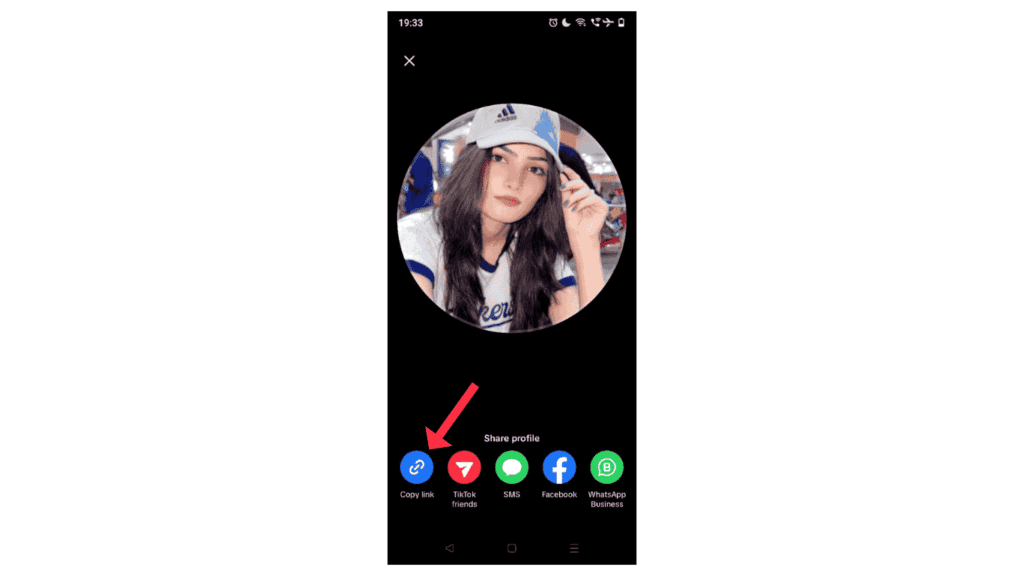
- Now, click on the profile picture.

- Click on Copy link.
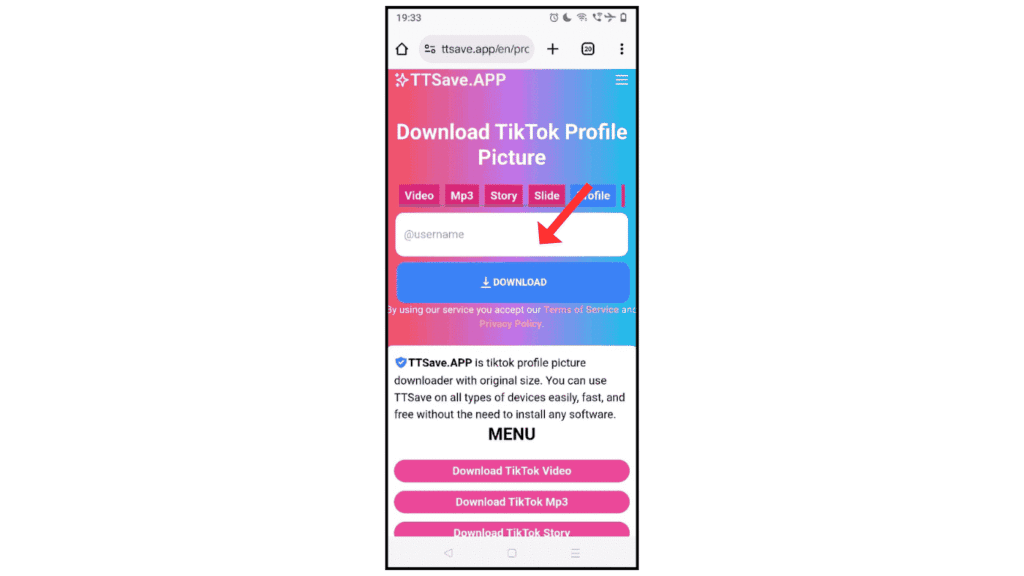
- After the go-to TikTok profile picture download site, paste the copy link and click on download.
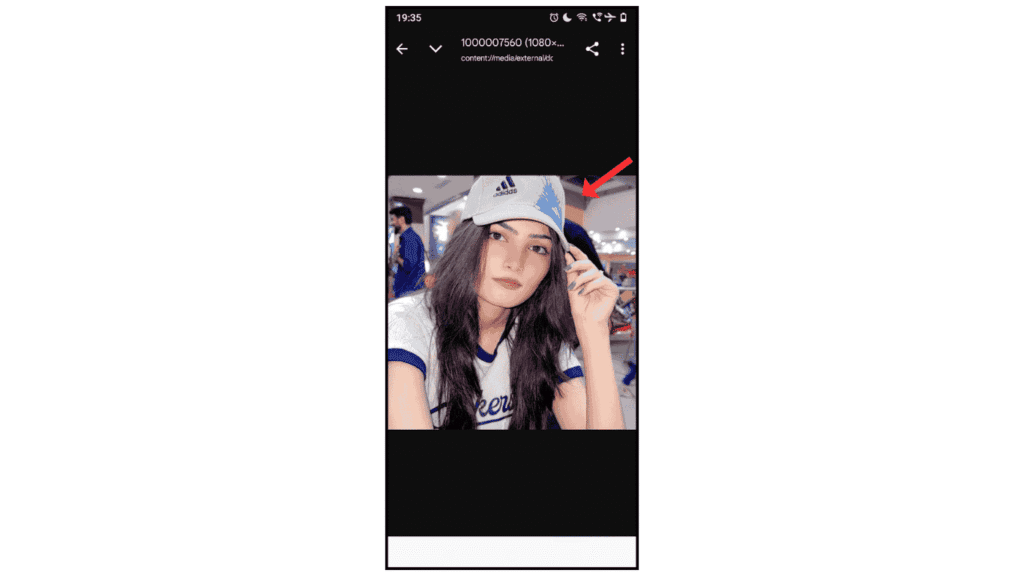
Now, you have successfully downloaded the TikTok profile picture on your phone.
Also Read: How To Download TikTok Video Without Watermark
Conclusion:
I am sure now you have successfully learned how to download TikTok profile picture on your phone (Android and iPhone). If you have any questions about downloading a TikTok profile picture , you can contact me on Instagram and Facebook.
