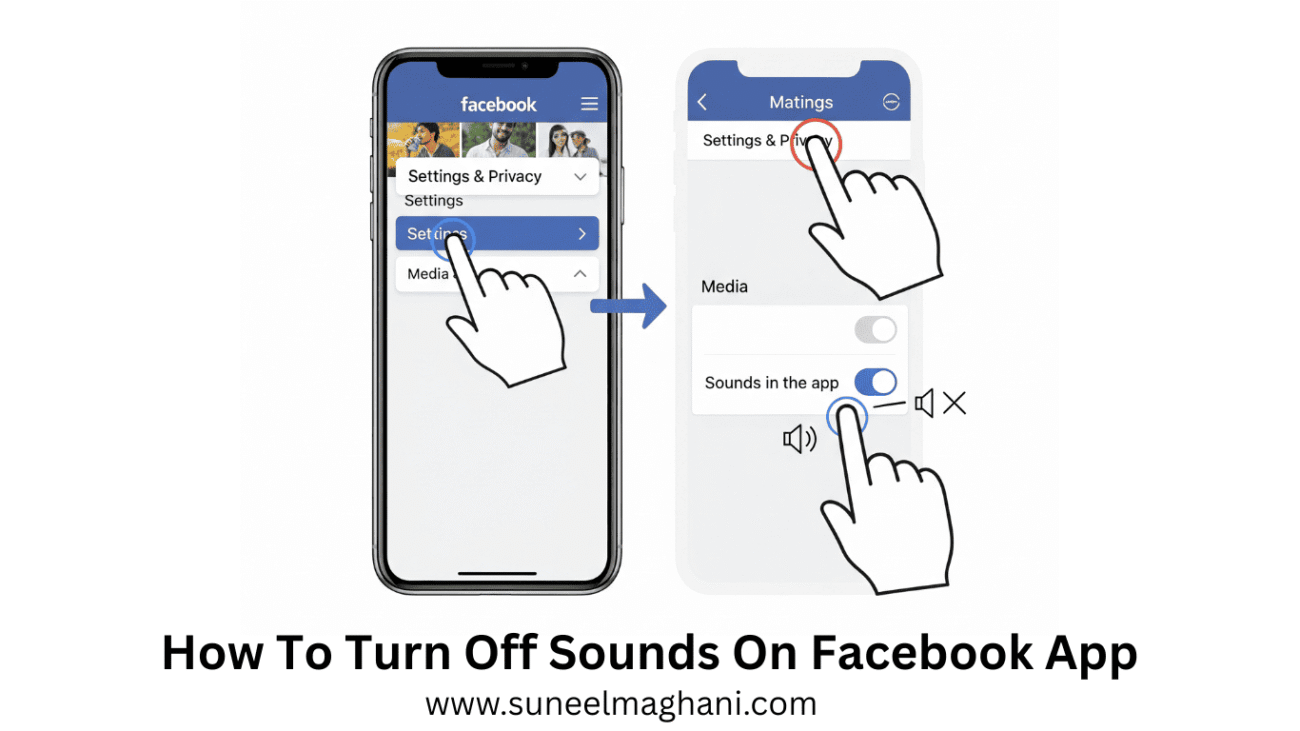
Are you Looking for the solution on how to turn off sounds on Facebook app? then I shall explain you on how to turn off sound on the Facebook app in simple steps.
How To Turn Off Sounds On Facebook App
Facebook is one of the most famous social platforms in the digital world; people all over the world are using it and making connections in the world.
Facebook also provides a source of income to many creators through content, affiliate marketing, online shopping, and many other things.
If you are suing Facebook and don’t like the sound in the app, then here are the steps on how to turn off sound in the Facebook app.
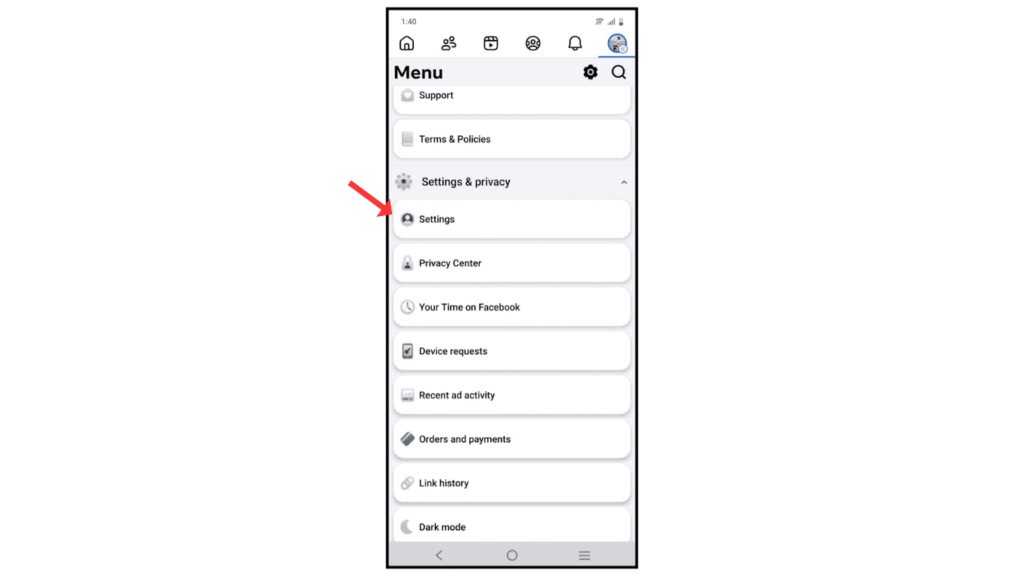
- Open a Facebook account and go to the settings.
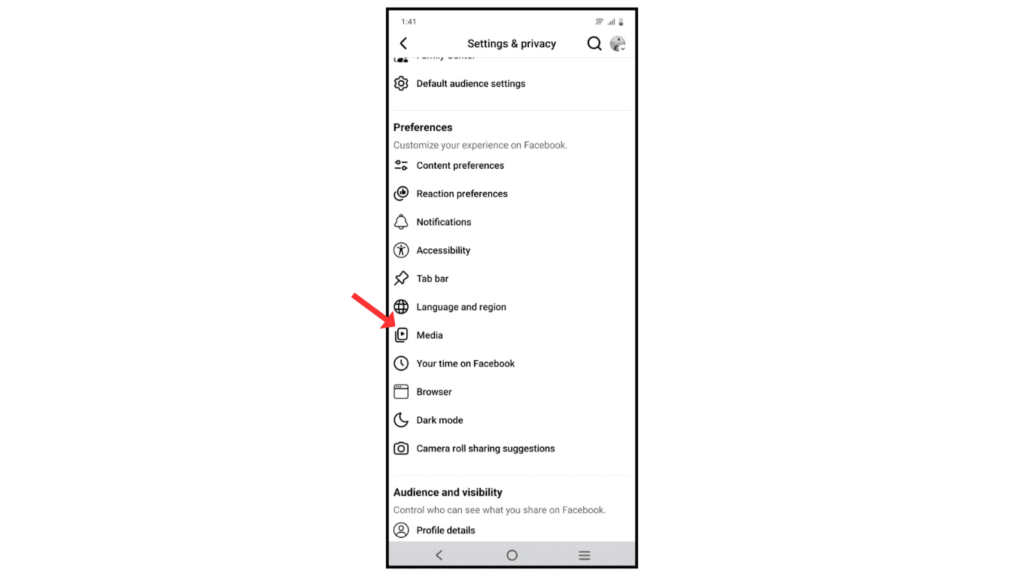
- Now, click on the media icon.
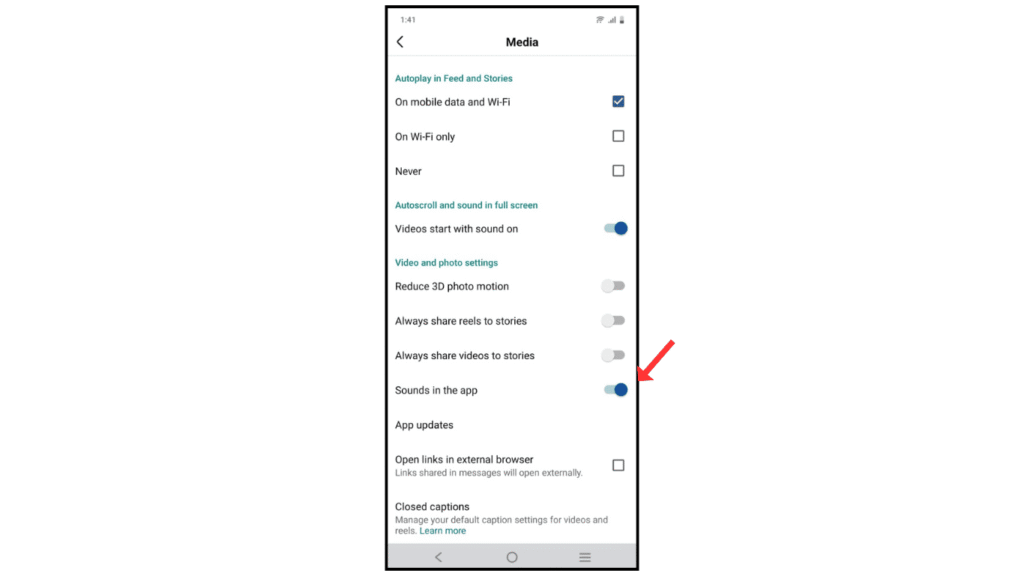
- After that, click Turn off sounds in the app.
Also Read: How To Use VPN On Android Phone
Conclusion:
Turning off sounds in the Facebook app is so simple; just follow the above steps for turning off sound in the app. If you have a problem with turning off sound in the app, you can contact me on Telegram.
