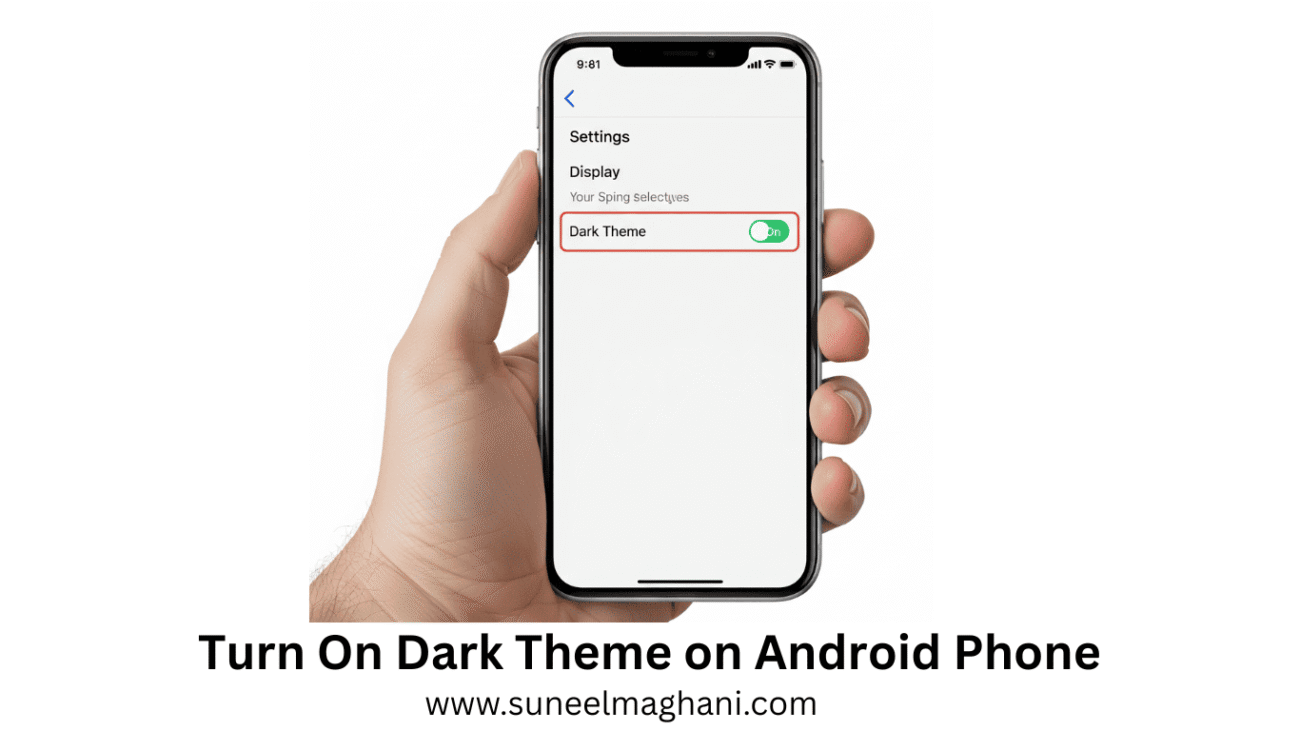
Are you looking for a solution on how to turn on dark mode on your Android screen? If so, then I shall guide you on how to enable/turn on the dark mode theme on your phone.
How To Turn On Dark Theme on Android Phone
Android offers various settings that allow you to change your phone’s home screen to a dark theme, which can help protect your eyes from bright lights and save battery life.
If you don’t know how to enable dark theme on your phone, then here are the steps on how to make the theme dark on your phone.
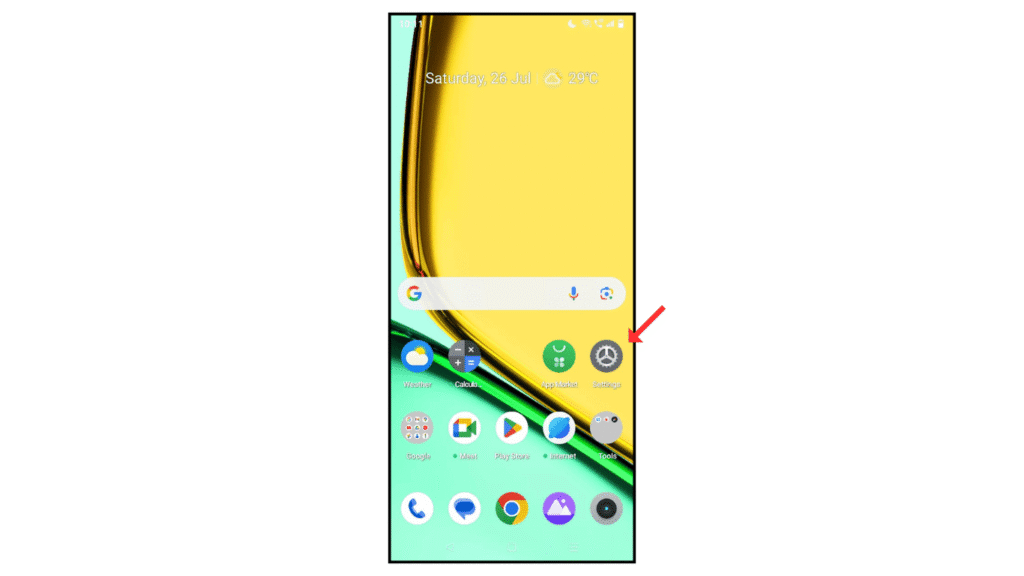
- Open Android phone settings
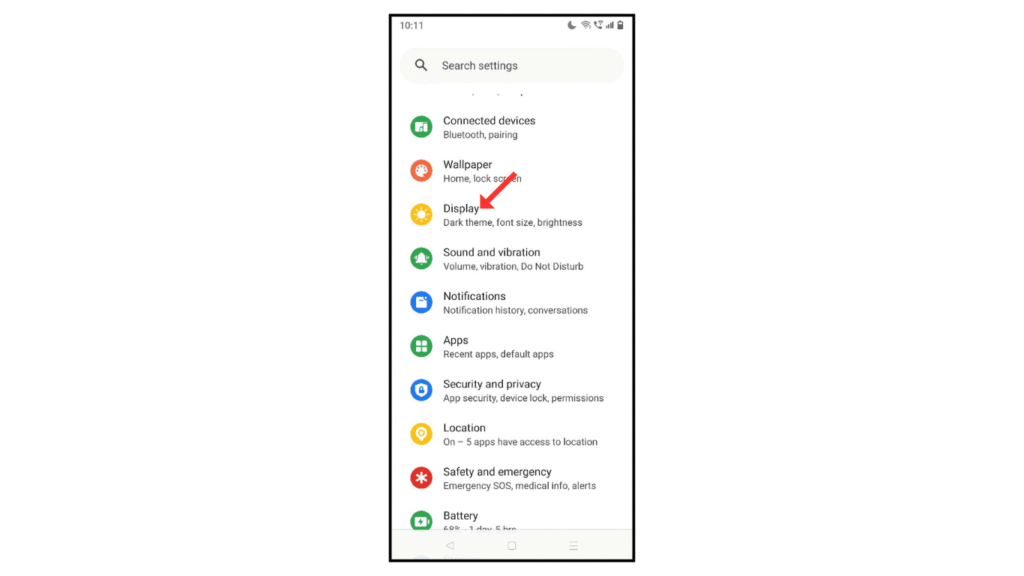
- Now, click on the display menu.
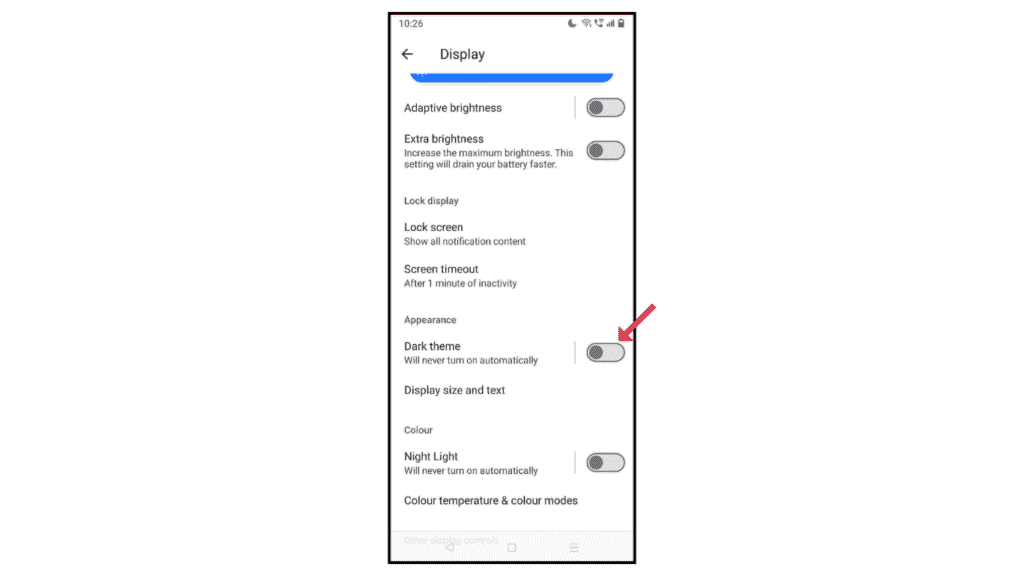
- After that, scroll down in appearance and turn on the dark theme.
Also Read: How to Make a Photo Collage on Google Photos
Conclusion:
Enabling dark theme on your Android phone is easy and simple; you just have to follow the above steps on how to enable dark theme on your Android phone. You can also follow me on the WhatsApp.
