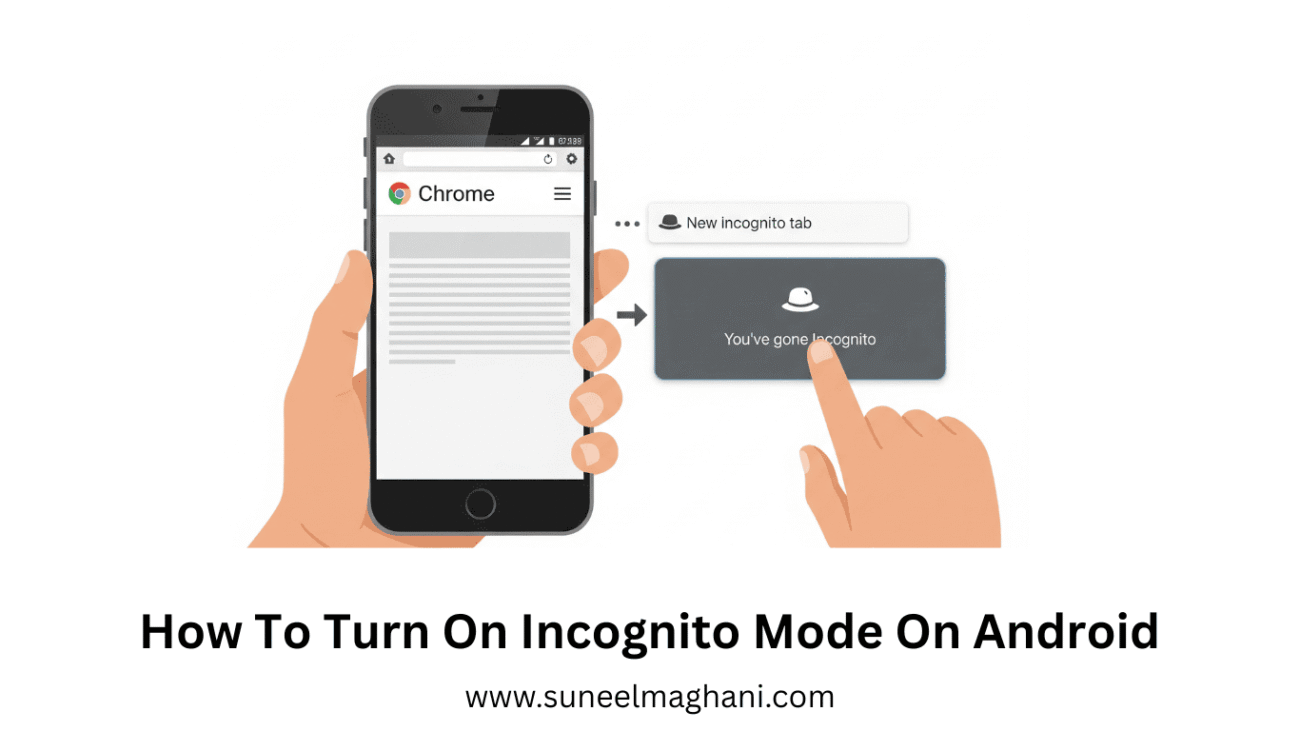
Are you searching for a solution on how to turn on incognito mode on an Android phone? If so, then I shall explain to turn on incognito mode on your Android phone in simple steps.
How To Turn On Incognito Mode On Android Phone
Incognito mode basically helps users browse the internet without saving or storing any of their browsing history, site data, cookies, or other information entered into forms on their phone.
Here are steps to Enable incognito mode on Android phone.
- Open Google Chrome on an Android phone.

- Now, click on three dots.

- Click on the new incognito tab.

- You have successfully opened incognito mode on Android.
Also Read: How To Change 3G To 4G Network
Conclusion:
Using incognito mode on your Android phone is a simple method; you just have to follow the above steps to turn on incognito mode on your Android phone.
