Whether Instagram installed with the wrong language automatically or you simply want to switch, changing your display language takes just a few taps.
This guide walks through exactly how to change your language on Instagram in 2026.
Step 1: Open Instagram Settings
- Open the Instagram app and tap your profile picture.
- Tap the three-line menu, then Settings and Privacy.
Step 2: Access Language Settings
- Scroll down and tap Language.
- A list of available languages will appear.
Step 3: Select Your Preferred Language
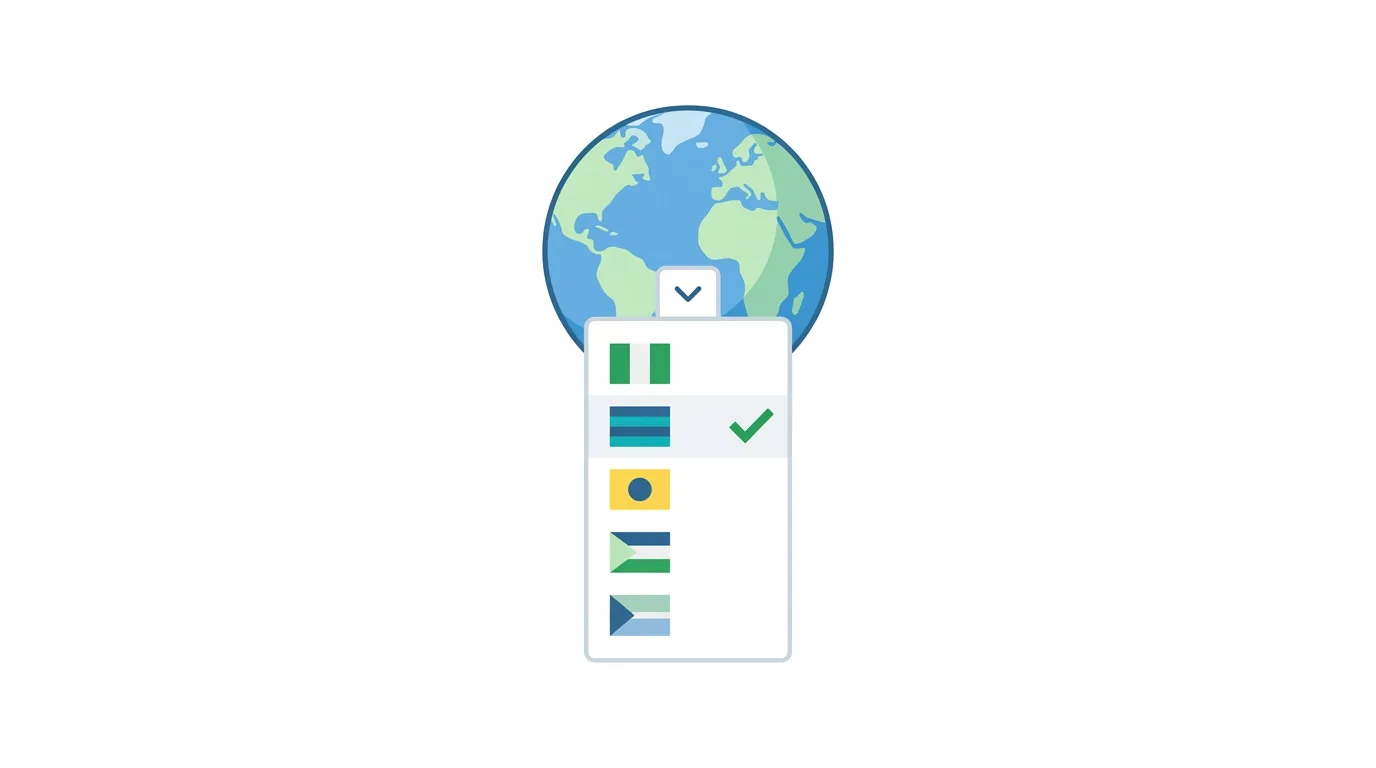
- Scroll through or search for your desired language.
- Tap to select it.
The app interface updates immediately, without requiring a restart.
How to Change Your Language on Desktop
Prefer using a browser? Here’s the process:
- Go to Instagram.com and log in.
- Click your profile icon, then Settings and privacy.
- Select Language, then choose your preferred option.
How Language Settings Affect AI-Powered Features
Instagram’s growing suite of AI-assisted features, including caption suggestions and search, generally respond to your selected language setting.
Action step: If you notice AI-generated caption suggestions or search results feeling less accurate, confirm your language setting matches your actual preferred language for content creation, since these AI features are generally optimized around your selected interface language.
Using Multiple Languages Across Different Devices
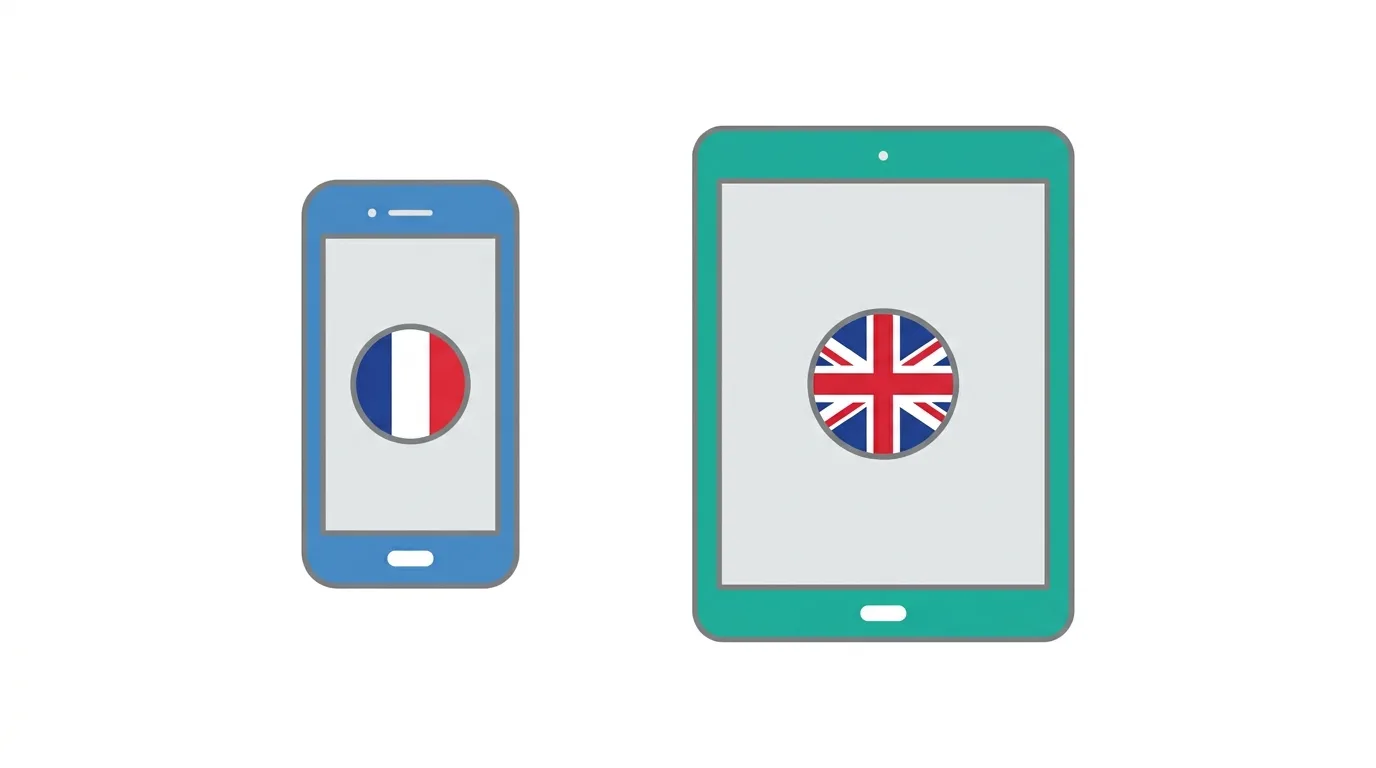
If you use Instagram across several devices, understand whether your language preference syncs automatically or needs separate configuration.
Action step: Check your language setting individually on each device you use Instagram from, since this preference is generally tied to the app installation on that specific device rather than automatically syncing as an account-wide setting across every device you’re logged into.
Language Settings for Business and Creator Accounts
Business and Creator accounts don’t have separate language configuration from standard personal accounts, but it’s worth considering audience implications.
Action step: If you manage a business account targeting a specific linguistic audience, consider whether your own app interface language affects how you draft content, since working in your audience’s language directly (rather than translating from your own interface language) often produces more natural, authentic captions and communication.
Does Changing Your App Language Affect Content You See?
Understanding the scope of this setting helps clarify what actually changes.
When you change your language:
- Menu items, buttons, and interface text switch to your selected language.
- Content recommendations and captions from other users remain in whatever language they were originally posted in.
- Some auto-translation features for captions may become more or less relevant depending on your selected language.
Action step: Understand this setting specifically controls Instagram’s own interface language, not the language of content posted by other users, which remains as originally written regardless of your app’s display language.
How This Interacts With Caption Translation Features
Instagram offers automatic caption translation for posts in different languages, which works alongside your main language setting.
Action step: Check for a See Translation option beneath captions written in a different language than your set app language, since Instagram often offers this automatically without requiring separate configuration beyond your primary language setting.
Changing Language Without Changing Your Region
It’s worth understanding that language and region settings are sometimes separate, affecting different aspects of your experience.
Action step: If you notice content or features that seem region-specific despite changing your language, check whether your device’s broader region or locale settings also need adjustment, since some Instagram features are tied to device-level region settings independent of the in-app language selection.
Why Instagram Might Default to the Wrong Language
Instagram typically sets your initial language based on your phone’s system language settings during installation.
Action step: If Instagram consistently reverts to an unwanted language after updates, check your phone’s overall system language settings, since Instagram may periodically re-sync with your device’s primary language configuration rather than permanently remembering your in-app override in some situations.
Setting a Different Language Than Your Phone’s System Language
You can set Instagram’s language independently from your phone’s overall system language.
Action step: This is particularly useful for multilingual users who prefer their phone’s system language in one language but want specific apps, like Instagram, displayed in a different one — the in-app setting described in this guide takes precedence over your phone’s system default once configured.
Common Issues When Changing Your Language
Setting not saving? Force close and reopen the app, then try again — this usually resolves temporary sync issues following a language change.
Interface reverting to a previous language after an update? This can occasionally happen following major app updates — simply repeat the language change process if this occurs.
Some sections still showing the old language? Certain cached content or specific feature areas may take a moment to fully update — restarting the app after changing your language often resolves any lingering inconsistencies.
Desired language not available in the list? Instagram supports a wide range of languages, but not every language is available — check for regional variants (like different Spanish or Portuguese options) if your exact preferred variant isn’t listed separately.
How To Add a Second Account on Instagram (2026 Guide)
Final Thoughts
Changing your language on Instagram takes just a few taps and updates the interface immediately without needing to restart the app. Remember this setting controls Instagram’s own menus and text specifically, not the language of content posted by other users, which relies on separate translation features to bridge that gap when needed.
