Instagram’s video editing app has finally moved beyond the phone. On November 5, 2026, Instagram released Edits for desktop, a free video editor for Mac computers.
The launch gives creators a bigger screen, a full timeline, and direct publishing to Instagram. This article explains what is included, who can use it, and what it means for creators and businesses.
What Did Instagram Announce?
Instagram head Adam Mosseri announced the new app in a Reel, calling a desktop version the number one thing users had asked for. Brett Westervelt, who leads Edits, also shared the launch in a post on Meta’s blog.
The app is a Mac version of Edits, the editing tool Instagram first released for phones in 2025. Instagram says more than 50 million people have used Edits in a little over a year.
Who Can Use Edits for Desktop?
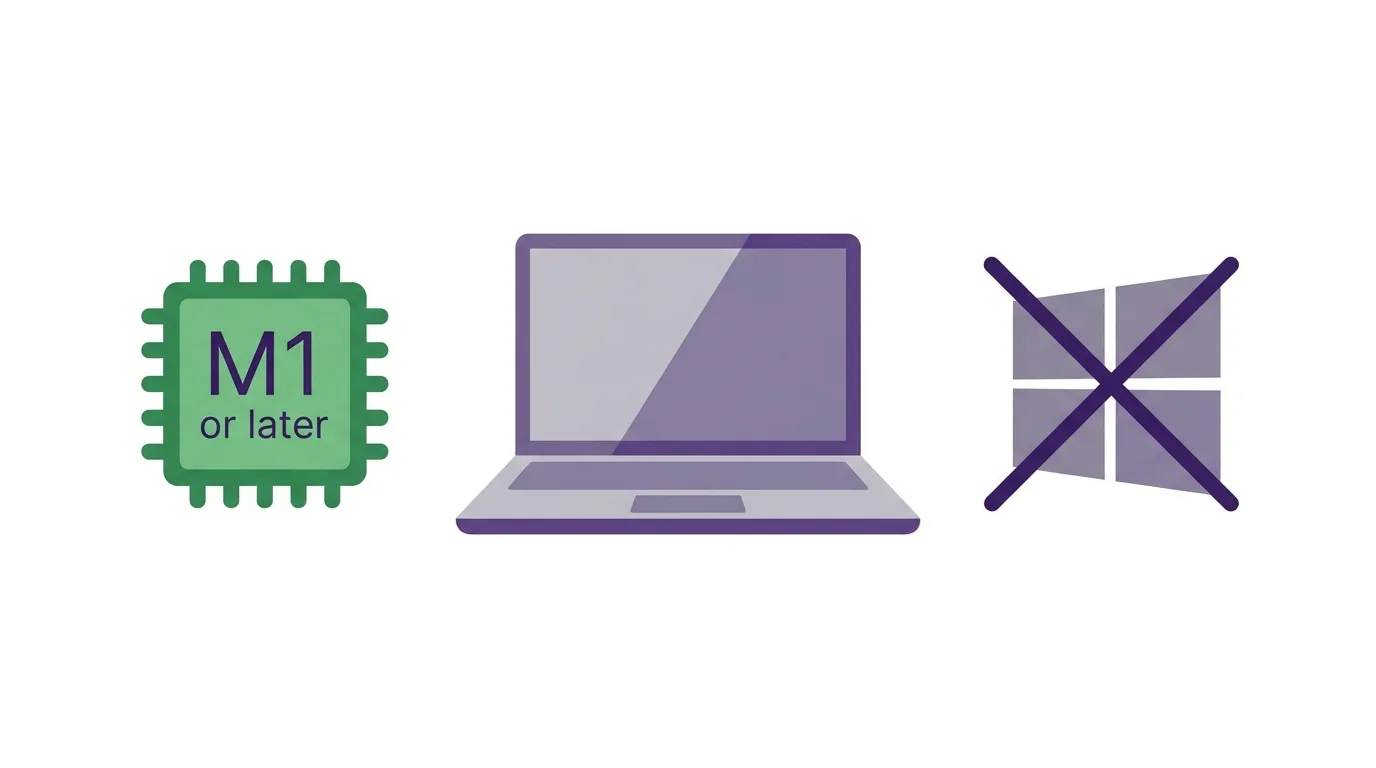
At the moment, the app is only for Mac users. It requires a Mac with an Apple silicon chip, which means M1 or later.
Windows PCs and older Intel Macs are not supported, and there is no browser version. Meta has not announced a Windows version or a date for one.
Is It Really Free?
Yes, according to reports and Instagram’s own description. The desktop app is free to download and free to use.
You need an Instagram account to sign in. Reports differ slightly on the download source, with some pointing to Instagram’s Edits desktop page and others mentioning the Mac App Store.
What Tools Does It Include?
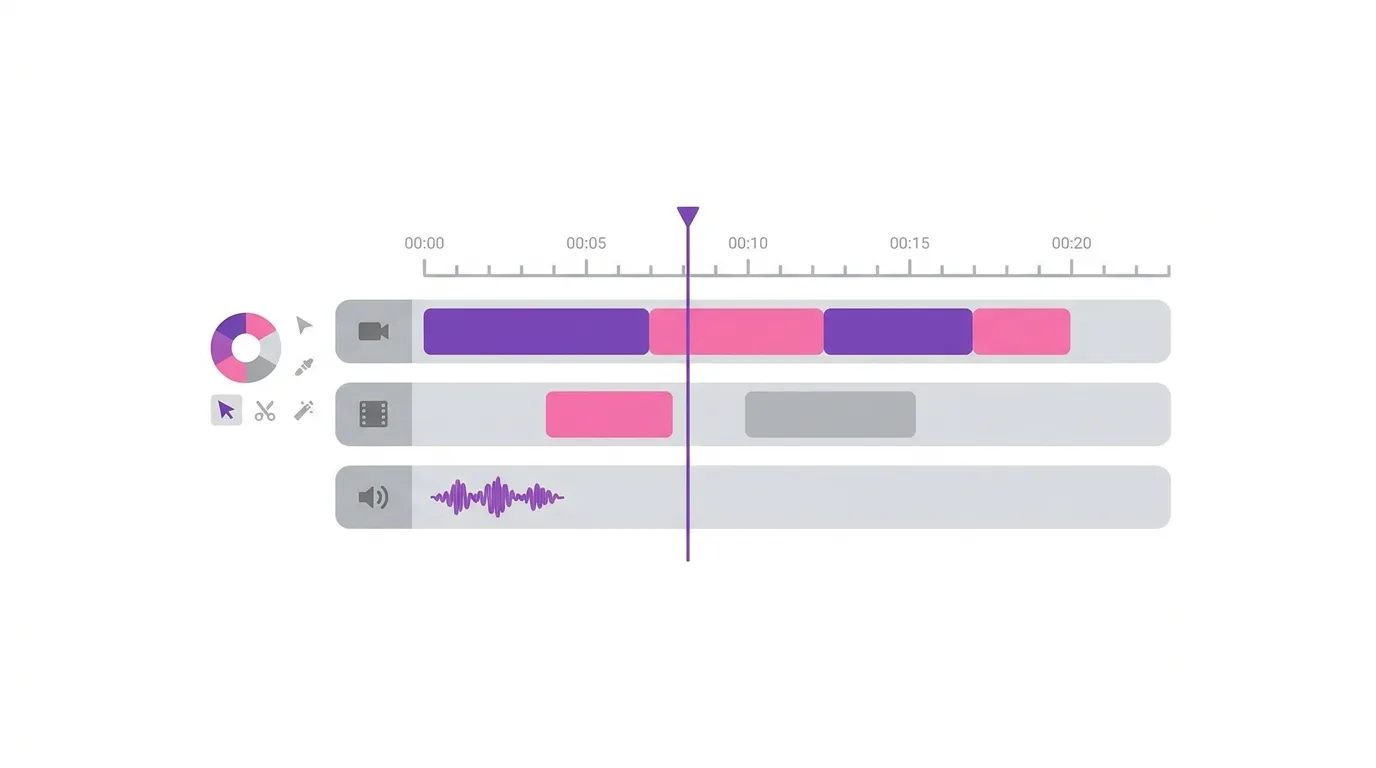
The first version brings a lot of professional-style tools to creators. Reports describe a multi-track timeline with keyframes and audio waveforms, which gives you precise control over clips, music, and effects.
It also includes color wheels, curves, Log conversions, and support for importing LUTs, which are presets used for color grading. Creators can set up custom keyboard shortcuts, record voiceovers, and improve audio quality inside the app.
Can You Export Without a Watermark?
Yes. Reports say you can export videos in up to 4K resolution without a watermark.
You can also export in several aspect ratios. That makes it easier to prepare one video for Reels, other platforms, and wider screens.
Can You Publish Directly to Instagram?
Yes, and this is one of the biggest conveniences. Creators can publish straight from the desktop app to Instagram, including as a Trial Reel, without moving the file to a phone first.
Trial Reels let you test a video with people who do not follow you before it reaches your own audience. Direct publishing saves time, especially for creators who edit long projects on a computer.
Does It Work With the Mobile App?
Instagram says audio and text styles you saved on mobile will also appear on desktop. This helps you keep a consistent look across devices.
Instagram has said that syncing full projects between mobile and desktop is in development, but it is not available yet. For now, a project that starts on a phone cannot simply continue on the Mac.
What Is the AI Agent Connection?
Some reports mention an MCP connection that lets compatible AI agents link to the desktop editor. In plain terms, this means certain AI assistants can connect to the app and help with editing tasks.
This is an advanced feature, and Instagram has not explained every detail. Most creators can ignore it and use the editor in the usual way.
What Does Instagram Say About Future Updates?
Instagram describes the current release as the first version of the desktop app. The company says it plans to update it every week and to use creator feedback to guide new features.
Mosseri has also said he expects desktop to become a foundation for many future Edits features. That suggests the app will keep changing quickly.
How Does It Compare With CapCut?
Several reports describe the launch as a direct challenge to CapCut, the popular editing app from ByteDance. Edits has the advantage of connecting directly to Instagram’s audio library and publishing tools.
Edits also lets users export without a watermark, which is a feature many creators look for. However, CapCut and professional editors still offer more mature tools and wider device support, so the best choice depends on your needs.
Why Does This Matter for Creators?
Editing on a phone works well for short clips, but it gets difficult when a project grows. A bigger screen, a mouse, and a keyboard can make long videos much easier to handle.
This is especially useful now that Instagram is also pushing long-form video with its Features format. Creators making longer content may find a desktop editor more comfortable.
Why Does This Matter for Businesses?
Small businesses can use the app to make polished product videos, tutorials, and ads without paying for expensive software. Direct publishing to Instagram also reduces steps in a busy workflow.
Brands should still test the app on a small project first. It is new, and some features may change.
What Should Windows and Android Users Do?
If you do not have a supported Mac, you cannot use the desktop version yet. The mobile Edits app is still available for iPhone and Android.
You can also keep using your current desktop editor and import finished videos to Instagram as usual. Watch Meta’s announcements to see if a Windows version appears later.
What Are the Open Questions?
Meta has not shared a release date for Windows. It has also not said when full project syncing will reach users.
Some details, such as the exact download location, vary between reports. Check Instagram’s official Edits page for the latest information.
Frequently Asked Questions
What is Edits for desktop?
It is a free video editing app for Mac from Instagram, released on November 5, 2026.
Is it available for Windows?
No. Meta has not announced a Windows version.
Which Macs does it support?
Macs with an Apple silicon chip, which means M1 or later.
Is Edits for desktop free?
Yes. It is free, and you sign in with your Instagram account.
Can I export in 4K without a watermark?
Yes. Reports say 4K export without a watermark is supported.
Can I post directly to Instagram?
Yes. You can publish straight from the app, including as a Trial Reel.
Can I edit a mobile project on desktop?
Not yet. Saved audio and text styles carry over, but full project syncing is still in development.
Final Thoughts
Edits for desktop gives Instagram creators a free, capable editor on the Mac, with direct publishing and 4K export. It is limited to Apple silicon Macs for now, and Instagram says it will improve the app with weekly updates.
