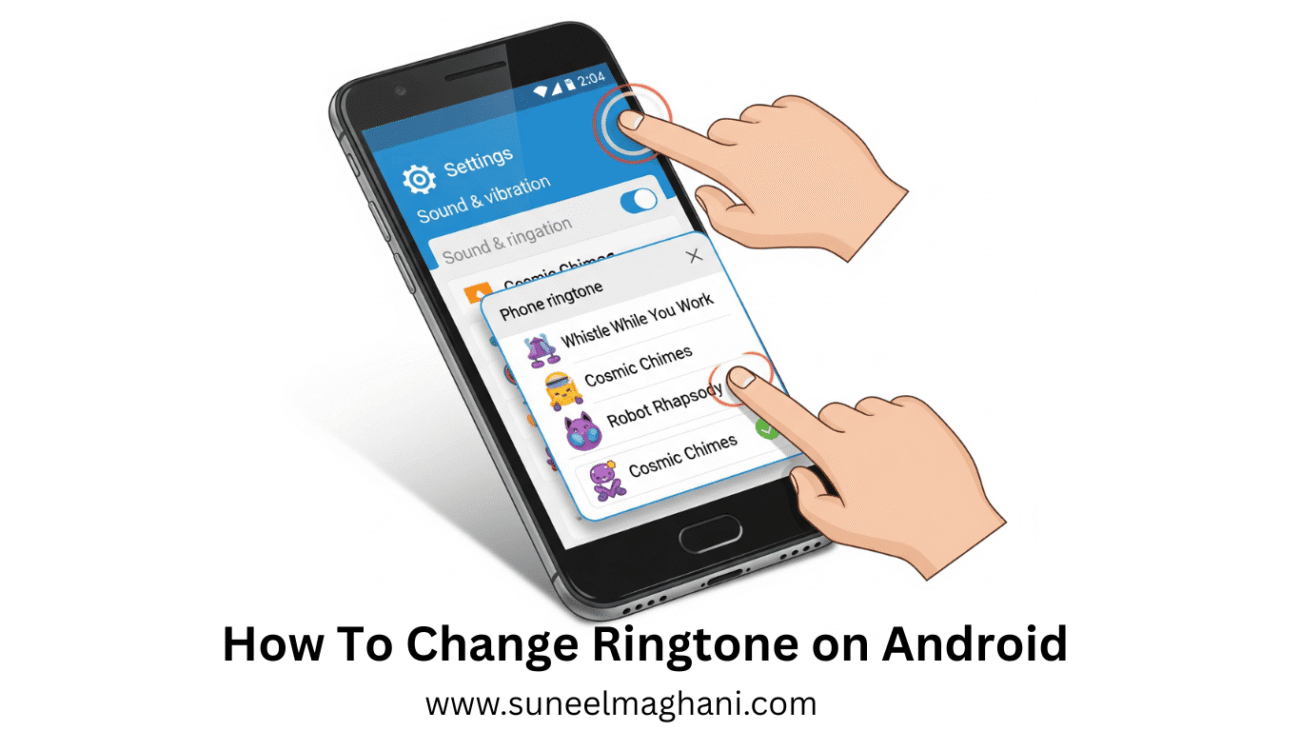
Are you searching for a way on how to change the ringtone on an Android phone? If so, then I shall explain to you how to change the ringtone on Android in simple steps.
How To Change Ringtone on Android
Android phones have settings to change the ringtone. If you don’t know how to change the ringtone on an Android phone, then here are the steps on how to do so.
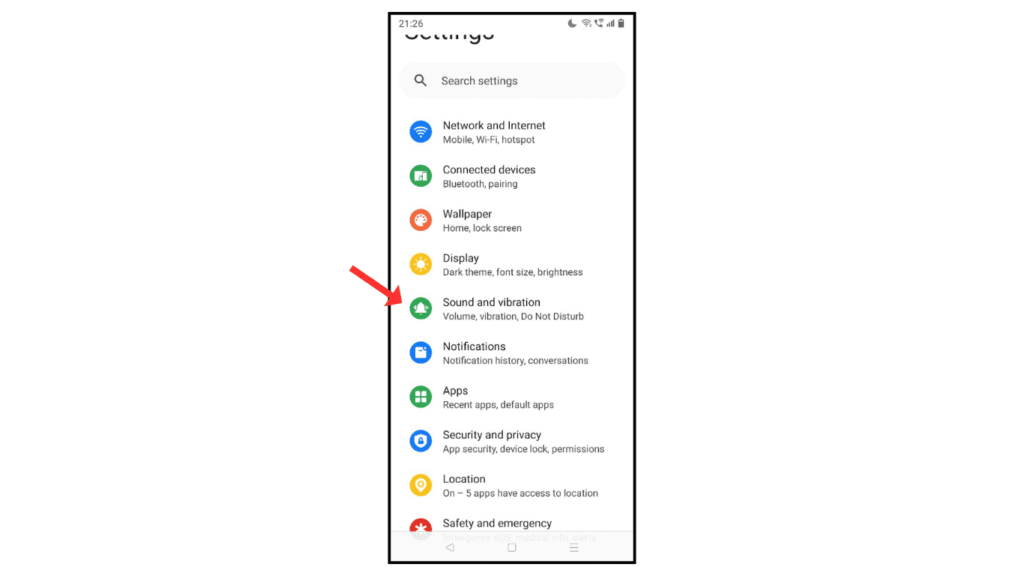
- Open Android settings and click Sound and Vibration.
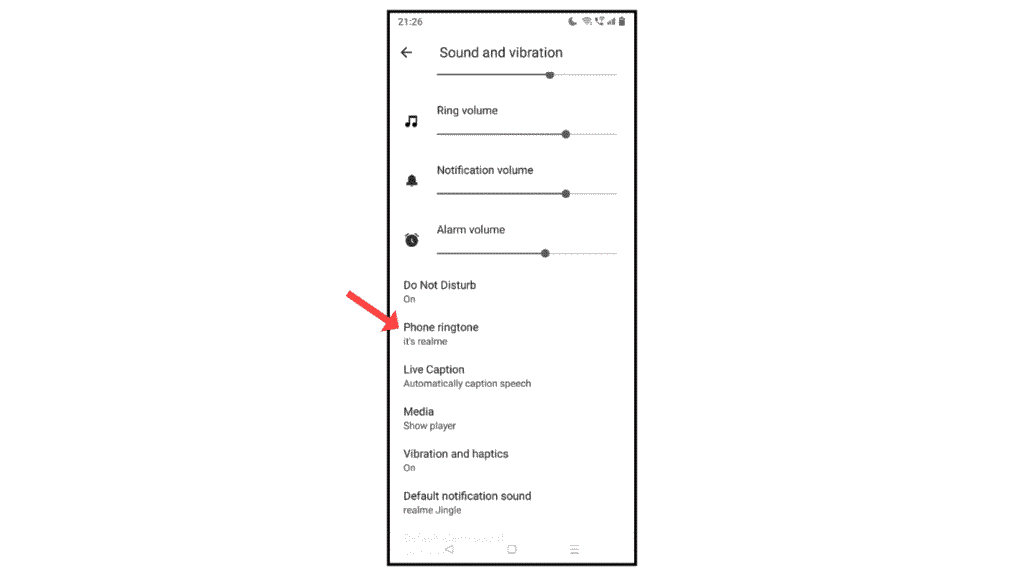
- Now, click phone ringtone.
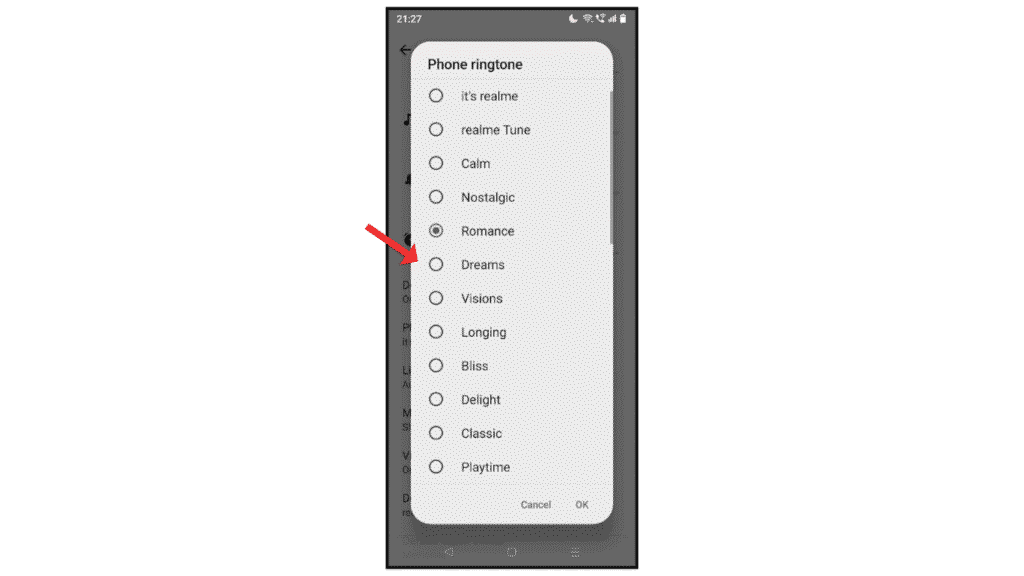
- After that, change the ringtone and click on the OK button.
Also Read: How to Change Date and Time on Android
Conclusion:
Changing the ringtone on your Android phone is so simple; just follow the steps on how to change the ringtone on your Android phone. If you have any questions about changing the ringtone, you can contact me by email.
