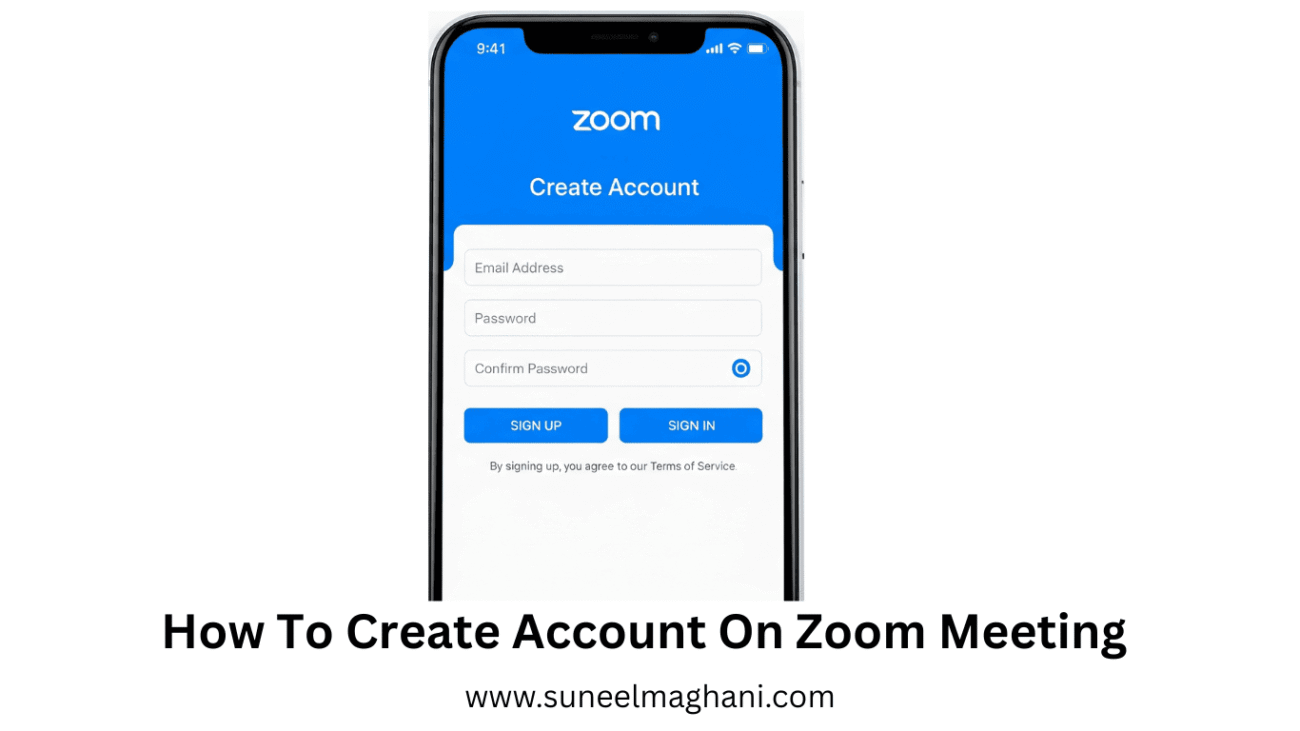
Are you searching for a solution to create an account on the Zoom Meeting Android phone? If so, then I shall explain to you how to create an account on Zoom Meeting in simple steps.
How To Create Account On Zoom Meeting
Zoom is an online meeting platform in which you can give online presentations and make online meetings, and it is completely free to use.
If you want to create an account on Zoom Meeting, then here are the steps on how to create a Zoom Meeting account.
- Open the Zoom app on your phone.

- Now, click on the sign-up icon.
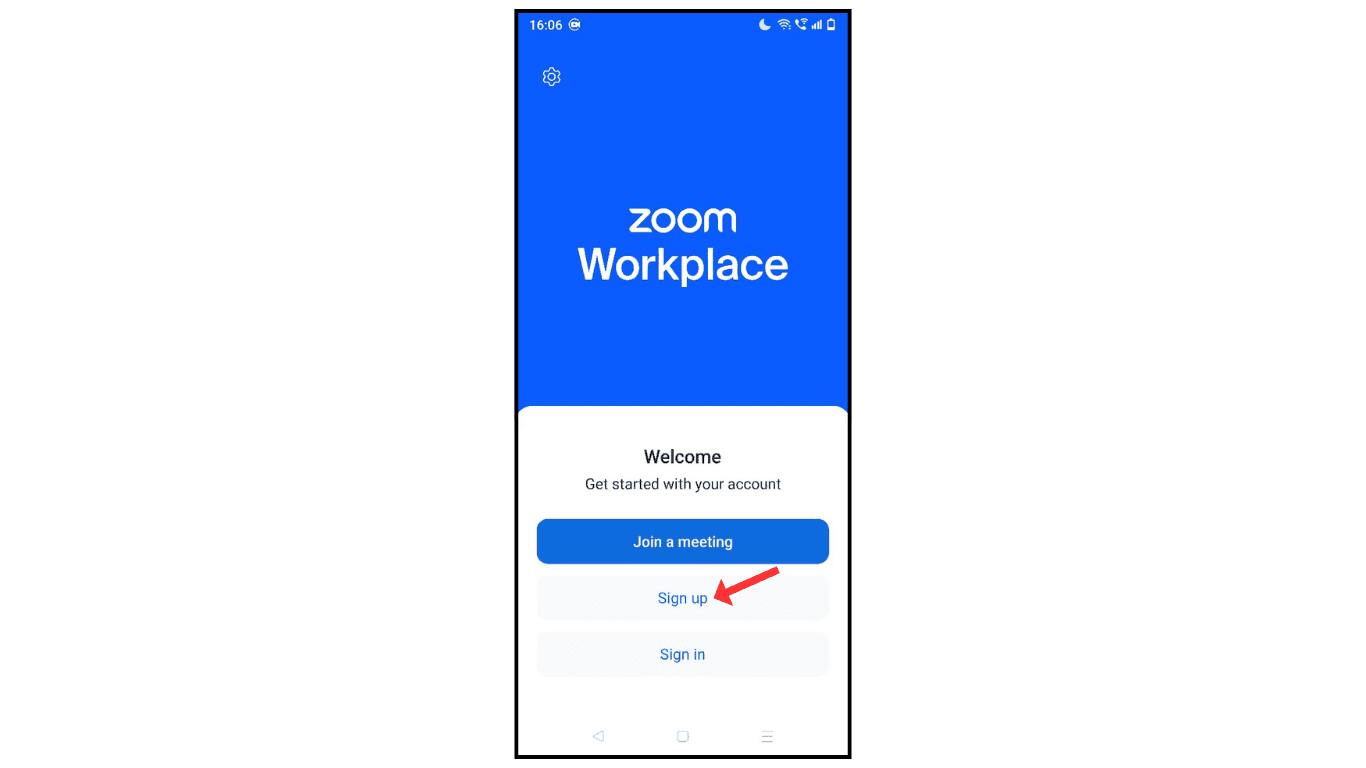
- Enter the email or sign up through a Google account.

- Verify your email through the code.

- Upload an image and enter a display name.

- Click on the set started icon.
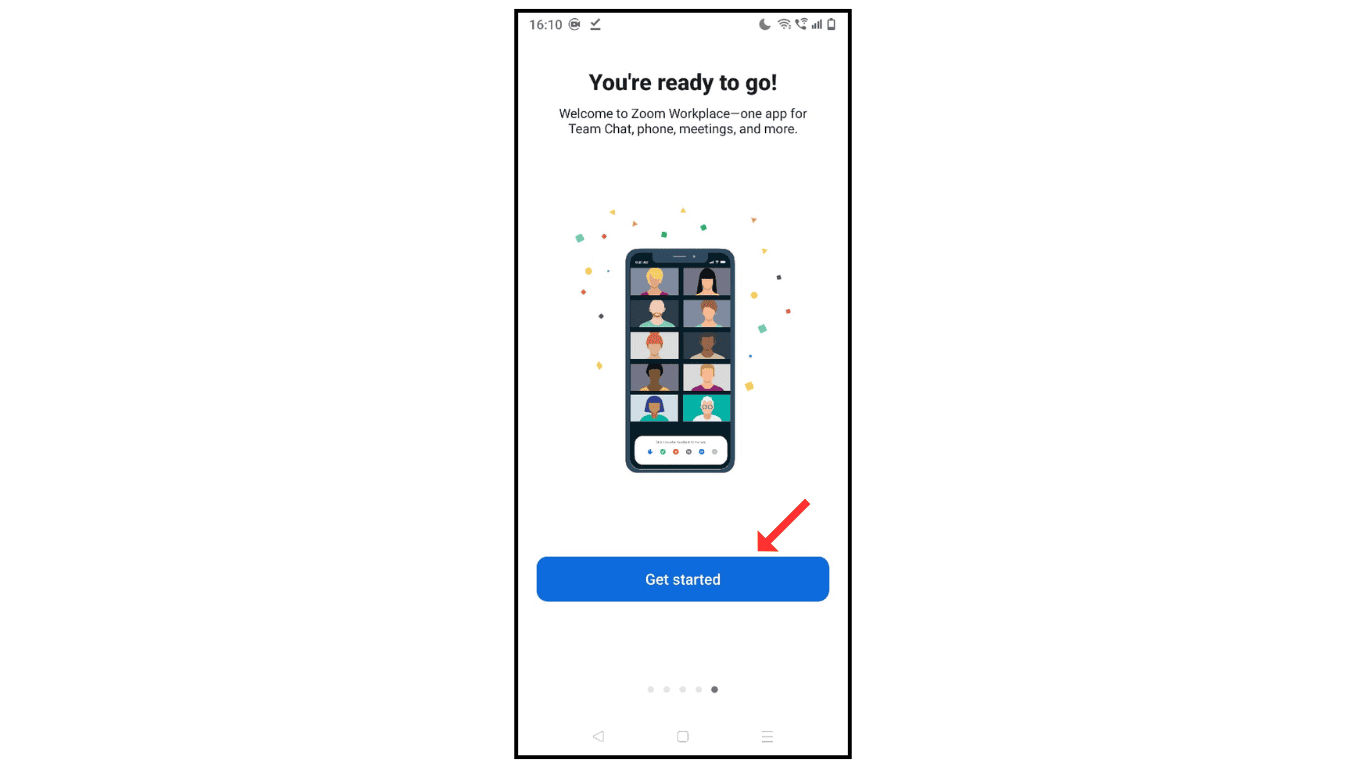
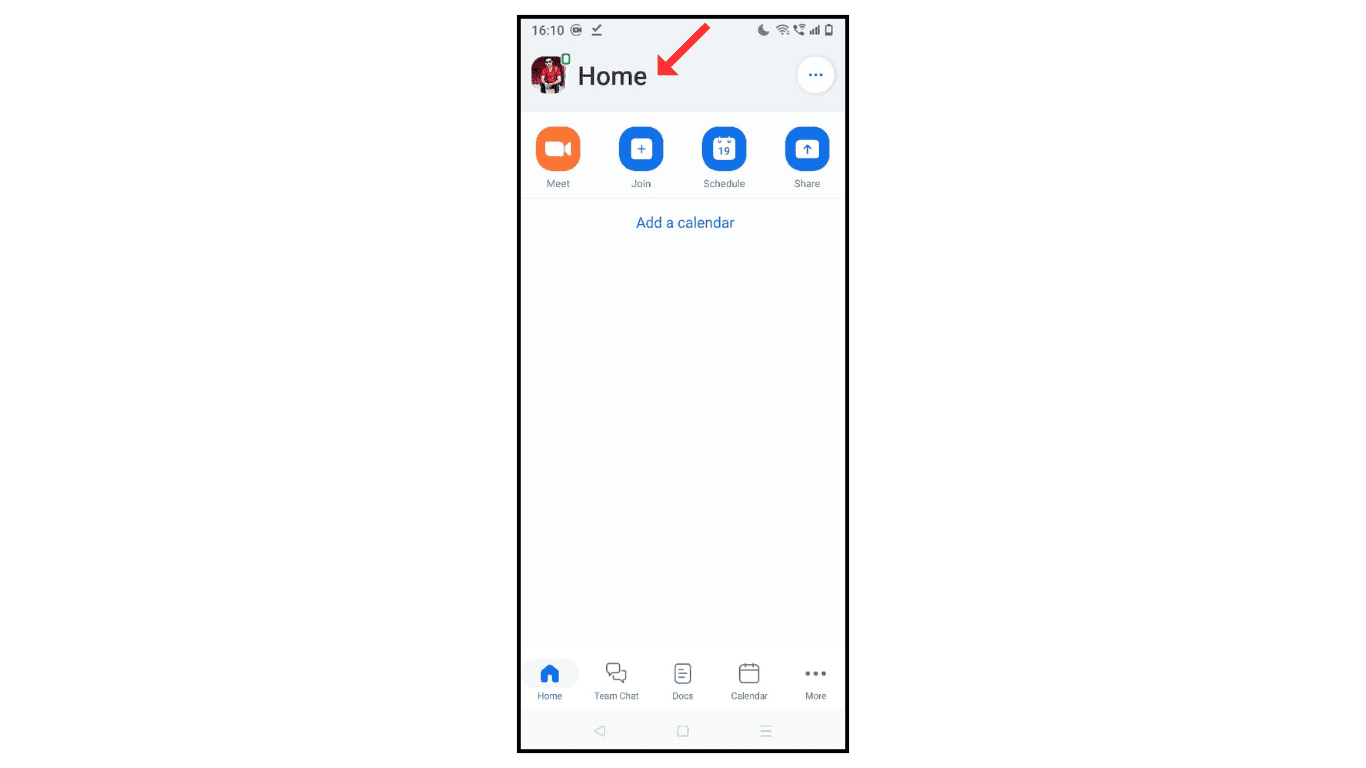
- Now, you have successfully created a Zoom account on your phone.
Also Read: How to Delete a Zoom Account Permanently
Conclusion:
I hope you understand how to create or sign up for a Zoom account on your phone. If you have any issues while creating a Zoom account, then you can contact me by email.
