Your following list can reveal more about your interests, relationships, and habits than you might want visible to just anyone browsing your profile.
While Instagram doesn’t offer a single toggle to fully hide it, there are meaningful ways to control who sees it. Here’s how to hide your following list on Instagram in 2026.
Understanding What Instagram Actually Allows
Instagram doesn’t provide a direct, standalone setting to hide your following list from everyone while keeping your account fully public.
However, you can control visibility indirectly through your overall account privacy settings, which is the most reliable method currently available.
Step 1: Switch Your Account to Private
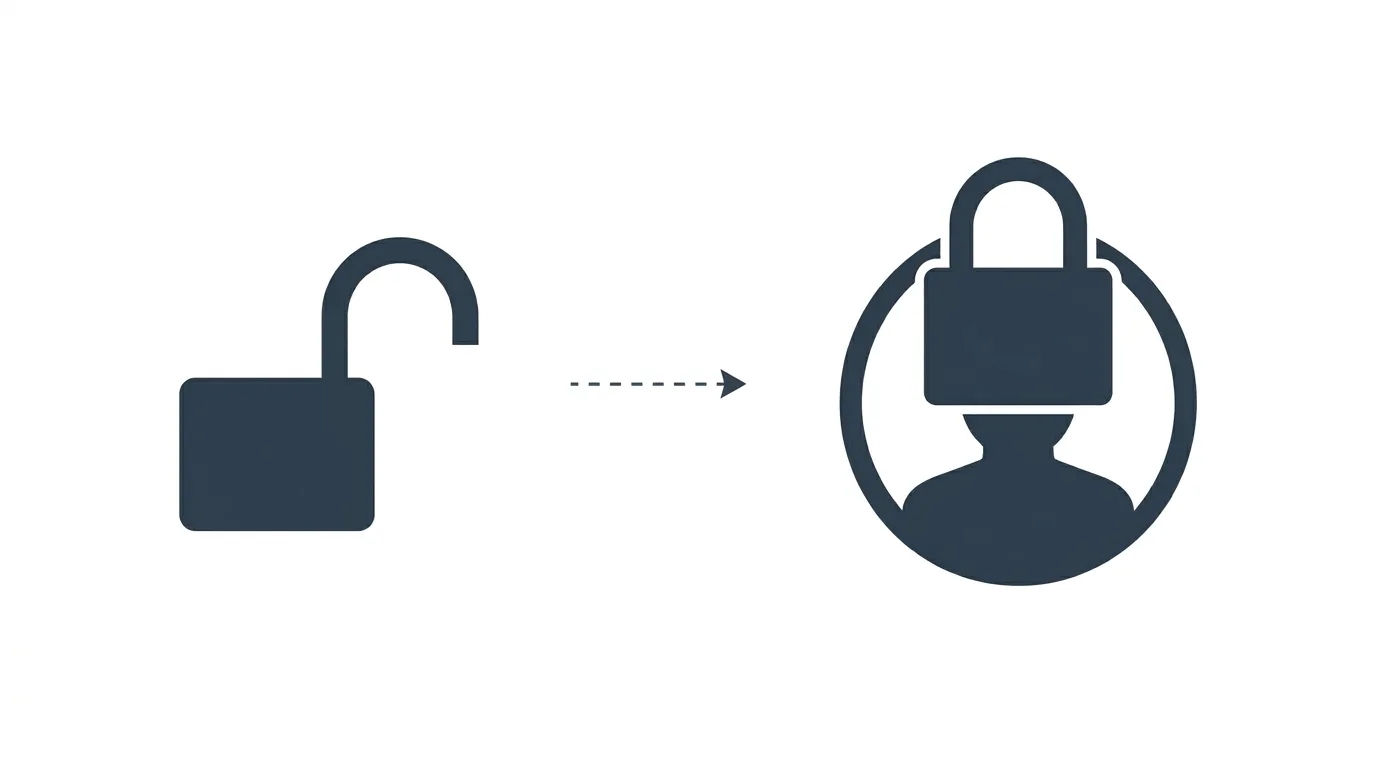
The most effective way to control who sees your following list is making your account private, which restricts this information to approved followers only.
- Open Instagram and go to your profile.
- Tap the three-line menu, then Settings and Privacy.
- Tap Account privacy and toggle on Private account.
Action step: Understand that this affects visibility of your entire profile, not just your following list — all your posts, Stories, and Reels also become visible only to approved followers once you switch to private.
Step 2: Review Who Currently Follows You
If you’re switching to private specifically to control following list visibility, review your existing follower list first.
Action step: Remove any followers you’re not comfortable having visibility into your following list before switching to private, since your existing followers will retain access even after the account privacy change.
Step 5: Consider a Secondary Private Account
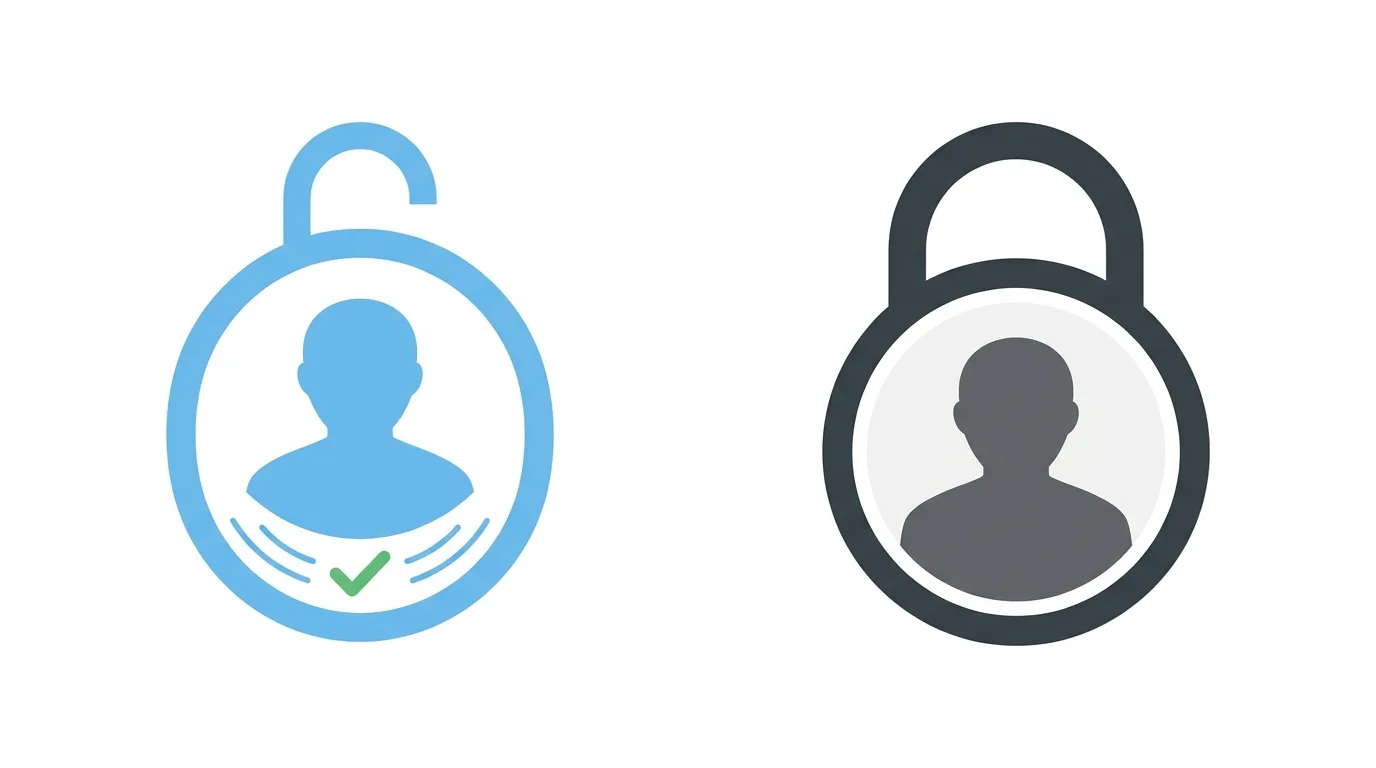
Some users maintain a separate, private secondary account specifically for following accounts they don’t want visible on their main, public profile.
Action step: If maintaining public discoverability on your main account matters but you also want to follow certain accounts privately, consider a dedicated secondary account for that purpose, using it exclusively for the following you’d rather keep less visible.
Third-Party Apps and Why to Avoid Them
Some third-party apps claim to offer additional following list privacy controls beyond Instagram’s native settings.
Action step: Avoid third-party apps promising expanded privacy controls for your following list, since these typically require sharing your account credentials, creating significant security risk that outweighs any marginal privacy benefit they might claim to offer.
How This Compares to Other Platforms’ Following Visibility
Instagram’s approach to following list visibility differs somewhat from other platforms.
Action step: If cross-platform consistency matters to your overall privacy approach, review similar settings on other platforms you use, since visibility defaults and available controls vary meaningfully between Instagram, X, TikTok, and other social apps.
Can You Hide Your Following List While Staying Public?
Instagram doesn’t currently offer a way to hide your following list specifically while keeping the rest of your profile public.
Action step: If staying public matters for your account (for discoverability or business purposes), consider being more selective about who you follow instead, since you can’t fully hide the list on a public account through any built-in setting.
Step 3: Adjust Who Can See Your Activity Status
While not directly related to your following list, adjusting your broader activity visibility settings can complement your privacy goals.
- Go to Settings and Privacy → Messages and story replies.
- Review and adjust Show Activity Status.
Action step: Turn off activity status alongside making your account private if your broader goal is reducing visibility into your Instagram habits and connections generally, not just your following list specifically.
Step 4: Consider a Close Friends List for Selective Sharing
If your concern is more about specific people seeing your activity rather than the public generally, Close Friends offers a middle-ground solution for Story content specifically.
Action step: Use Close Friends for Stories you want visible only to a trusted subset of your audience, though note this doesn’t affect following list visibility specifically, which remains tied to your overall account privacy setting.
What About Hiding Who You Follow From Specific People?
Instagram doesn’t currently allow hiding your following list from specific individual followers while showing it to others.
Action step: If you need to hide your following list from specific people while keeping it visible to others, your only current option is removing those specific followers or blocking them entirely, since granular per-person following list visibility isn’t supported.
Why You Might Want to Hide Your Following List
Reasons people commonly cite:
- Preventing others from inferring personal relationships or interests
- Reducing unwanted attention toward accounts you follow
- General preference for privacy around your platform activity
Action step: Clarify your specific privacy goal before deciding on an approach, since a fully private account addresses broad privacy concerns, while more targeted concerns (like specific followers) may require blocking or removing individual accounts instead.
Common Issues When Adjusting These Settings
Following list still visible after switching to private? Confirm the change fully processed by refreshing the app, since settings occasionally take a moment to update across Instagram’s systems.
Existing followers still seeing your following list? Private account settings apply going forward for new followers, but existing approved followers retain access unless individually removed.
Confused about the difference between private account and Close Friends? Private account controls your entire profile’s visibility, including your following list; Close Friends only controls which followers see specific Story content, unrelated to following list visibility.
How To Create a TikTok Account and Set Up Your Profile in 2026
Final Thoughts
Instagram doesn’t offer a standalone toggle to hide your following list while keeping your account public — the most reliable method is switching your entire account to private. If broader privacy is your goal, this approach works well, but if you specifically need public discoverability while hiding just your following list, no current Instagram setting fully accommodates that combination.
