Getting started on TikTok takes only a couple of minutes, but a properly set up profile from the beginning makes a real difference for how you’re discovered later.
Here’s how to create a TikTok account and set up your profile in 2026.
Step 1: Download and Open TikTok
- Download TikTok from the App Store or Google Play Store.
- Open the app and tap Sign up.
Step 2: Choose Your Sign-Up Method
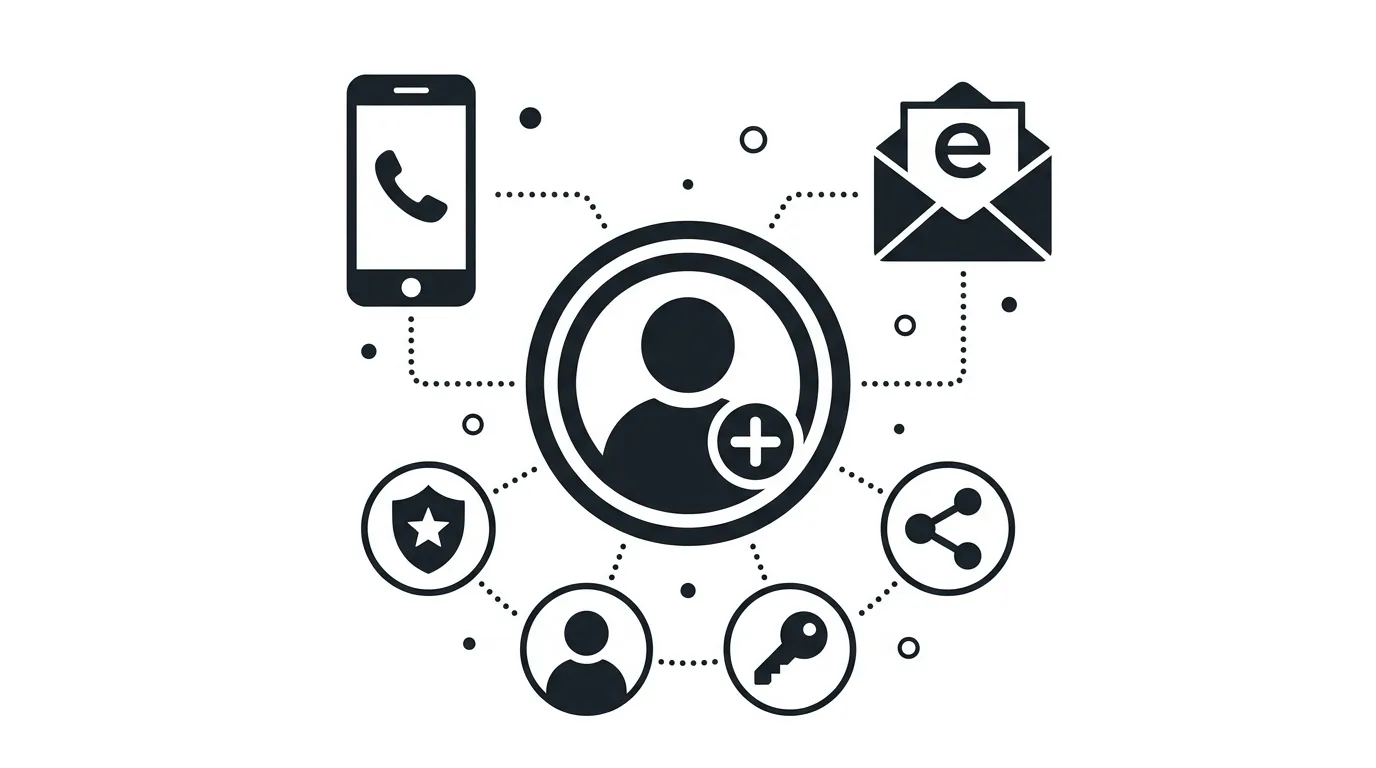
TikTok offers several ways to create an account.
Available options typically include:
- Phone number
- Email address
- Google, Apple, or Facebook account login
Action step: If you’re setting up a business or creator account specifically, use an email address tied to your business rather than a personal account you may want to keep separate, since switching primary contact methods later requires extra verification steps.
Step 3: Verify Your Account
- Enter the verification code sent to your phone or email.
- Confirm your date of birth when prompted, since TikTok uses this to apply appropriate content and privacy settings.
Action step: Enter your birth date accurately, since TikTok uses this information to determine default privacy settings and content restrictions that can be difficult to adjust later if entered incorrectly.
Step 4: Choose Your Username
- Tap Edit profile from your new account.
- Set a username that’s memorable and, ideally, consistent with your presence on other platforms.
Action step: Choose a username you’re prepared to keep long-term, since changing it later can confuse followers who’ve bookmarked or tagged your original handle, even though TikTok does allow username changes.
Step 5: Add a Profile Photo and Bio
- Upload a clear, recognizable profile photo.
- Write a short bio describing what your content is about.
Action step: Use your bio’s limited character space to clearly state what value followers get from your content, since this is often the deciding factor for whether a profile visitor taps follow.
Step 6: Decide Between a Personal and Business Account
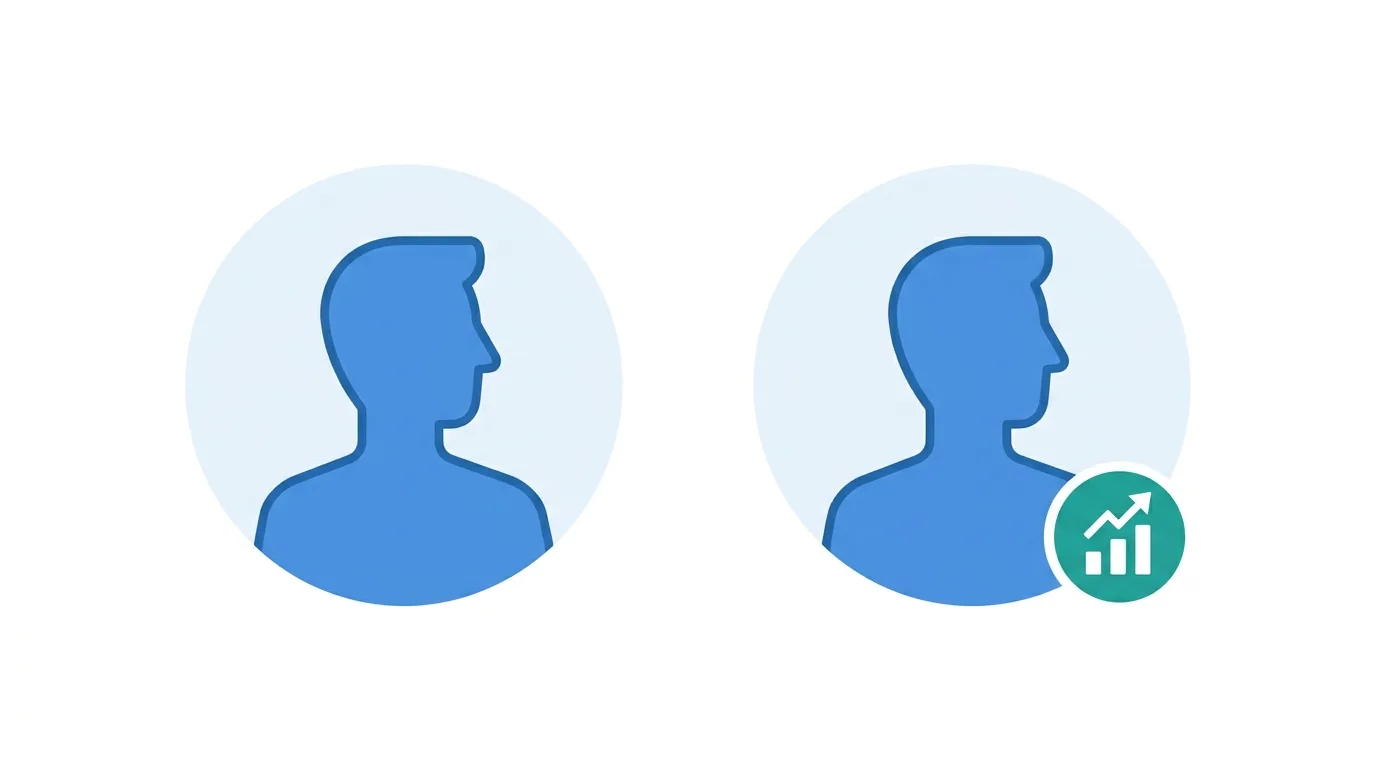
TikTok offers different account types depending on your goals.
Personal account: Standard account type for casual users.
Business account: Unlocks analytics, ad tools, and a category label, similar to Instagram’s professional account structure.
Action step: Switch to a Business account under Settings and privacy → Account → Switch to Business Account if you’re using TikTok for a brand, creator business, or anything requiring analytics access.
Step 7: Review Privacy Settings
Before posting, review your default privacy settings to ensure they match your intentions.
- Go to Settings and privacy → Privacy.
- Review options for account visibility, comments, duets, and messaging.
Action step: Decide upfront whether you want a public or private account, since this affects your discoverability significantly — public accounts can be found through search and the For You feed, while private accounts limit visibility to approved followers only.
Step 8: Connect Your Account to Other Platforms
TikTok allows linking your Instagram and YouTube accounts directly to your profile.
Action step: Link relevant social accounts under Edit profile, since this gives visitors easy access to your presence on other platforms without needing to search separately.
Step 9: Explore Content Before Posting
Spending time understanding TikTok’s culture and format before publishing your first video helps you post more effectively from the start.
Action step: Spend some time browsing content within your intended niche before posting, getting a feel for pacing, editing style, and trends relevant to your specific content area.
Step 10: Post Your First Video
- Tap the plus icon to create a new post.
- Record or upload your video, add captions, sounds, and effects as needed.
- Write a clear caption and select relevant hashtags before publishing.
Action step: Don’t overthink your first post — TikTok accounts generally improve through iteration and consistency rather than a single perfect debut video.
Step 11: Set Up Two-Factor Authentication Early
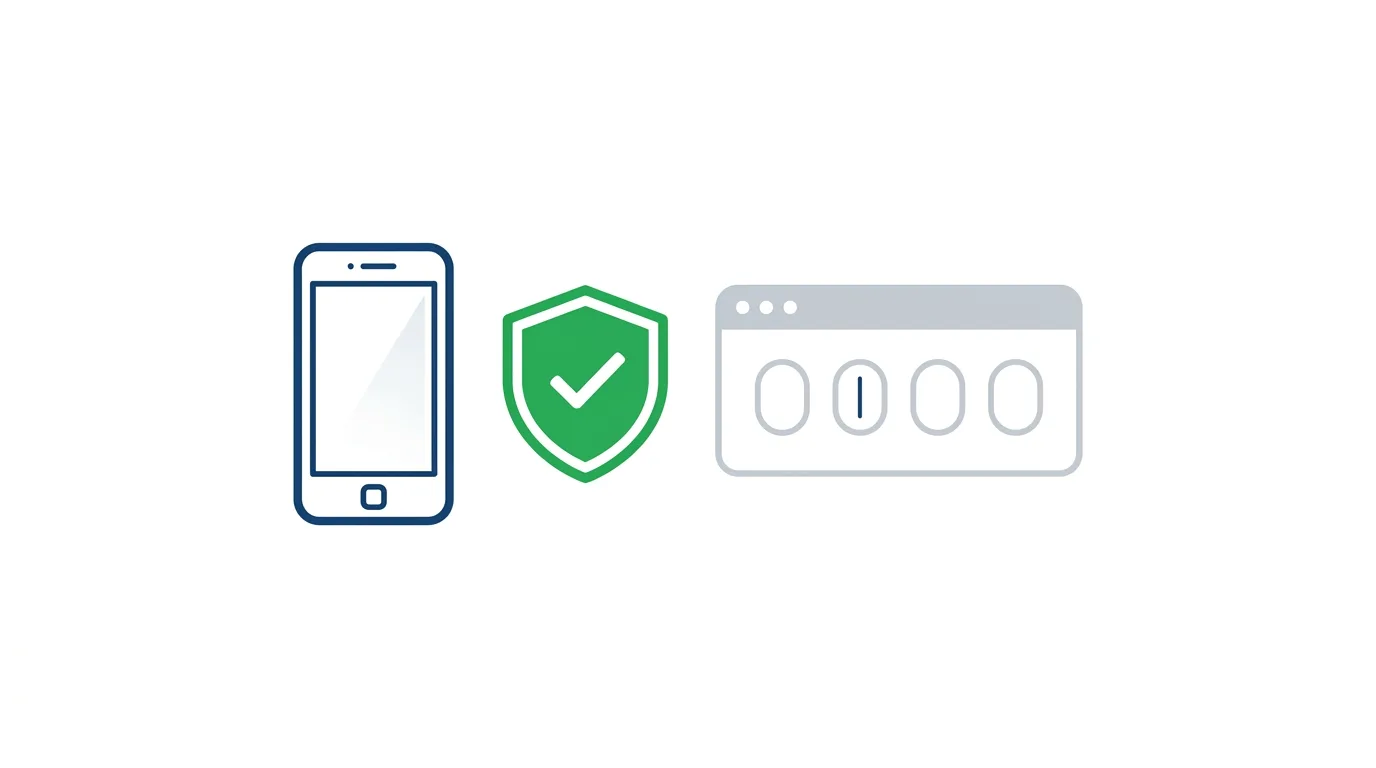
Securing your account from the start prevents future headaches, especially once you’ve built a following worth protecting.
- Go to Settings and privacy → Security and permissions.
- Select 2-step verification and choose your preferred method.
Action step: Enable this before you start posting regularly, since accounts with an established following become more attractive targets for hacking attempts than brand-new, empty profiles.
Step 12: Familiarize Yourself With Notification Settings
Default notification settings can feel overwhelming once your account becomes active.
Action step: Review notification preferences under Settings and privacy → Notifications early on, adjusting which alerts you want active before your account grows and notification volume increases.
Common Mistakes When Setting Up a TikTok Account
Leaving the bio empty or vague. A clear, specific bio helps convert profile visitors into followers.
Choosing a username you’ll want to change soon after. Frequent username changes can create confusion for followers trying to find or tag you.
Skipping privacy settings review. Default settings may not match your actual intentions for account visibility and interaction.
LinkedIn’s Video-First Push Is Changing How Professionals Post in 2026
Final Thoughts
Setting up a TikTok account takes just a few minutes, but a thoughtfully completed profile — clear bio, appropriate account type, and reviewed privacy settings — gives you a stronger foundation before you start posting. Take the time to get these basics right from the start, including security settings like two-factor authentication, since retrofitting them later means asking existing followers to adjust to changes and leaves your account more vulnerable in the meantime.
