Are you searching for a solution on how to schedule email in Gmail on your phone? If so, then I shall explain to you how to schedule email in Gmail in simple steps.
How To Schedule Email in Gmail
Gmail has best feature to schedule your email. If you don’t know, here are the steps to schedule email in Gmail.
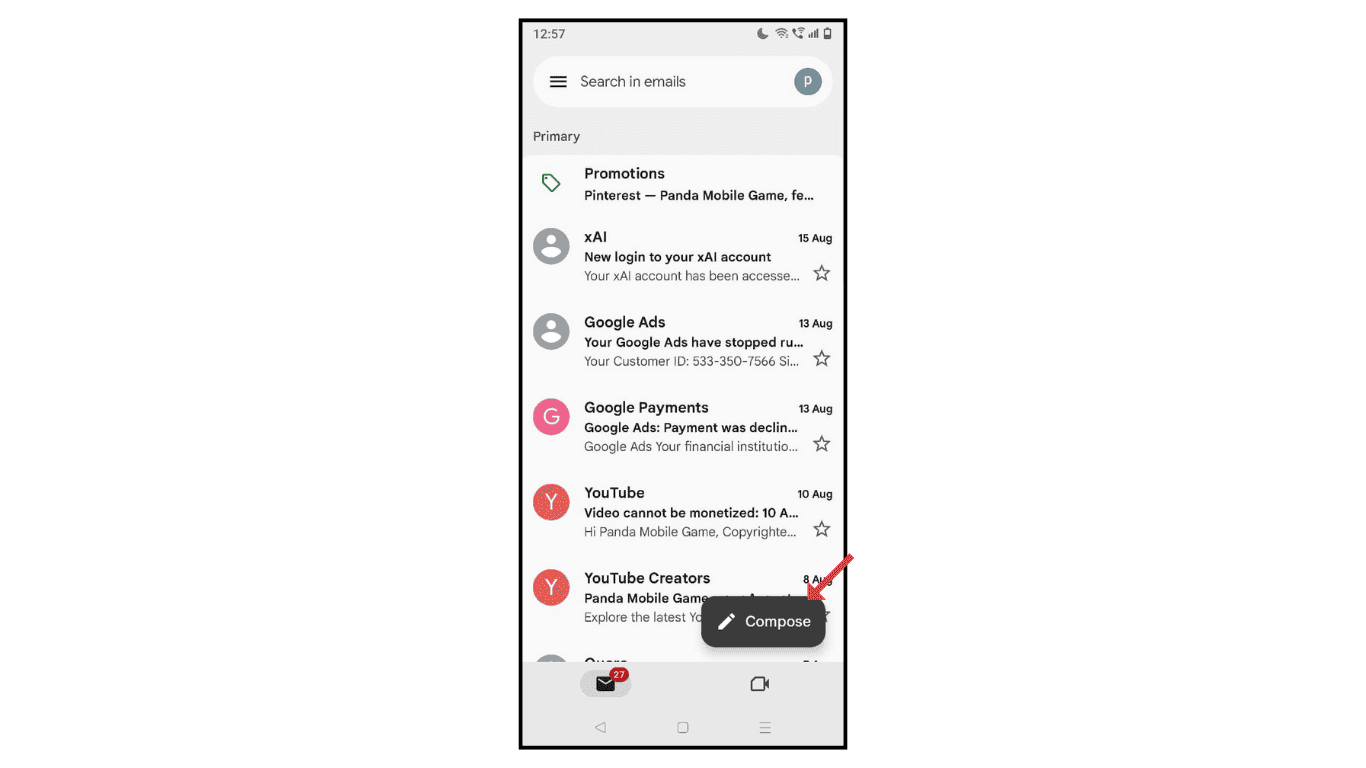
- Open Gmail and click on Compose.
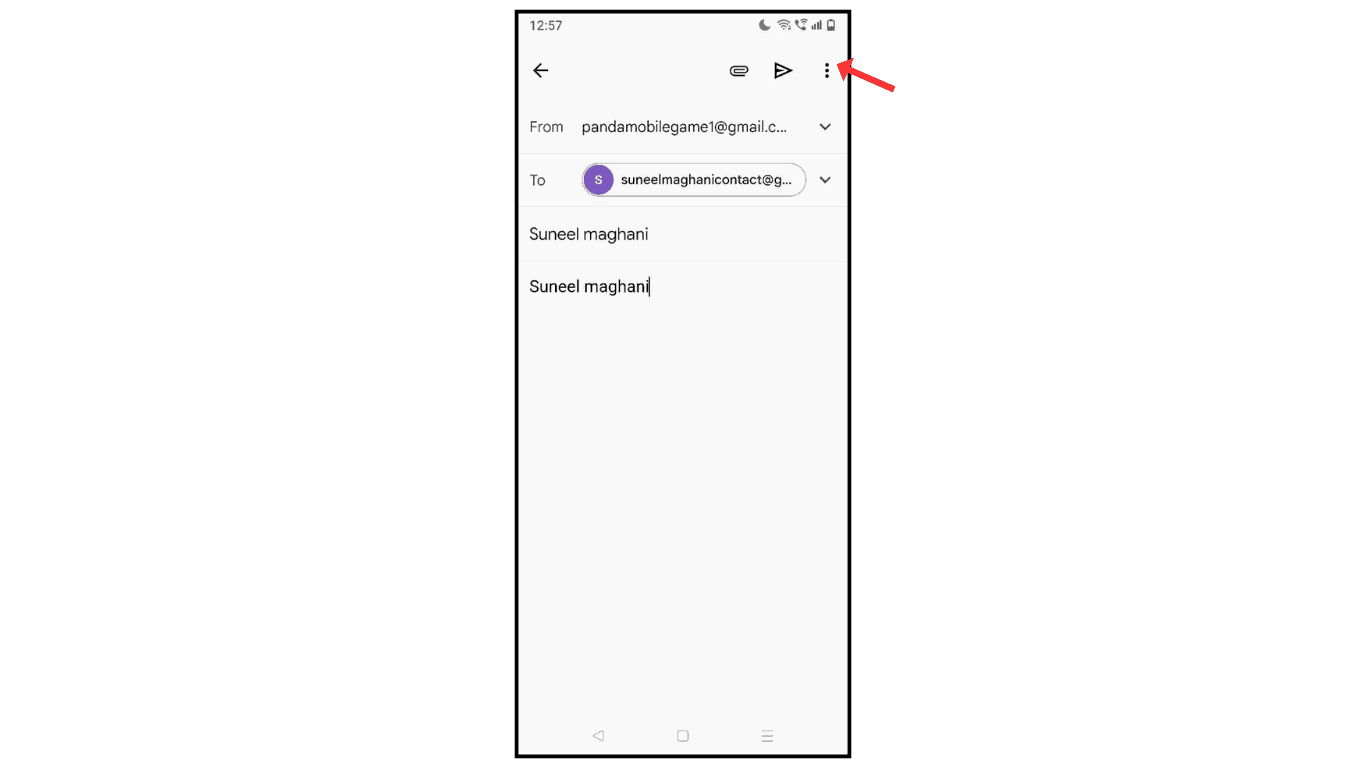
- Now, enter email and click on three dots.
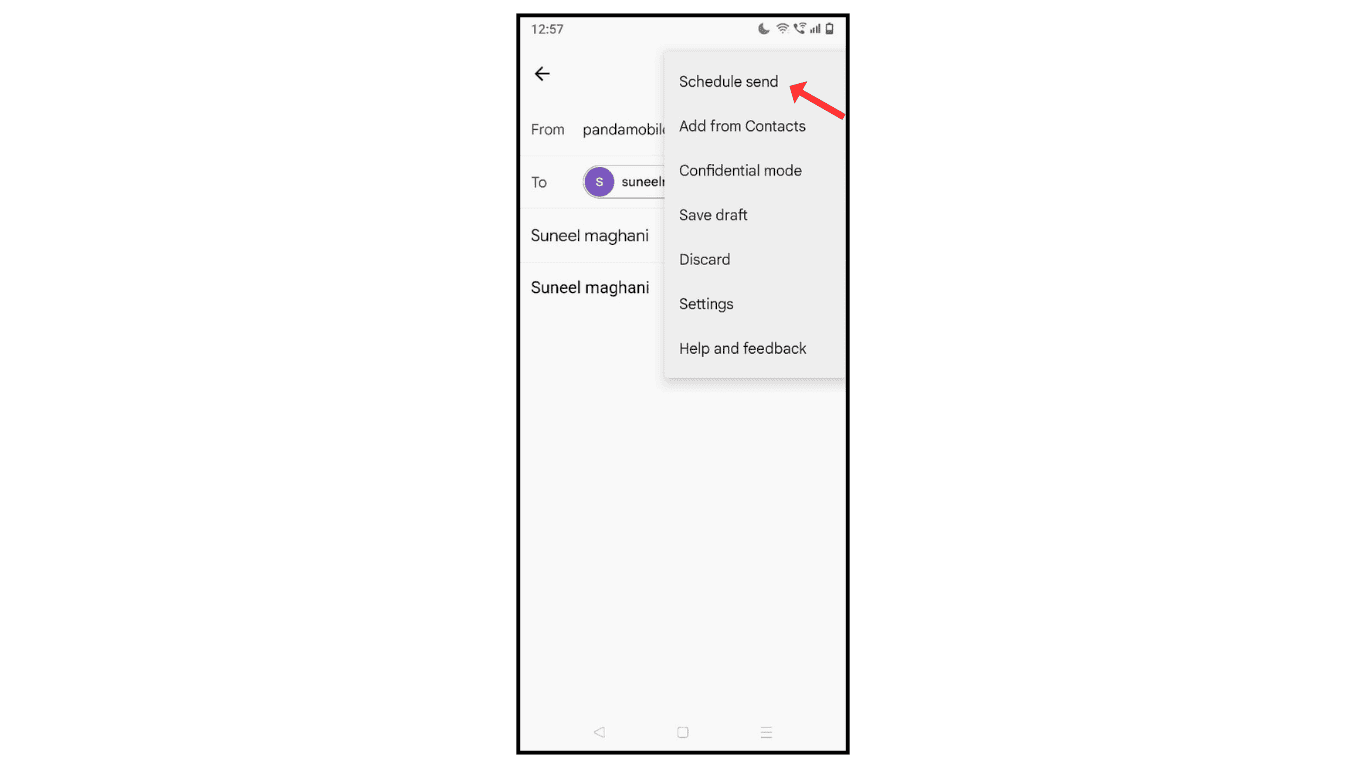
- After that, click on the schedule send icon.
- Click on “Pick Date and Time.”
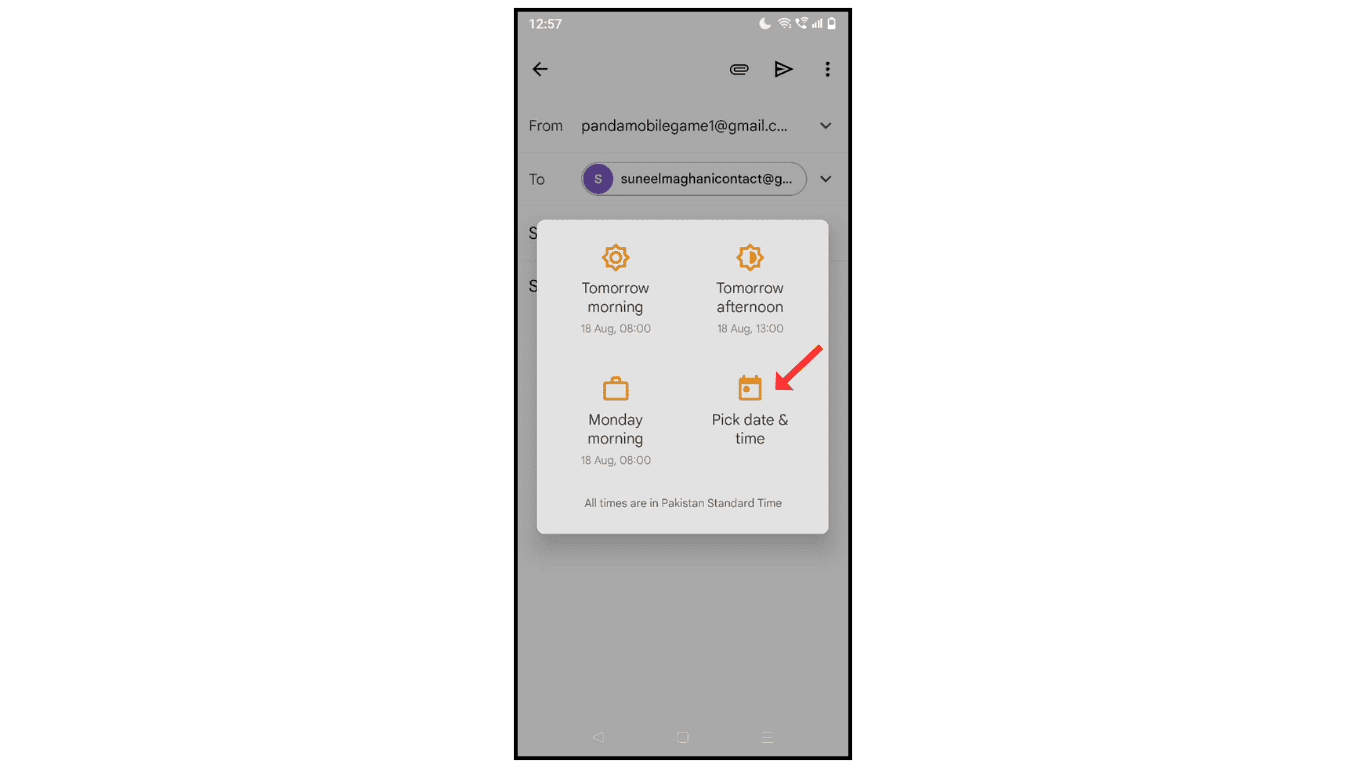
- Edit date to schedule and click on “Schedule Send.”

Also Read: How To Create Signature In Gmail Account
Conclusion:
I hope you have understood how to schedule email in Gmail on your phone. If you have any issue while sending a scheduled email in Gmail, then you can contact me.
