Filming a talking-head video for every piece of content takes real time, especially if you need it in multiple languages or need frequent updates.
HeyGen solves this by generating realistic AI avatar videos from text, without a camera, studio, or even appearing on screen yourself. Here’s how to use HeyGen for AI avatar videos in 2026.
What HeyGen Actually Does
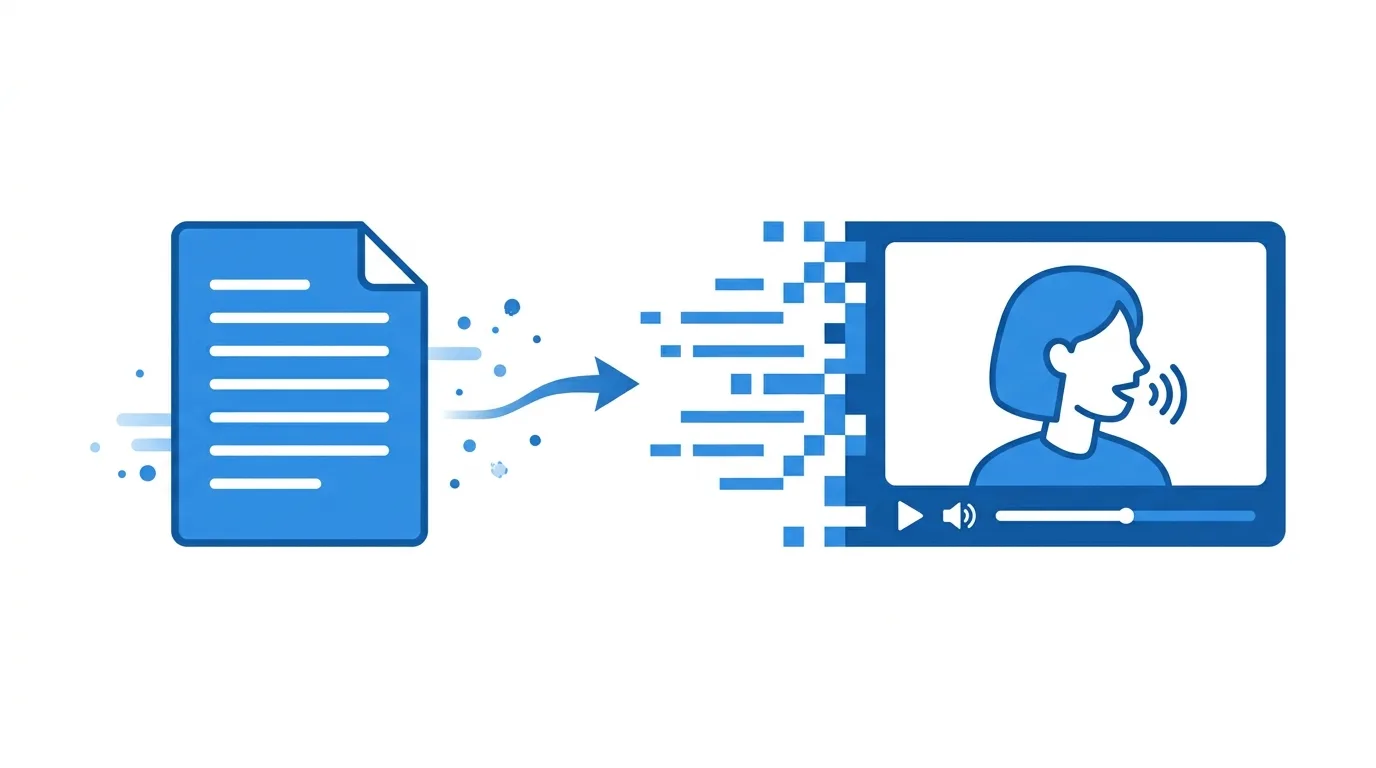
HeyGen generates video of a realistic human avatar speaking your script, using either a stock avatar or a custom digital twin trained on your own likeness.
This makes it possible to produce polished, presenter-style video content at scale, without needing to film new footage every time your script or messaging changes.
Action step: Use HeyGen specifically for content requiring a consistent, presenter-style delivery — training videos, product explainers, localized content — where re-filming for every update or language isn’t practical.
Step 1: Choose Between Stock Avatars and a Custom Digital Twin
HeyGen offers a library of pre-built avatars alongside the option to create a custom avatar trained on your own appearance.
Action step: Use stock avatars for quick, generic content needs, and invest in a custom digital twin specifically when brand consistency or personal recognition matters, such as for a personal brand or company spokesperson role.
Step 2: Write Scripts Optimized for Spoken Delivery
Since the avatar reads your script aloud, writing with natural spoken pacing in mind produces noticeably better results than dense, written-style text.
Action step: Read your script aloud before generating the video, adjusting sentence length and punctuation to match how you’d naturally speak rather than how you’d write a formal document.
Step 3: Select an Appropriate Voice and Language

HeyGen supports a wide range of languages and voice options, including matching a cloned voice to your custom avatar.
Action step: For multilingual content, test the same script across multiple language options to compare translation quality and natural delivery, since results can vary depending on the specific language pair.
Step 4: Use Templates for Consistent Branding
HeyGen offers customizable templates including backgrounds, text overlays, and branding elements alongside the avatar itself.
Action step: Build a saved template with your brand colors, logo placement, and preferred layout, reusing it across videos to maintain visual consistency without manually rebuilding the design each time.
Step 5: Generate Multiple Video Variations Efficiently
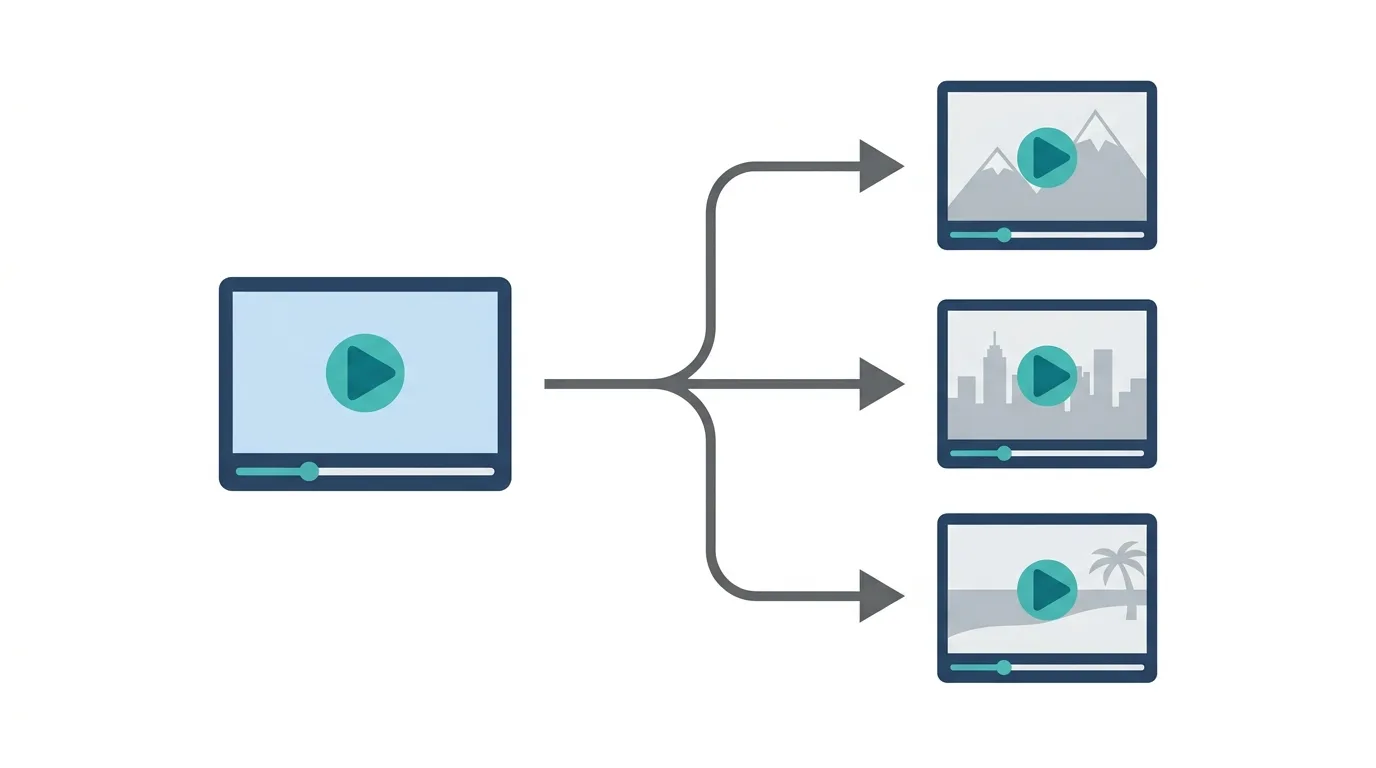
Since HeyGen generates video from text rather than requiring actual filming, producing multiple variations — different languages, different messaging, different avatars — becomes significantly faster than traditional production.
Action step: For content needing multiple versions (different regions, different customer segments), generate all variations from your HeyGen dashboard in a single session rather than treating each as a separate production effort.
Step 6: Review Pacing and Timing Before Finalizing
AI-generated avatar delivery can occasionally feel slightly off in pacing or emphasis compared to natural human speech.
Action step: Watch the full generated video before publishing, checking specifically for awkward pauses or mismatched emphasis, and adjust script punctuation or sentence structure if needed to improve natural delivery.
Step 7: Use HeyGen’s API for Scaled Content Production
For businesses needing to generate video at significant scale — personalized messages, large training libraries — HeyGen offers API access for automated workflows.
Action step: Consider API integration specifically if you’re producing video content at a volume that would be impractical to generate manually through the standard dashboard interface.
Step 8: Combine HeyGen With Editing Software for Polished Final Output
While HeyGen generates the core avatar video, combining it with additional editing often produces a more polished final result.
Action step: Export your HeyGen video and add supplementary elements — background music, additional graphics, transitions — in dedicated editing software rather than relying solely on HeyGen’s built-in template options for your final published content.
Pricing Tiers and Usage Considerations
HeyGen typically offers tiered pricing based on monthly video minutes and access to custom avatar features.
Action step: Estimate your realistic monthly video output before selecting a tier, since custom avatar creation and higher-resolution exports often require higher-tier plans compared to basic stock avatar usage.
Common Use Cases for HeyGen
Corporate training and onboarding videos. Creating consistent, professional training content without repeated filming sessions.
Multilingual marketing content. Producing localized versions of the same core video across multiple languages efficiently.
Product explainer videos. Generating clear, presenter-style explanations without hiring on-camera talent.
Personalized video messages at scale. Creating individualized video content for large audiences, like personalized sales outreach.
Ethical and Disclosure Considerations
AI avatar video raises legitimate questions around transparency, particularly when avatars closely resemble real people.
Action step: Consider disclosing AI-generated avatar content where appropriate, particularly for public-facing business communication, since transparency around AI-generated media is an increasingly important trust consideration for audiences.
How HeyGen Compares to Traditional Video Production
Choosing between HeyGen and traditional filming depends on your specific content needs.
HeyGen tends to win for: Content requiring frequent updates, multiple language versions, or scaled personalization without proportional production costs.
Traditional filming tends to win for: Content specifically benefiting from genuine human presence, spontaneity, or authentic real-world settings that AI avatars can’t convincingly replicate.
Action step: Reserve HeyGen for content types genuinely suited to its strengths — structured, repeatable, or scalable content — rather than assuming it should replace all traditional video production.
Sora Is Pushing OpenAI Into Social Video, and Other Platforms Are Taking Notice
Final Thoughts
HeyGen makes producing polished, presenter-style video content significantly faster and more scalable, particularly for content needing frequent updates or multiple language versions. Write scripts with natural spoken pacing in mind, build reusable branded templates, and always review pacing before publishing to catch any awkward AI delivery before it reaches your audience.
