Midjourney remains one of the most capable AI image generators, especially for stylized, artistic, and high-detail visuals.
Getting genuinely great results, though, takes more than typing a random sentence and hoping for the best. Here’s how to use Midjourney effectively in 2026.
What Makes Midjourney Different From Other AI Image Tools
Midjourney has consistently prioritized aesthetic quality over strict photorealism, giving it a distinct visual style compared to competitors.
This makes it especially strong for artistic, illustrative, or stylized content, while tools like DALL-E or Firefly sometimes edge ahead for strict photorealism or text-heavy designs.
Action step: Choose Midjourney specifically when visual style and artistic quality matter more than literal accuracy to a precise reference image.
Step 1: Access Midjourney Through Discord or the Web App
Midjourney has expanded beyond its original Discord-only interface to include a standalone web app.
Action step: Use the web app if you prefer a cleaner, more traditional interface; use Discord if you want to browse a live community feed of prompts and results for inspiration.
Step 2: Understand Basic Prompt Structure
Midjourney prompts generally work best structured around subject, style, and technical details.
Basic structure: [Subject] + [Style/mood] + [Technical details like lighting or camera angle]
Example: “A cozy mountain cabin at sunset, warm golden lighting, cinematic wide-angle shot”
Action step: Start with a clear subject before adding stylistic modifiers — vague or overly complex prompts often produce inconsistent results.
Step 3: Use Parameters to Control Output
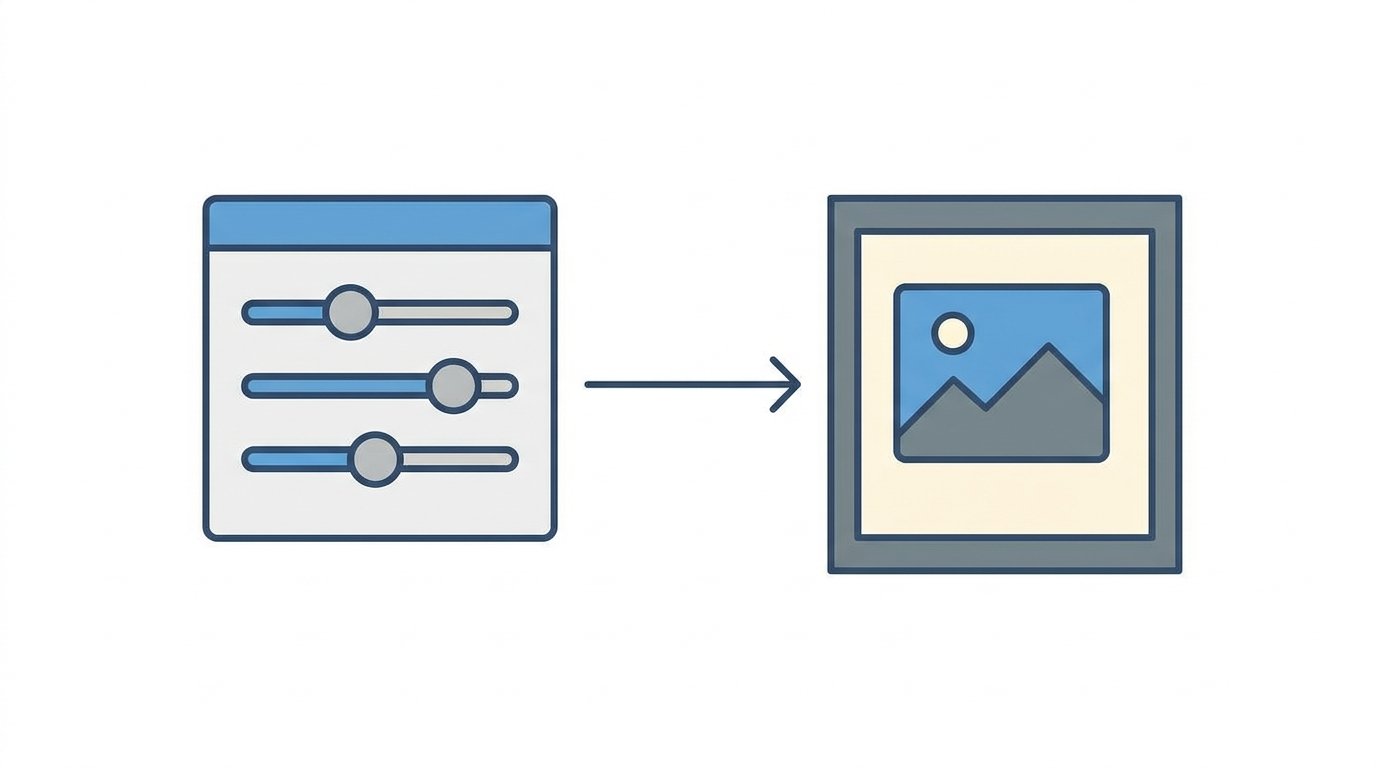
Midjourney supports specific parameters that adjust aspect ratio, style strength, and rendering quality.
Common useful parameters:
--ar 16:9sets a specific aspect ratio--stylizeadjusts how strongly Midjourney applies its default artistic style--chaosincreases variation between generated results
Action step: Experiment with the --stylize parameter specifically when you want either more literal, controlled results (lower values) or more creative, unexpected interpretations (higher values).
Step 4: Iterate Using Variations and Remixing
Your first generation rarely needs to be your final result.
Action step: Use the variation buttons to explore different interpretations of a strong result, rather than starting over with a completely new prompt each time.
Step 5: Use Image Prompts for More Precise Control
Midjourney allows uploading reference images alongside text prompts, blending visual style or composition from the reference with your written description.
Action step: Upload a reference image when you need more precise control over composition or style than text description alone can reliably achieve.
Step 6: Upscale and Refine Your Final Selection
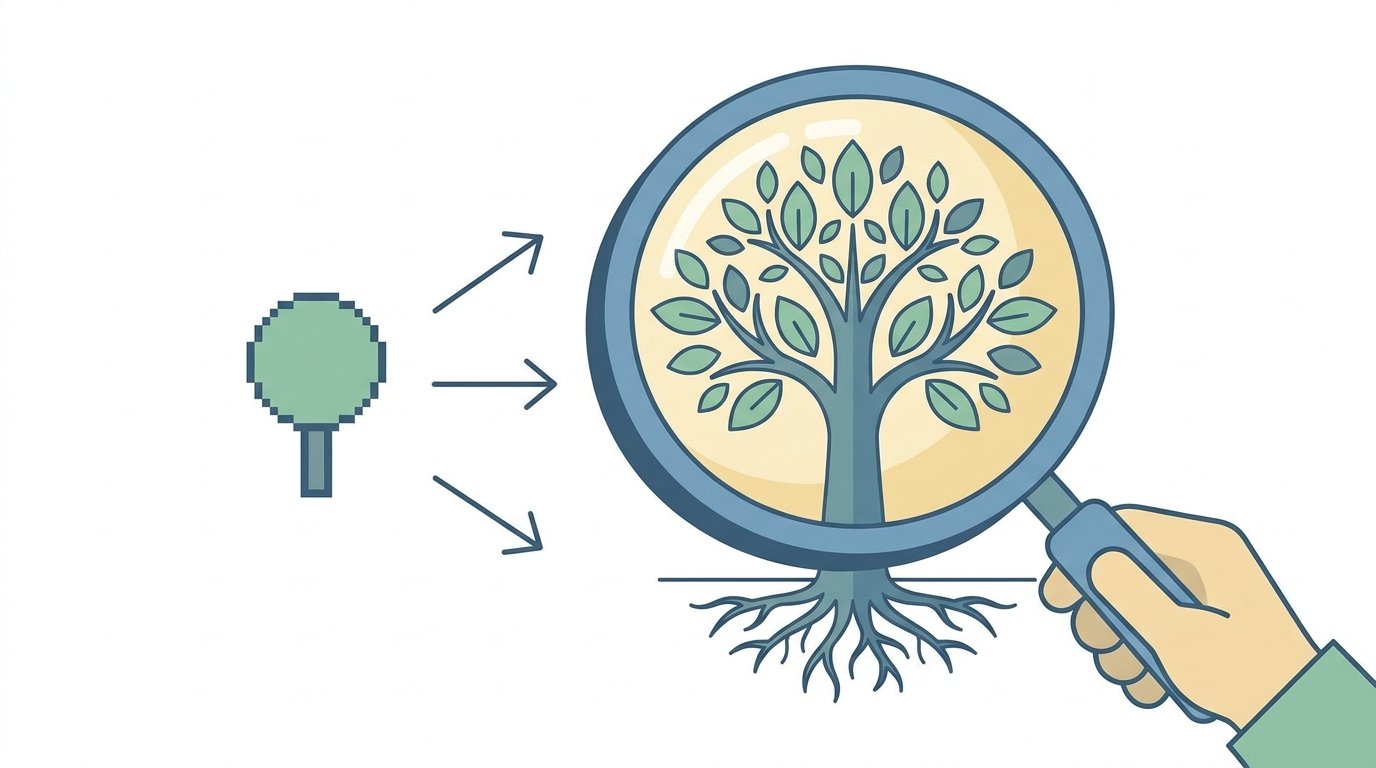
Once you’ve found a strong result, Midjourney’s upscaling tools increase resolution and detail for final use.
Action step: Always upscale your final chosen image before using it in published content, since the initial preview resolution isn’t suitable for most professional use cases.
Step 7: Understand Commercial Usage Rights
Licensing terms affect whether you can legally use Midjourney-generated images for business purposes.
Action step: Review Midjourney’s current terms of service regarding commercial use specifically tied to your subscription tier, since usage rights have varied based on plan level and business size.
Step 8: Explore Midjourney’s Style Reference Features
Beyond basic image prompts, Midjourney offers style reference tools that let you apply a consistent visual style across multiple generations.
Action step: Use style references when creating a series of related images — like a blog’s recurring header format — to maintain visual consistency without manually rewriting stylistic details in every prompt.
Step 9: Use Negative Prompts to Avoid Unwanted Elements
Sometimes controlling what doesn’t appear in an image matters as much as describing what should.
Action step: Use the --no parameter followed by specific elements you want excluded, such as --no text or --no people, to refine results that consistently include unwanted elements.
How Midjourney Compares to Other Leading Image Tools
Choosing between Midjourney and alternatives depends on your specific priorities.
Midjourney tends to win for: Artistic, stylized, and atmospheric imagery with strong default aesthetic quality.
DALL-E and Adobe Firefly tend to win for: More literal accuracy to detailed prompts and stronger text rendering within images.
Action step: For content requiring readable text within the image itself, test alternatives like Adobe Firefly, since Midjourney has historically struggled more with accurate in-image text rendering compared to some competitors.
Common Use Cases for Midjourney in Content Creation
Blog and article header images. Custom, stylized visuals that avoid generic stock photo aesthetics.
Social media graphics. Unique visual content for posts that would otherwise rely on repetitive template designs.
Concept art and mood boards. Quickly visualizing ideas before committing to more expensive production processes.
Action step: Build a personal library of prompt structures that have worked well for your specific content needs, since reusable prompt patterns save significant time compared to starting from scratch each time.
How to Write Better Prompts Over Time
Prompt quality improves significantly with practice and observation.
Action step: Study prompts behind images you find visually compelling, whether from Midjourney’s community showcase or shared examples, and adapt successful structures to your own subject matter.
Common Mistakes When Using Midjourney
Writing overly vague prompts. Generic descriptions produce generic, unpredictable results.
Ignoring parameters entirely. Parameters offer significant control that basic text prompts alone can’t achieve.
Skipping the upscale step. Using low-resolution previews in published content looks noticeably worse than properly upscaled final images.
Assuming unlimited commercial usage rights. Licensing terms vary by subscription tier and should be confirmed before business use.
How To Stay Updated on YouTube and Twitch Livestreaming Changes in 2026
Final Thoughts
Midjourney remains one of the strongest tools for stylized, artistic AI image generation when used with clear prompt structure and thoughtful parameter adjustments. Practice iterating on strong results rather than starting fresh each time, and always confirm commercial licensing terms before using generated images in business content.
