WhatsApp has added one of its most requested features. On November 25, 2026, the company announced that users can now schedule messages to send later.
The feature works on Android and iPhone and is rolling out around the world. This article explains how it works, what its limits are, and what it means for everyday users, families, and businesses.
What Did WhatsApp Announce?
WhatsApp said scheduled messages are coming to its Android and iOS apps over the next few weeks. The company called the feature one of its most requested.
You write a message now and choose when it should be delivered. The person on the other end receives it like any other message.
How Far Ahead Can You Schedule?
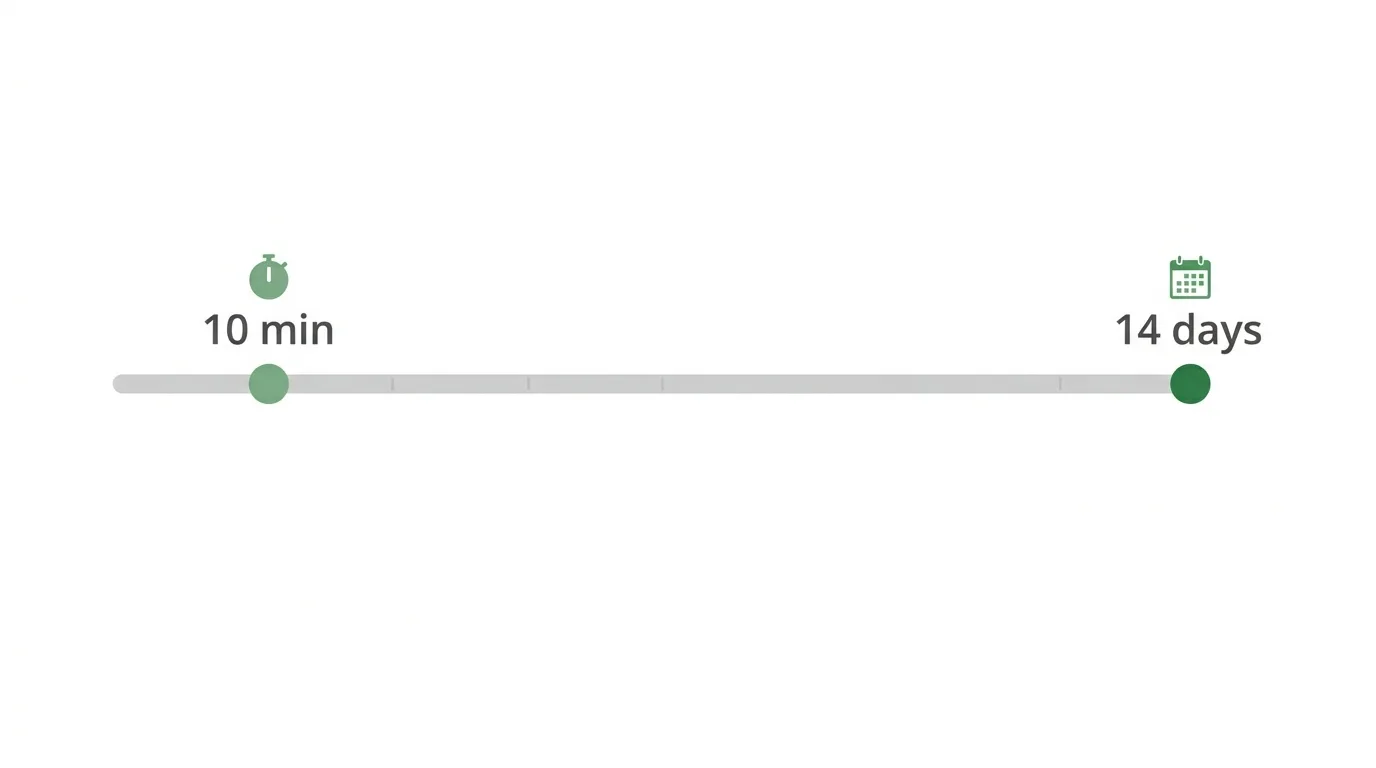
You can pick a time between 10 minutes and 14 days in the future. The 10-minute minimum shows that the feature is meant for planning, not just delaying a message by a few seconds.
The two-week limit covers most everyday needs. A birthday greeting, a reminder, or a work message can all be prepared in advance.
What Can You Schedule?
Reports say you can schedule text messages, photos, and videos. Some coverage also lists links.
The feature works in one-to-one chats and in group chats. That means you can plan an announcement for a family group or a study group as easily as a private message.
How Do You Schedule a Message?
According to the reports, you type your message as usual and then press and hold the send button. A menu lets you choose the date and time.
WhatsApp says you can then review your upcoming messages in a dedicated area of the chat info screen. Because the rollout is gradual, you may not see the option yet.
Does Your Phone Need to Stay On?
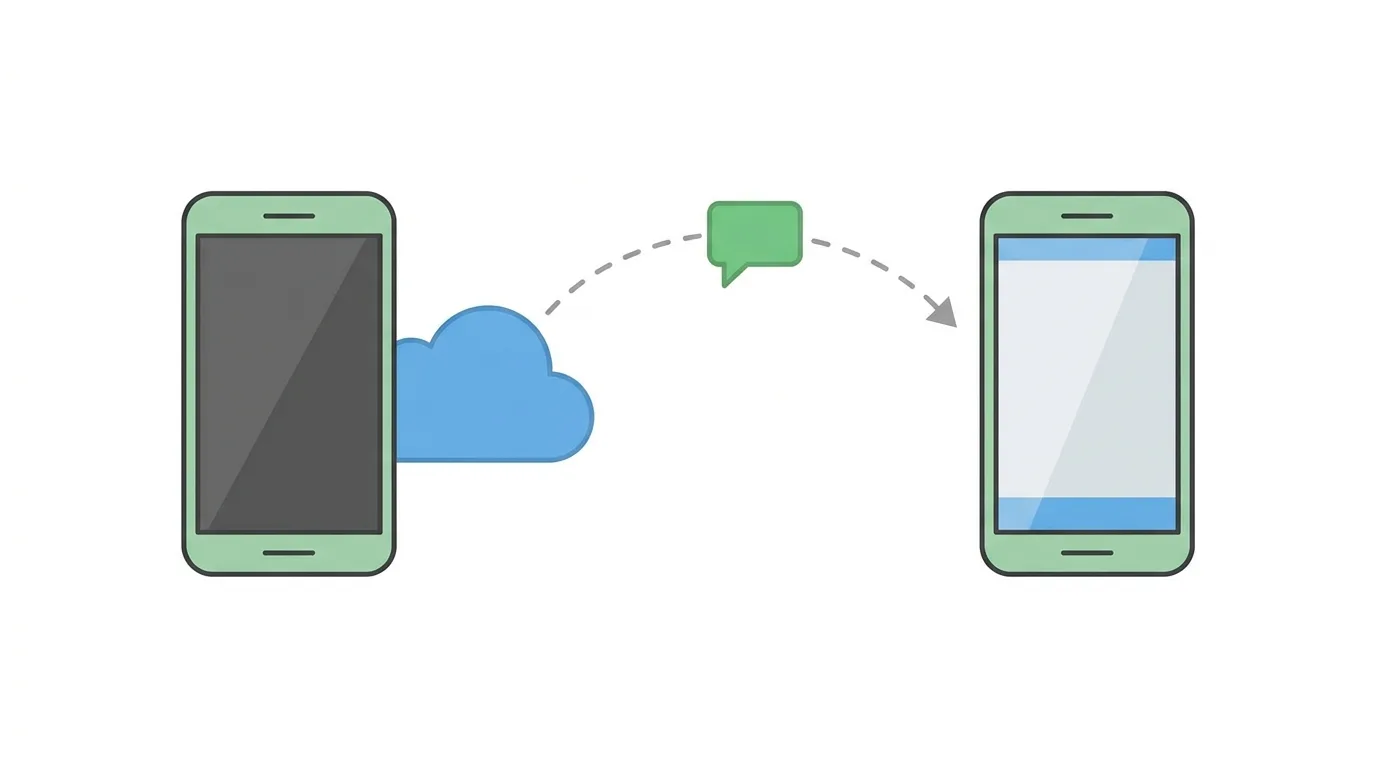
No. WhatsApp says scheduled messages are queued on its servers, so they are sent even if your phone is off, offline, or out of battery.
This is a useful difference from some other apps. For example, Signal keeps scheduled messages on the device, so they only send when the phone reconnects.
Are Scheduled Messages Private?
WhatsApp says scheduled personal messages stay end-to-end encrypted, like all other personal messages. Only you and the people in the chat can read them.
The recipient is not told that a message was scheduled. It appears as a normal message at the chosen time.
Can You Edit or Cancel a Scheduled Message?
You can review pending messages and delete them before they are sent. Deleting a scheduled message does not notify the other person.
Several reports say you cannot edit a scheduled message after creating it. If you need to change something, delete it and create a new one.
What Happens in Group Chats?
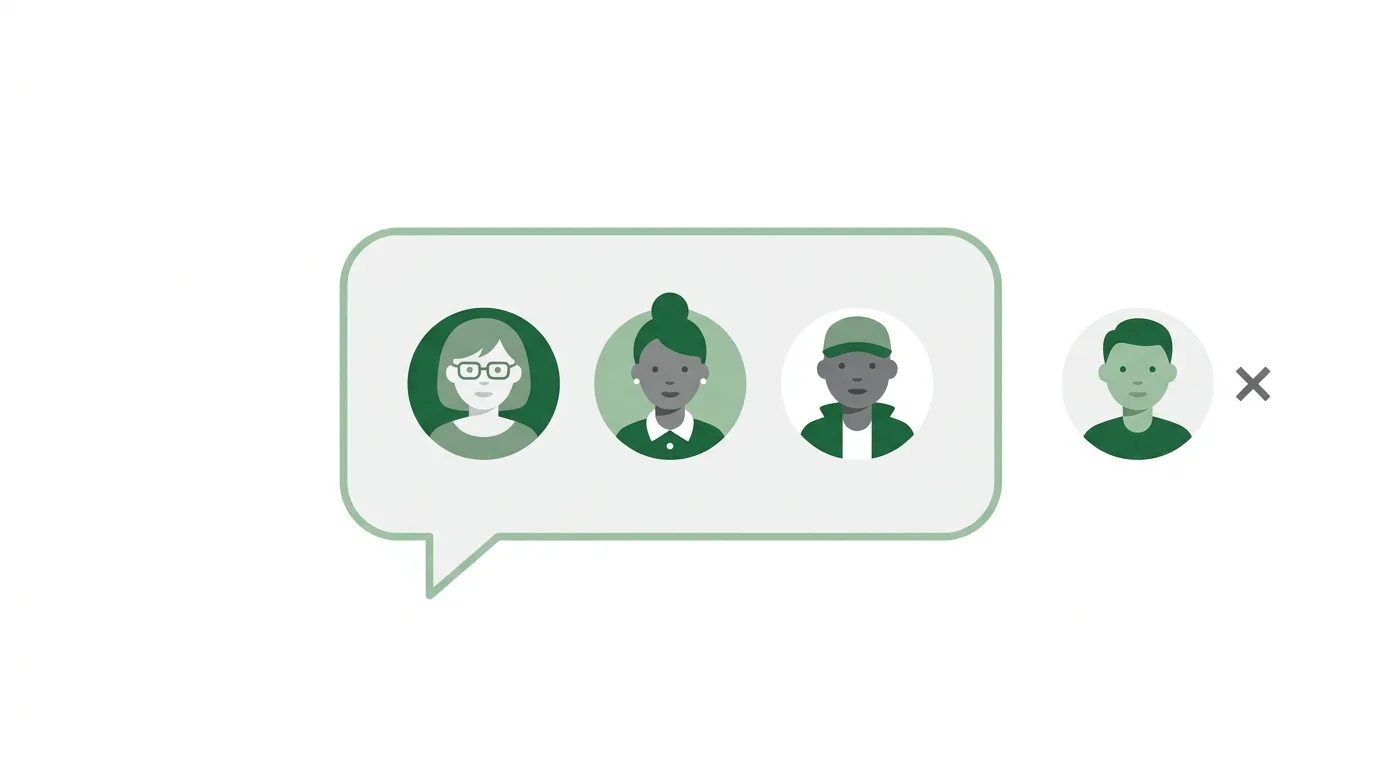
In groups, a scheduled message goes to the members who were in the group when you scheduled it. People who join the group later do not receive it.
Keep this in mind if you plan an announcement for a group that is still growing. You may need to resend it for newcomers.
What Is Still Unclear?
A few details are not fully settled. Reports differ on whether you can change the time of a scheduled message without deleting it.
One report says the WhatsApp Business app is not included for now. If you run a business account, check WhatsApp’s help pages before relying on the feature.
How Long Did This Take?
The feature has been in development for a long time. Beta testers on Android saw it in October, and iPhone testers followed later that month.
Reports say work on it was first spotted in the apps back in February. The full launch came after several months of testing.
How Does It Compare With Other Apps?
Scheduled sending is not new in messaging. Telegram, Signal, Apple’s iMessage, and Google Messages have offered some form of it for years, and Instagram added scheduled messages in 2024.
WhatsApp is catching up with its rivals here. Its server-side approach and end-to-end encryption are the main points WhatsApp stresses.
What Else Did WhatsApp Add?
WhatsApp also rolled out @all mentions in group chats. This lets you notify everyone in a group at once, without tagging each person.
Other reports mention view-once text messages and sticker features in testing. Treat those as separate updates that may reach users at different times.
What Does This Mean for Everyday Users?
Scheduled messages remove a small but real daily headache. You no longer have to remember to send a greeting at exactly the right time.
They also help when you live in a different time zone from family or colleagues. You can schedule a message to arrive in the morning where they are.
What Does This Mean for Families and Students?
Parents can schedule reminders for school events or family plans. Students can prepare messages for group projects and send them at a sensible hour.
Remember that a message sent late at night can still wake someone up if their phone is not on silent. Scheduling does not change that.
What Does This Mean for Small Businesses?
Many small businesses talk to customers on WhatsApp. Scheduled messages could help with reminders, greetings, and follow-ups, but the rules for business accounts are not fully clear yet.
If you rely on WhatsApp for customers, test the feature with a few messages first. Check whether your business app version supports it.
What Should You Do Now?
Update WhatsApp from the App Store or Google Play and check for the option by pressing and holding the send button. If it is not there yet, wait a few days, because the rollout is gradual.
When it appears, try it with a low-stakes message first. Then check the scheduled list so you know where to find and delete messages later.
Frequently Asked Questions
When did WhatsApp announce scheduled messages?
On November 25, 2026.
How far ahead can I schedule a message?
Between 10 minutes and 14 days.
Which devices support it?
Android and iPhone, with a global rollout over the coming weeks.
Does my phone need to be on?
No. WhatsApp says messages are sent from its servers even if your phone is off or offline.
Can I edit a scheduled message?
Reports say no. You can delete it and create a new one.
Will the other person know it was scheduled?
No. It appears as a normal message.
Does it work in groups?
Yes, but only members present when you schedule it receive the message.
How To Schedule a Message on Telegram (2026 Guide)
Final Thoughts
WhatsApp’s scheduled messages are a simple, useful addition that brings the app in line with rivals like Telegram. The feature supports text, photos, and videos, works in groups, and sends even when your phone is off.
Update the app and look for the option on the send button. Check WhatsApp’s help pages for the latest limits.
