Scattered notes across apps, notebooks, and random documents make it hard to find anything when you actually need it.
AI-powered note-taking tools have changed that, automatically organizing, summarizing, and connecting information as you capture it. Here are 6 of the best AI note-taking and organization tools in 2026.
Why AI Note-Taking Tools Matter Now
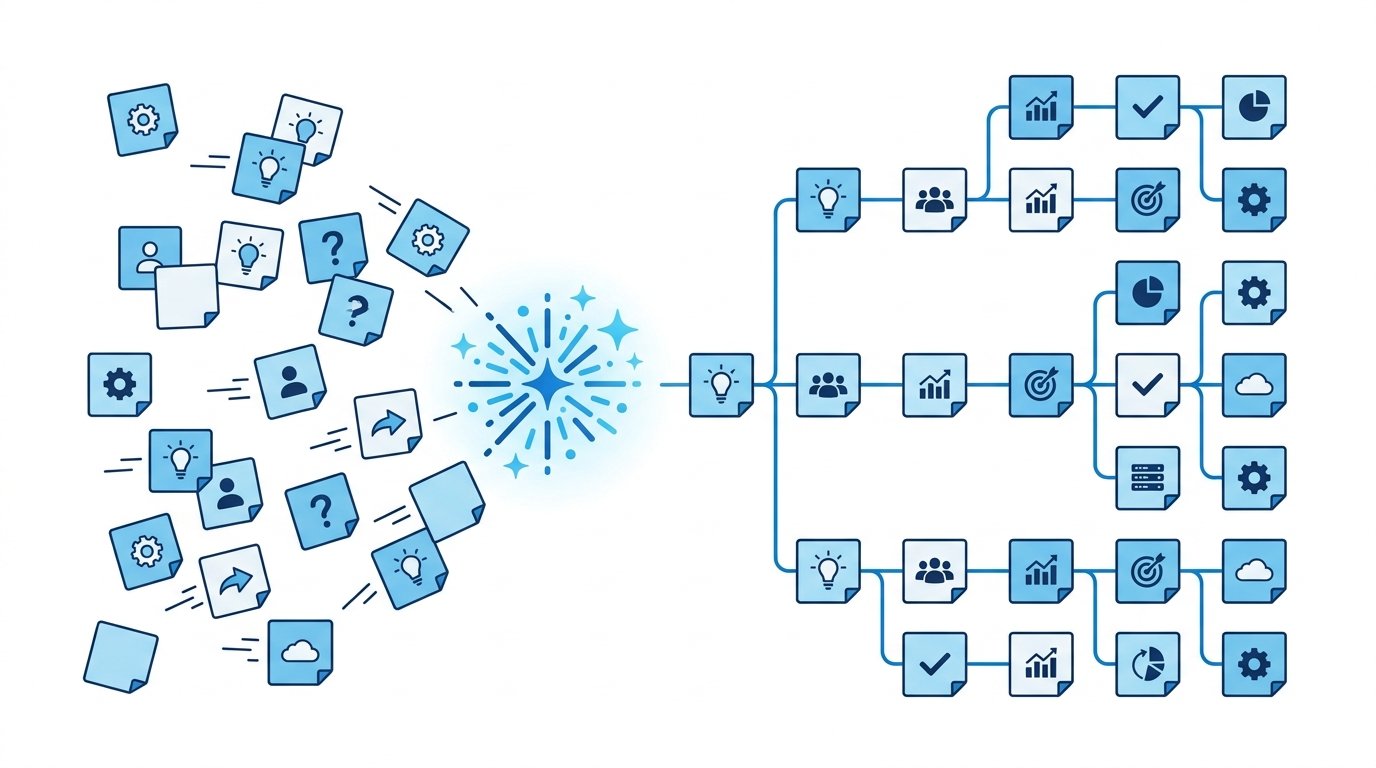
Traditional note apps just store text.
AI-powered versions actively help you organize, retrieve, and make sense of that information later, which matters more as the volume of notes, meetings, and research most people handle keeps growing.
Action step: Before choosing a tool, identify whether your biggest need is capturing information quickly, organizing it afterward, or retrieving it easily later — different tools excel at different parts of this process.
1. Notion AI: Best All-Around Workspace With AI Built In
Notion AI extends the popular workspace platform with AI-powered summarization, writing assistance, and content generation directly within your existing notes and documents.
Its flexibility makes it useful for everything from personal note-taking to full team knowledge bases, all within one connected system.
Best for: Users wanting a single, flexible workspace combining notes, projects, and AI assistance.
2. Otter.ai: Best for Meeting and Voice Note Transcription
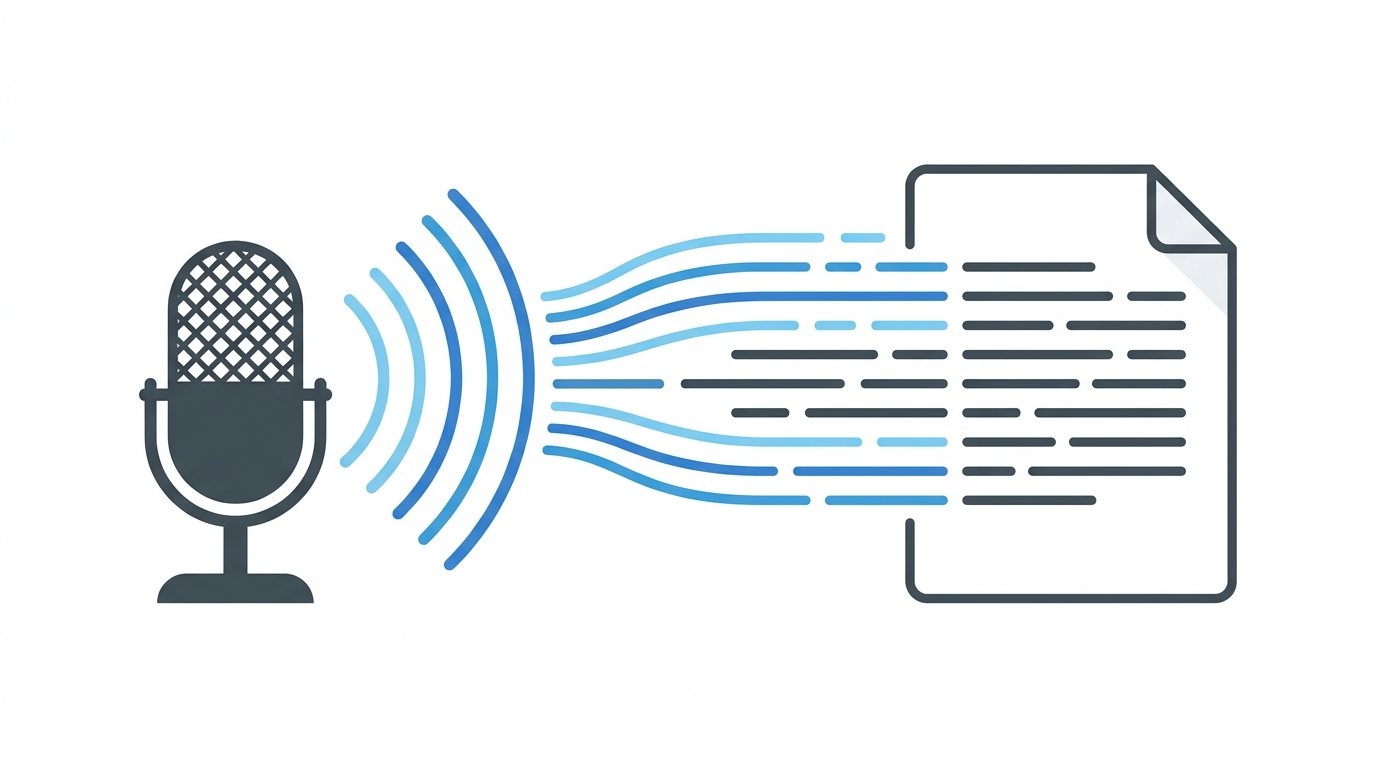
Otter.ai automatically transcribes spoken conversations in real time, generating searchable text notes from meetings, interviews, or voice memos.
Its automated summary feature also highlights key points and action items shortly after a conversation ends.
Best for: Capturing and organizing spoken conversations and meetings automatically.
3. Mem: Best for AI-Powered Automatic Organization
Mem uses AI to automatically organize and connect your notes without requiring manual folders or tags, surfacing relevant related notes as you write new ones.
This reduces the organizational overhead that often causes note systems to become cluttered and hard to navigate over time.
Best for: Users who want organization handled automatically rather than manually.
4. Reflect: Best for AI-Assisted Personal Knowledge Management
Reflect combines note-taking with AI-powered connections between ideas, helping surface relationships between notes you might not have noticed manually.
Its daily notes structure also encourages consistent capture habits, with AI helping link new entries to relevant past notes.
Best for: Building a connected personal knowledge base over time.
5. Fireflies.ai: Best for Automated Meeting Notes Across Platforms
Fireflies.ai automatically joins video calls to record, transcribe, and summarize meetings, then organizes this information alongside searchable action items.
Its integration across multiple video conferencing platforms makes it convenient for users switching between different meeting tools.
Best for: Teams needing consistent, automated meeting documentation.
6. Obsidian With AI Plugins: Best for Advanced, Customizable Organization
Obsidian’s core note-taking system, combined with community-built AI plugins, offers deep customization for users wanting full control over how their notes connect and organize.
This makes it a strong choice for more technical users who want AI assistance without sacrificing control over their note structure.
Best for: Advanced users wanting a highly customizable, AI-enhanced note system.
Pricing Considerations Across These Tools
Most tools on this list offer usable free tiers, with paid plans unlocking higher storage limits, additional AI features, or team collaboration.
Action step: Test a free tier for at least a few weeks of genuine daily use before upgrading, since the value of AI organization features often only becomes clear once you’ve accumulated enough notes for the automatic connections to feel meaningful.
How These Tools Handle Privacy and Data
Since note-taking tools often store sensitive personal or business information, privacy practices matter significantly when choosing between them.
Action step: Review each tool’s data handling policy before committing, particularly around whether your notes are used to train underlying AI models, since practices vary meaningfully between providers.
Tools like Obsidian, which store notes locally by default, offer a different privacy tradeoff compared to fully cloud-based tools like Notion or Mem, which prioritize convenience and cross-device sync over local-only storage.
Migrating Between Note-Taking Systems
Switching tools later is more common than most people expect, especially as needs evolve.
Action step: Choose a tool that supports standard export formats like Markdown, so you’re not locked into a specific platform if your needs change down the line.
This is particularly relevant for tools with proprietary formats, since migrating years of accumulated notes can become genuinely difficult if the export options are limited.
How to Choose the Right Tool for Your Needs
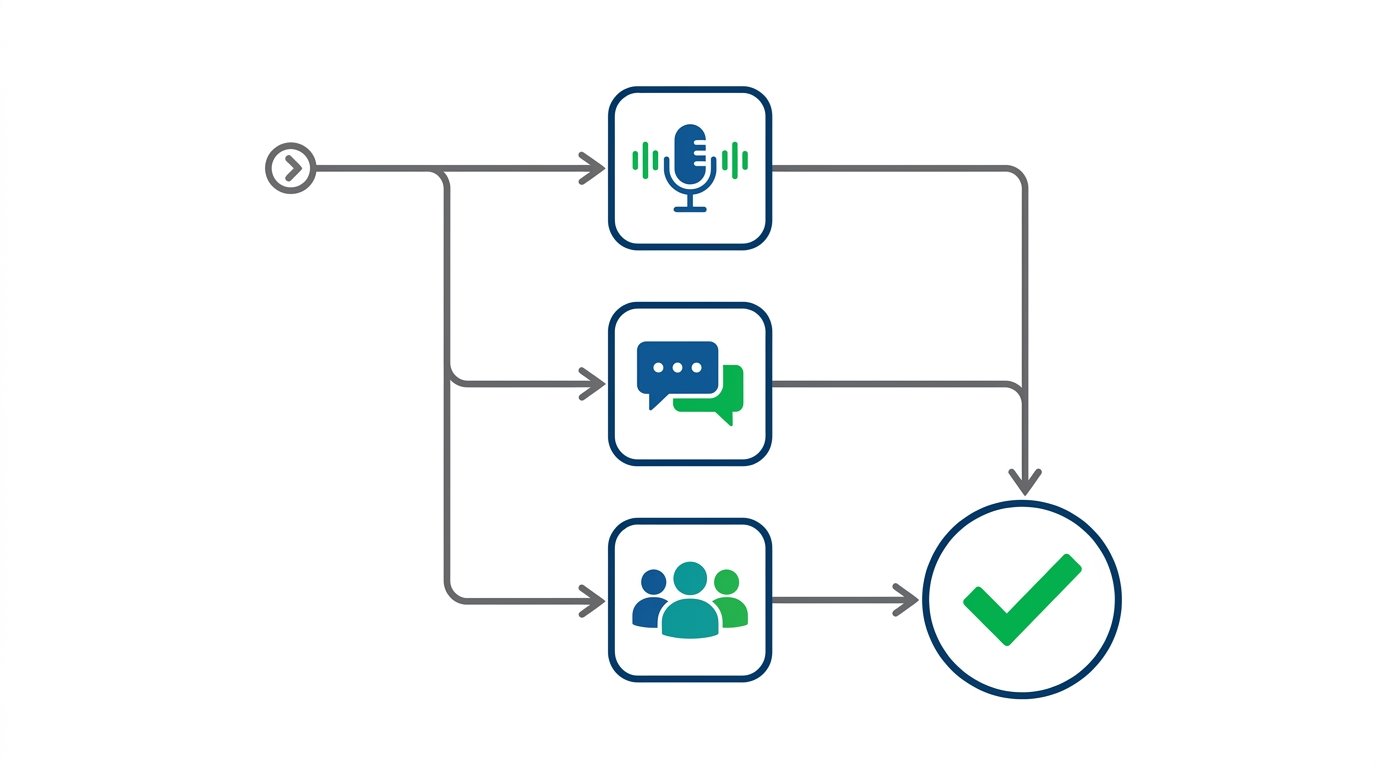
Not every tool fits every workflow.
Consider these factors:
- Capture method: voice-heavy needs favor transcription tools like Otter.ai; text-heavy needs favor Notion or Mem.
- Organization preference: automatic organization suits some users; others prefer manual control, like Obsidian offers.
- Team versus personal use: some tools are built for individual knowledge management, others for team collaboration.
Action step: Start with a free tier of one or two tools that match your primary capture method, rather than committing to a paid subscription before confirming the workflow actually fits how you naturally take notes.
A Simple AI Note-Taking Workflow
Here’s how several of these tools might work together in practice.
- Capture spoken meetings and conversations using Otter.ai or Fireflies.ai.
- Store and organize written notes and documents in Notion or Mem.
- Use AI-powered connections in Reflect to surface related ideas across your notes over time.
This layered approach separates capture from organization, letting each tool handle what it does best.
Common Mistakes When Adopting AI Note Tools
Switching tools too frequently. Constantly migrating notes between systems undermines the long-term value of a connected knowledge base.
Relying entirely on AI organization without occasional review. Periodically reviewing your notes manually still helps reinforce what you’ve captured, even with strong automated organization.
Choosing a tool based on features you won’t actually use. Advanced customization tools like Obsidian can be overkill if you just need simple, reliable capture and search.
The Bigger Shift Toward AI-Assisted Knowledge Management
Note-taking has evolved from simple digital storage into active knowledge management.
AI increasingly handles the organizational work that used to require manual folders, tags, and search — surfacing connections and summaries automatically as your notes accumulate over time.
Action step: Expect these tools to keep improving at surfacing relevant past notes automatically, reducing the need for rigid manual organization systems going forward.
How To Lock Down Your TikTok Privacy Settings in 2026
Final Thoughts
AI note-taking tools won’t replace the value of actually thinking through what you write, but they significantly reduce the organizational burden that causes most note systems to break down over time. Choose a tool based on how you naturally capture information — voice, text, or a mix of both — and let AI handle the connections and retrieval from there.
