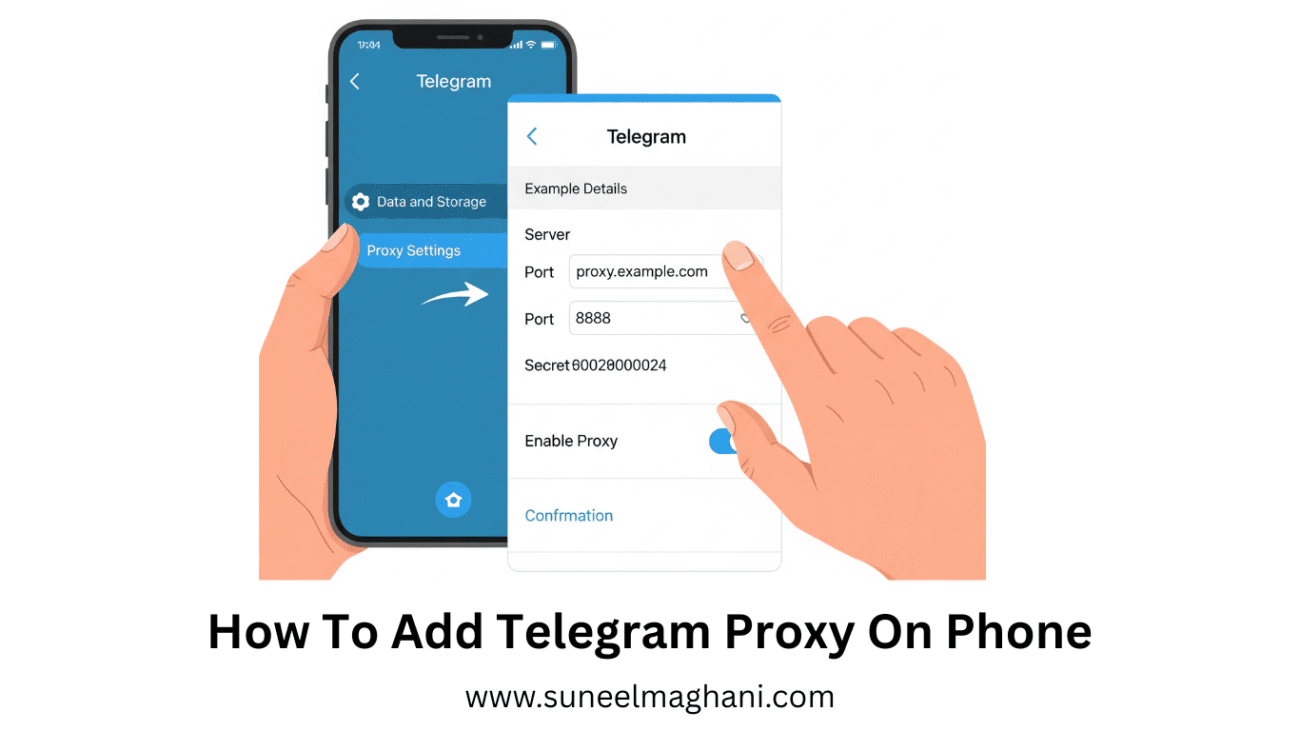
Are you searching for a solution to add Telegram proxy on your phone? If so, then I shall guide you on how to add a Telegram proxy on your phone in simple steps.
How To Add Telegram Proxy On Phone
Telegram has settings, called Telegram proxy, to use it without VPN. here are the steps given below in adding Telegram proxy on phone.
- Open Telegram and tap on three lines.
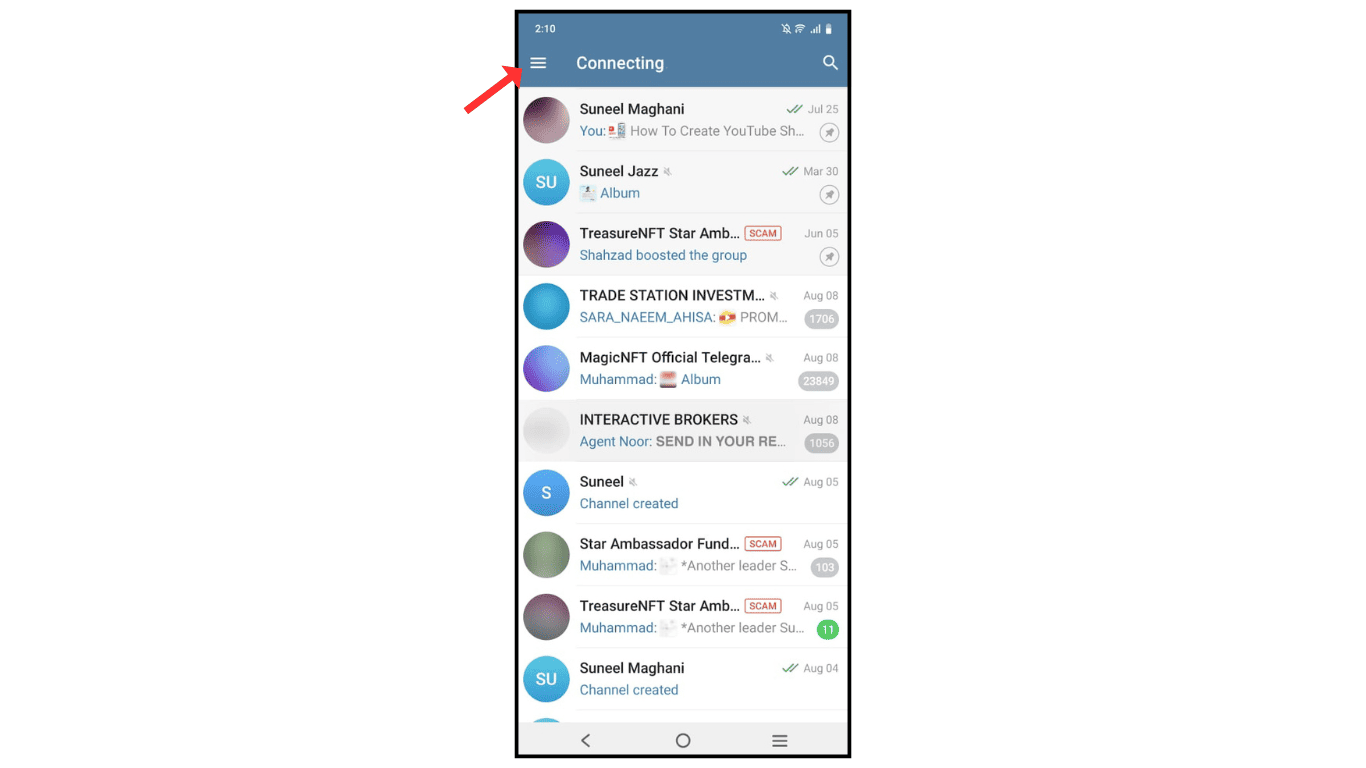
- Now, click on the settings menu.
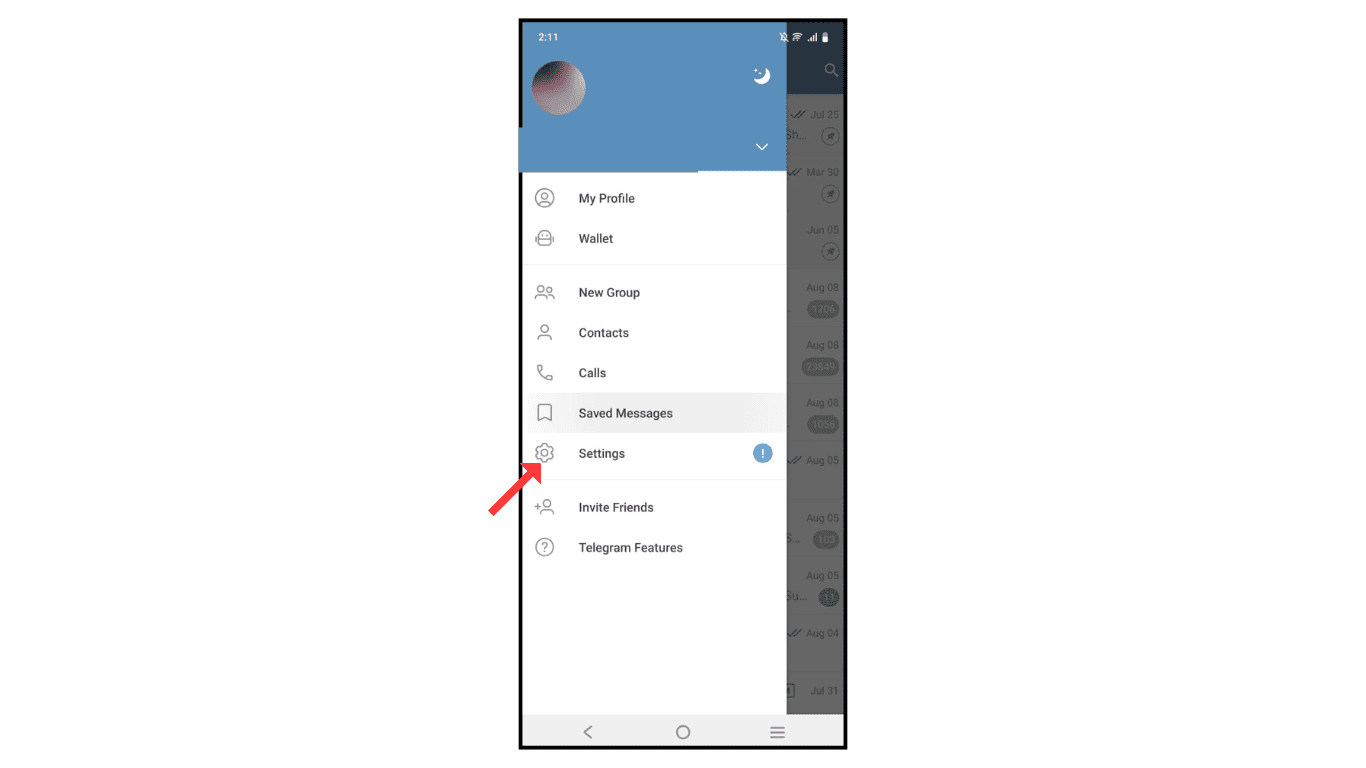
- Click on the data and storage menu.

- Click on proxy settings.
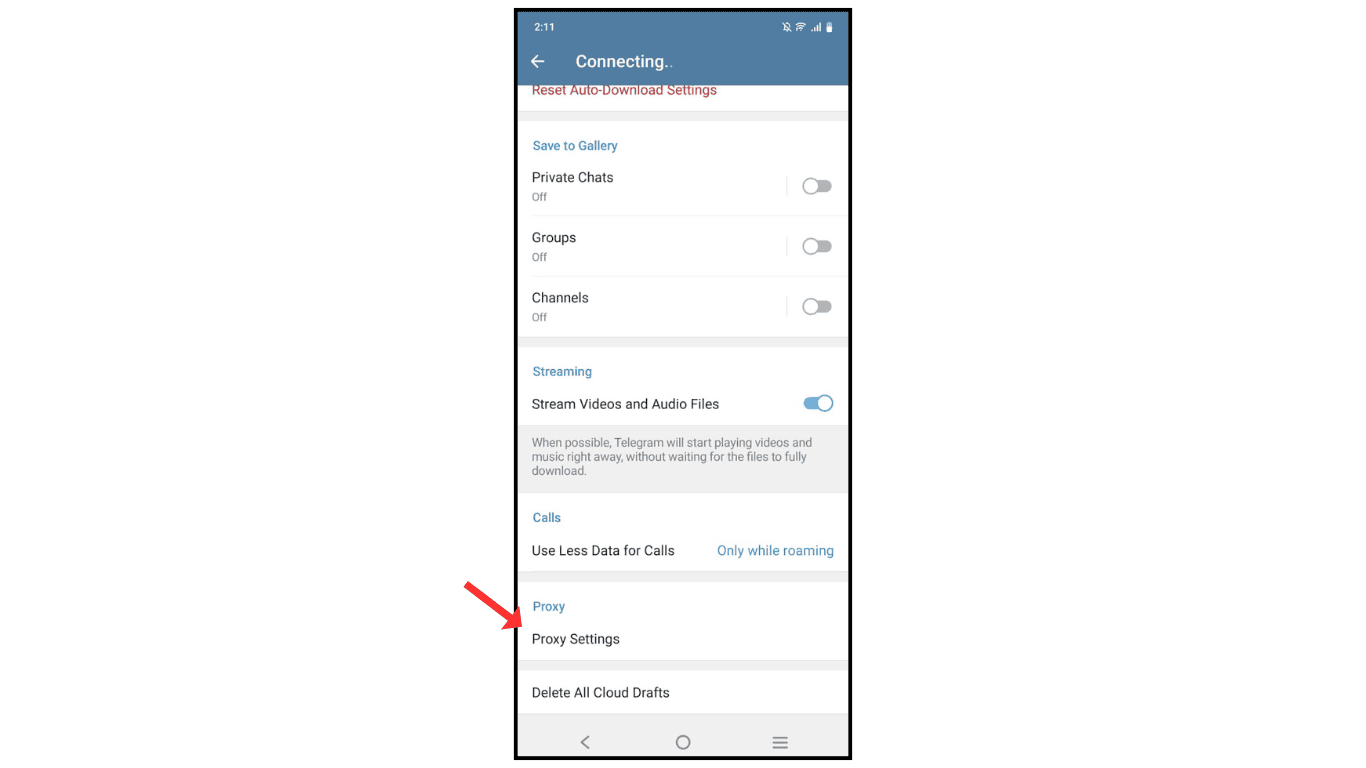
- Tap on Add Proxy.

- Add Telegram proxy and click on save.

Also Read: How To Delete Telegram Account
Conclusion:
Adding a Telegram proxy on your phone is simple. If you have any issues while adding a Telegram proxy on your phone, you can contact me by email.
