That small green dot showing you’re currently online can reveal more about your availability and habits than you might want visible to every follower.
This guide walks through exactly how to hide your active status on Instagram in 2026.
Step 1: Open Instagram Settings
- Open the Instagram app and tap your profile picture.
- Tap the three-line menu, then Settings and Privacy.
Step 2: Access Messages and Story Replies
- Scroll down and tap Messages and story replies.
- Look for Show Activity Status.
Step 3: Turn Off Activity Status
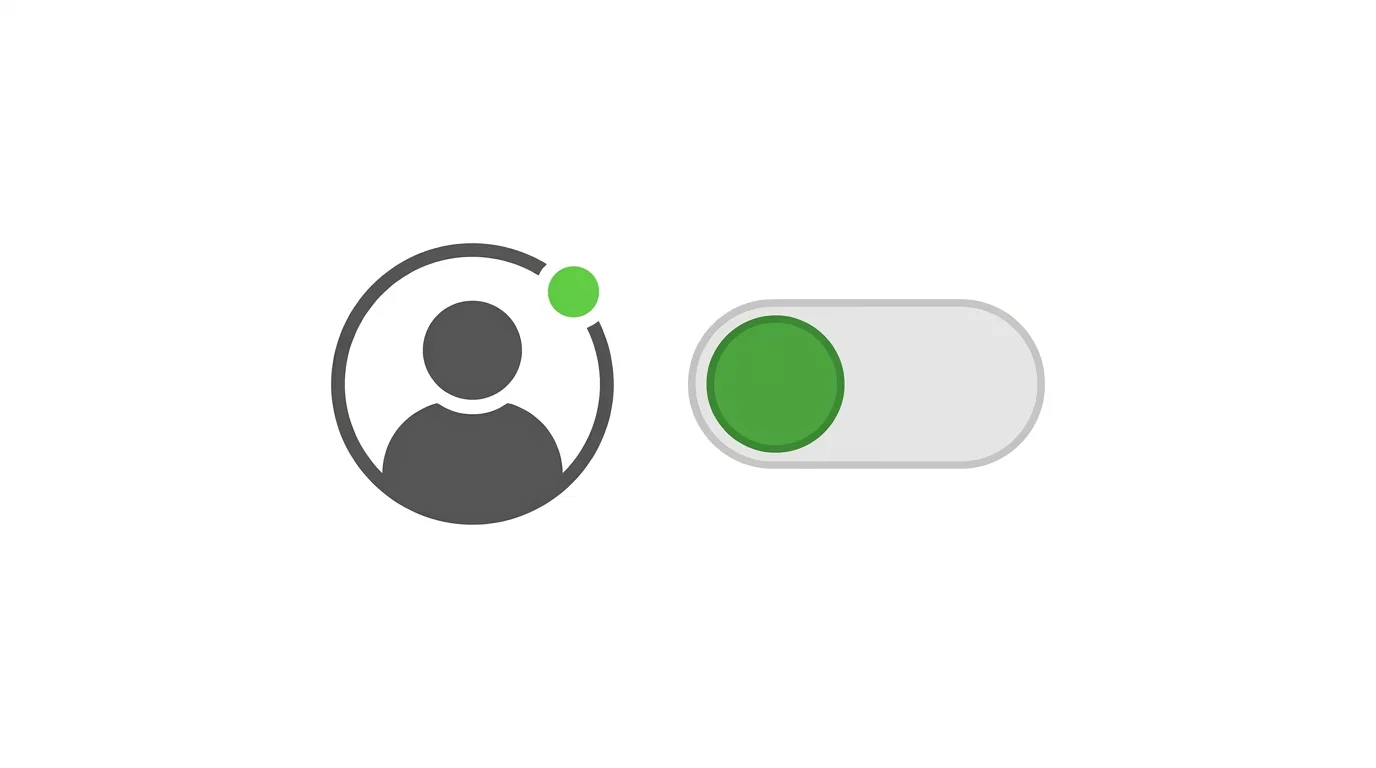
- Toggle Show Activity Status off.
- Confirm the change if prompted.
What This Setting Actually Controls
Understanding the full scope helps set the right expectations.
When you turn off Activity Status:
- Others won’t see the green dot indicating you’re currently active.
- You’ll also stop seeing when your contacts are active, since this setting works reciprocally.
- This affects visibility both in Direct Messages and elsewhere the active indicator might appear.
Action step: Understand this is generally a reciprocal, account-wide setting — you can’t hide your own status while still seeing others’, similar to how comparable settings work on WhatsApp and Facebook Messenger.
How This Setting Interacts With Business and Creator Accounts

Business and Creator accounts may have slightly different considerations when it comes to activity status, given the customer-facing nature of these profiles.
Action step: If you run a business account and rely on quick response times as part of your customer service approach, weigh whether hiding activity status might inadvertently signal reduced availability to customers expecting prompt replies, since visible active status can sometimes function as an informal responsiveness indicator for business accounts specifically.
Reviewing This Setting Alongside Your Broader Privacy Strategy
Activity status is just one piece of a broader set of Instagram privacy controls worth considering together.
Action step: Review this setting alongside your account privacy (public versus private), read receipts, and Story visibility settings as part of a single comprehensive privacy review, rather than adjusting activity status in isolation without considering how it fits into your overall approach to platform privacy.
What Happens to Activity Status During Instagram Live or Stories
It’s worth understanding whether this setting extends to other real-time features beyond standard messaging.
Action step: Confirm your expectations around Instagram Live and Story viewing specifically, since activity status primarily governs the messaging-related online indicator, and separate considerations apply to who can see you’ve viewed a Story or joined a Live broadcast.
How This Differs From Read Receipts
Active status and read receipts (the “Seen” indicator on messages) are related but distinct settings on Instagram.
Action step: If your goal is specifically hiding when you’ve read a message rather than your general online presence, check the separate read receipts setting, since turning off activity status alone doesn’t automatically disable the “Seen” indicator on individual messages.
Can You Hide Active Status From Specific People Only?
Instagram’s activity status setting is generally applied account-wide rather than allowing per-person customization.
Action step: If you want more granular control for specific individuals, consider restricting or muting those specific accounts instead, since Instagram doesn’t currently support selectively hiding active status from certain followers while showing it to others.
Does This Affect Your Visibility in Close Friends Stories or Other Features?
Active status is a separate concept from Close Friends or Story visibility settings, so adjusting one doesn’t automatically affect the others.
Action step: Review your other relevant privacy settings independently if you’re trying to achieve comprehensive privacy across the platform, since activity status, Close Friends, and Story visibility are all managed through separate, distinct settings.
Why People Choose to Hide Their Active Status
Common reasons include:
- Reducing social pressure to respond immediately after being seen online
- General preference for privacy around daily usage patterns and habits
- Avoiding unwanted attention or unsolicited messages triggered by visible activity
Action step: Consider whether hiding activity status genuinely serves your specific concerns, since some users find the psychological relief from reduced social pressure meaningful, while others don’t notice much practical difference in their day-to-day experience.
Common Issues When Hiding Active Status
Setting not saving?
Force close and reopen the app, then try again — this usually resolves temporary sync issues.
Still seeing others’ active status after turning yours off?
This shouldn’t happen given the reciprocal nature of this setting — double-check the toggle was actually saved successfully, since a display glitch might be showing outdated information temporarily.
Confused about why you can no longer see when close friends are online?
This is expected — since the setting works both ways, disabling your own visibility also removes your ability to see others’ active status, including close contacts.
How This Compares to Similar Settings on Other Platforms
Instagram’s approach to activity status closely mirrors how WhatsApp and Facebook Messenger handle similar features, given their shared ownership under Meta.
Action step: If you’ve already adjusted comparable settings on WhatsApp or Messenger for consistency, apply the same reasoning here, since the underlying reciprocal design principle remains consistent across Meta’s messaging-adjacent features.
Snapchat Launches AI-Powered Group Features for Friend Circles in 2026
Final Thoughts
Hiding your active status on Instagram takes just a couple of taps and gives you more control over your visibility, though remember this is a reciprocal, account-wide setting rather than something adjustable per person. Consider pairing this with your read receipts settings if comprehensive messaging privacy is your goal, since these are separate controls that don’t automatically affect each other.
