WhatsApp is one of the most used messaging apps in the world, and many teenagers use it every day.
Now the app has added optional parental controls built for teens aged 13 to 17.
The tools let parents guide how a teen uses WhatsApp, without letting them read private chats.
This article explains what was announced, how the controls work, and what parents and teens should know.
What Did WhatsApp Announce?
WhatsApp announced the new teen parental controls on September 30, 2026.
The company said the feature is rolling out gradually, so it may not be available on every phone yet.
The controls are optional.
Parents and teens are meant to set them up together.
They also follow an earlier launch of parent-managed accounts for children under 13, which WhatsApp introduced in March.
Who Are the Controls For?
The controls are designed for teens aged 13 to 17.
The parent or guardian must be at least 18.
Both people have to agree to link their accounts.
That means a parent cannot switch the controls on in secret.
Children under 13 use a separate type of account, called a parent-managed account.
What Can Parents Control?
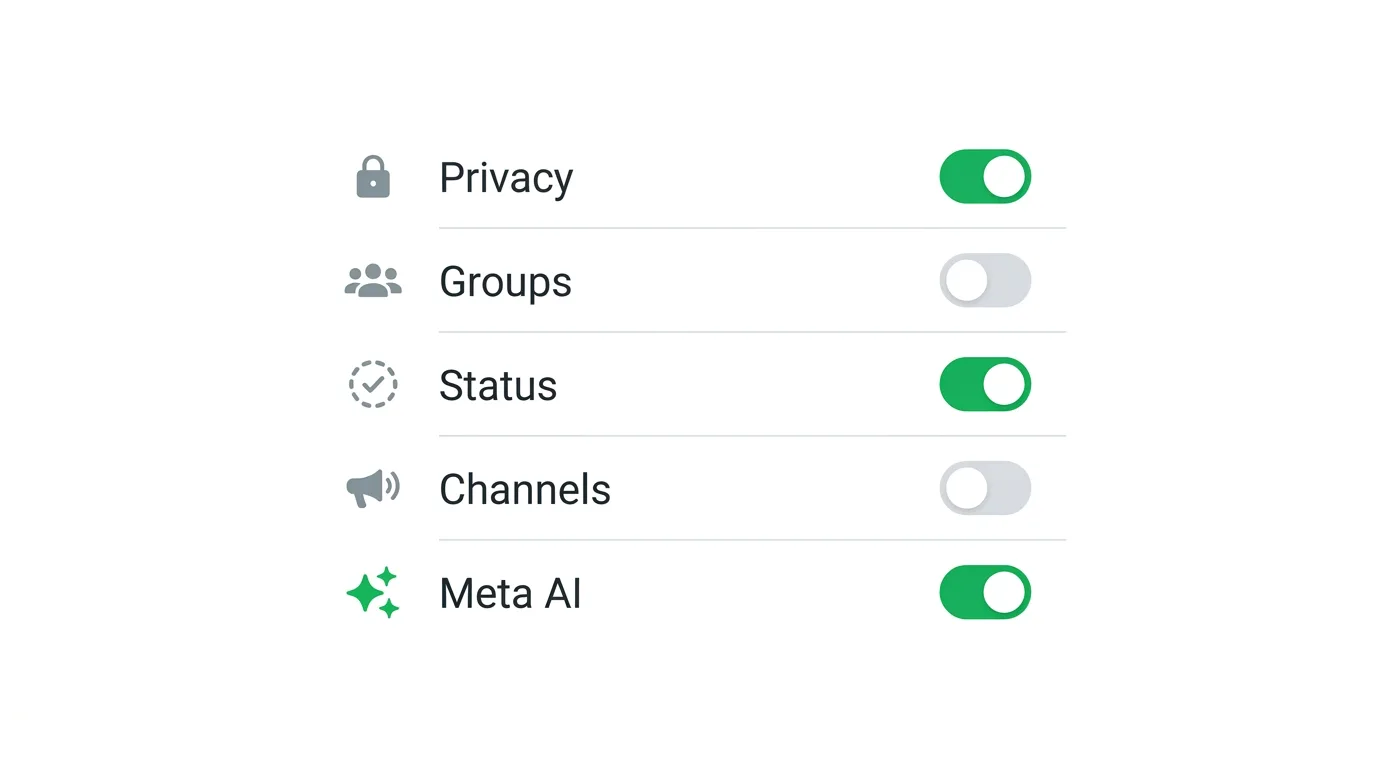
The new controls cover several parts of the app.
Privacy settings: Parents can choose who can see their teen’s profile photo.
Group invitations: Parents can choose who is allowed to add their teen to groups.
Group alerts: Parents can get a notification when their teen joins or leaves a group.
They can also be alerted when a group their teen belongs to grows to certain sizes, such as 30, 100, or 250 members.
Status: Parents can manage whose Status updates their teen can see, and who can see the teen’s own Status.
Channels: Parents can decide how their teen uses WhatsApp Channels, including limiting or blocking access.
Meta AI: Parents can choose between the standard teen experience and a stricter option called Limited Content.
How Does the Parent PIN Work?
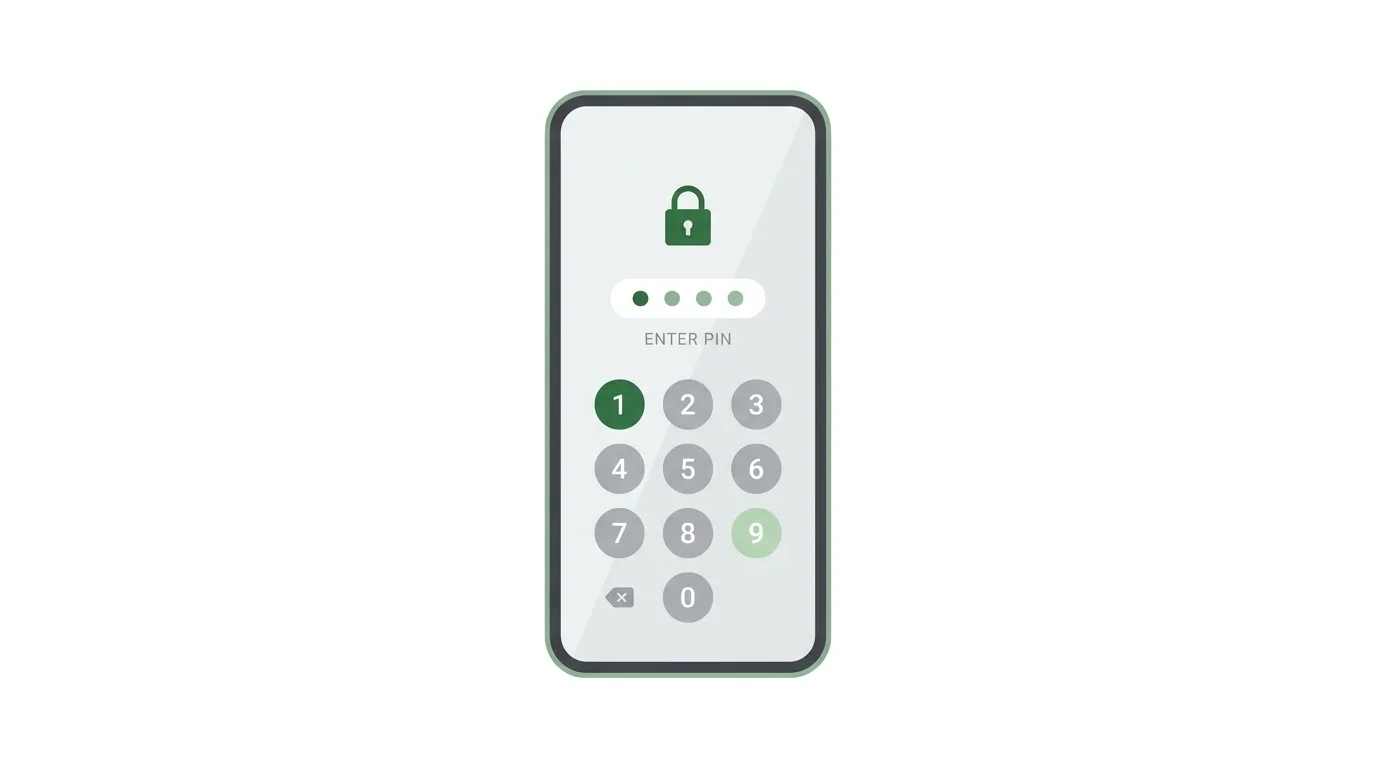
Everything is protected by a single PIN that the parent creates.
If a teen wants to relax a setting that the parent has made stricter, they need the parent’s approval through that PIN.
Parents can also change individual settings at any time.
They can switch the controls off completely if they decide they are no longer needed.
What Can Parents Not See?
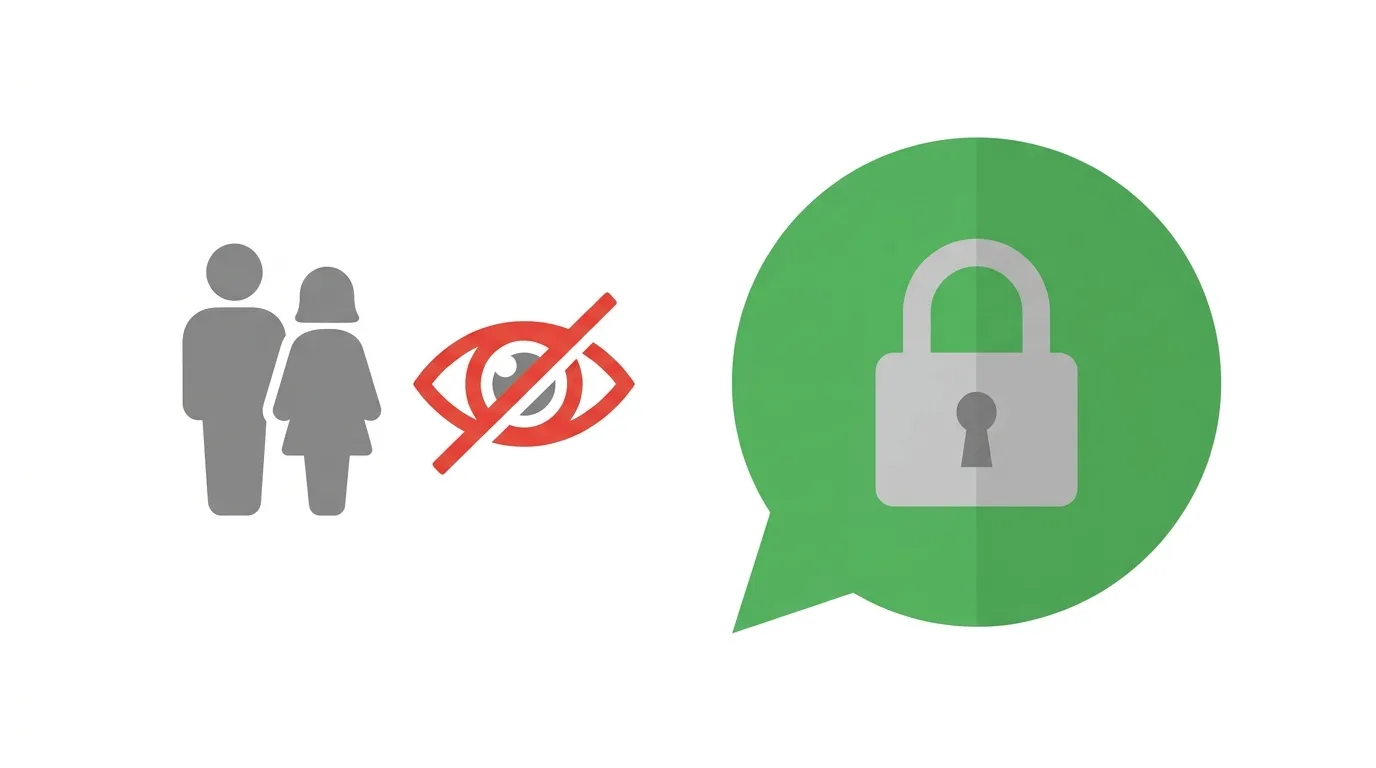
This is the most important part for privacy.
WhatsApp says the controls do not let parents read their teen’s personal messages or listen to their calls.
Messages and calls stay protected by end-to-end encryption.
Even with the controls on, nobody except the people in the chat can read them.
In other words, parents get oversight of settings and activity, not access to conversations.
How to Find the Controls
According to published guides, the setup starts on the teen’s phone.
The path is generally Settings, then Parental controls.
From there, you follow the in-app steps to connect the parent and teen accounts.
Because the feature is rolling out gradually, you may not see the option yet.
Action step: If you do not see Parental controls in Settings, update WhatsApp from the App Store or Google Play and check again in a few days. Check WhatsApp’s official help pages for the latest steps in your country.
What Is Different for Children Under 13?
Younger children use parent-managed accounts, not the teen controls.
These accounts focus on messaging and calling instead of the full WhatsApp experience.
Parents decide who can contact the child, and group invitations need parental approval.
This is a separate system from the teen controls described above.
Why Is WhatsApp Doing This Now?
Messaging apps and social platforms are under growing pressure to protect young users.
Lawmakers have pushed Meta, WhatsApp’s parent company, to improve teen safety features across its apps.
Meta has also added other teen tools this year, including parental controls for Meta AI and pre-teen accounts on WhatsApp.
Adding controls that keep chats private is a way to give parents more say without breaking encryption.
What This Means for Parents
Action step: Talk to your teen before you turn anything on. Because both people must agree to link accounts, a conversation first makes the setup smoother. Explain that you cannot read their chats and that the goal is to manage who can contact them, not to spy on them.
Action step: Start with a few key settings. Many families may choose to limit who can add their teen to groups and who can see their profile photo, then add other controls later if needed.
What This Means for Teens
Action step: Ask what each control does before you agree. You can ask your parent to explain which settings they want to change and why. Remember that the controls do not show your private messages or calls.
Action step: If a setting feels too strict, talk it over. Since changes need the parent’s PIN, the best way to adjust a setting is to have an open conversation.
What This Means for Schools and Community Groups
Action step: If your school, club, or community uses WhatsApp groups with teen members, let parents know. Group alerts may tell parents when a teen joins a new group, so clear communication about who is in a group and why helps avoid confusion.
What This Means for Businesses and Creators
Action step: If your WhatsApp Channel or community group is open to teens, expect that some teens may be blocked from channels or limited in what Status updates they see. Keep your content suitable for a wide audience, and use clear group descriptions.
Questions People Are Asking
Can parents read teen WhatsApp messages with these controls?
No. WhatsApp says private messages and calls stay protected by end-to-end encryption.
Are the controls mandatory?
No. They are optional, and parents can change or turn them off.
Can a parent set this up without the teen knowing?
No. Both the parent and the teen must agree to link their accounts.
What age group is covered?
Teens aged 13 to 17. Younger children use parent-managed accounts.
Is the feature available everywhere?
It is rolling out gradually, so availability may differ by country and version.
Does this change Meta AI for teens?
Yes. Parents can choose between the standard teen experience and a stricter Limited Content setting.
How To Turn Off Read Receipts on WhatsApp (2026 Guide)
Final Thoughts
WhatsApp’s new teen parental controls give families more say over privacy, groups, Status, Channels, and Meta AI, without opening private chats. They are optional, need agreement from both sides, and protect changes with a parent PIN. If you are a parent or a teen, check your Settings for the Parental controls option and read WhatsApp’s help pages for the latest details in your country.
