Until now, joining a WhatsApp call meant having WhatsApp.
Both sides needed the app and an account.
That rule has changed.
WhatsApp has introduced guest calling, a feature that lets people without an account join voice and video calls through a simple link.
This article explains what WhatsApp announced, how guest calling works, what guests can and cannot do, and what it means for everyday users and businesses.
What Did WhatsApp Announce?
WhatsApp announced guest calling on October 14, 2026.
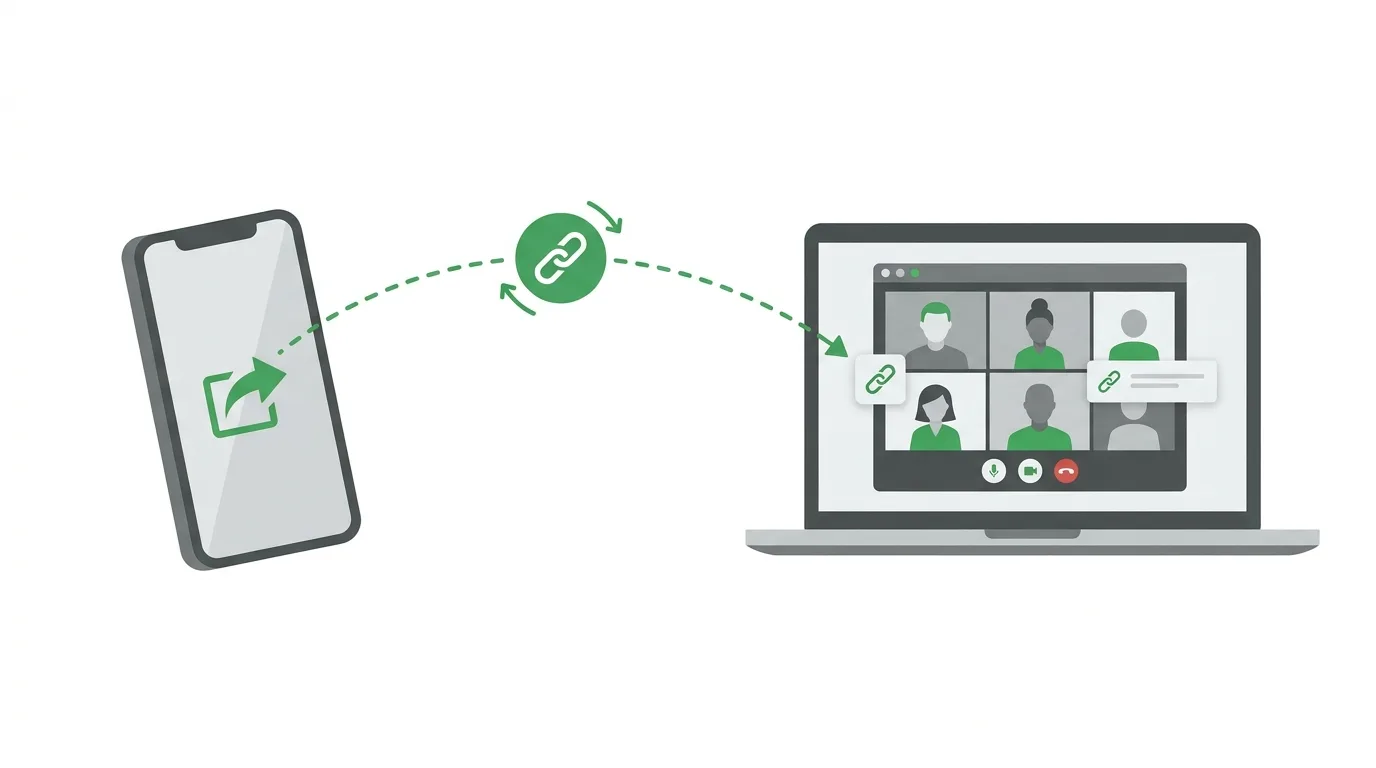
The feature lets a person with a WhatsApp account create a call link and send it to someone who does not use WhatsApp.
The guest opens the link in a computer browser, types a name, and asks to join.
No app download, phone number, or sign-up is required for the guest.
WhatsApp says the feature is rolling out gradually, so some users may not see it yet.
How Does Guest Calling Work?
The host does the setup.
A host opens the Calls tab in WhatsApp and creates a new call link.
They choose whether it is a voice call or a video call, and then copy or share the link by message, email, or any other app.
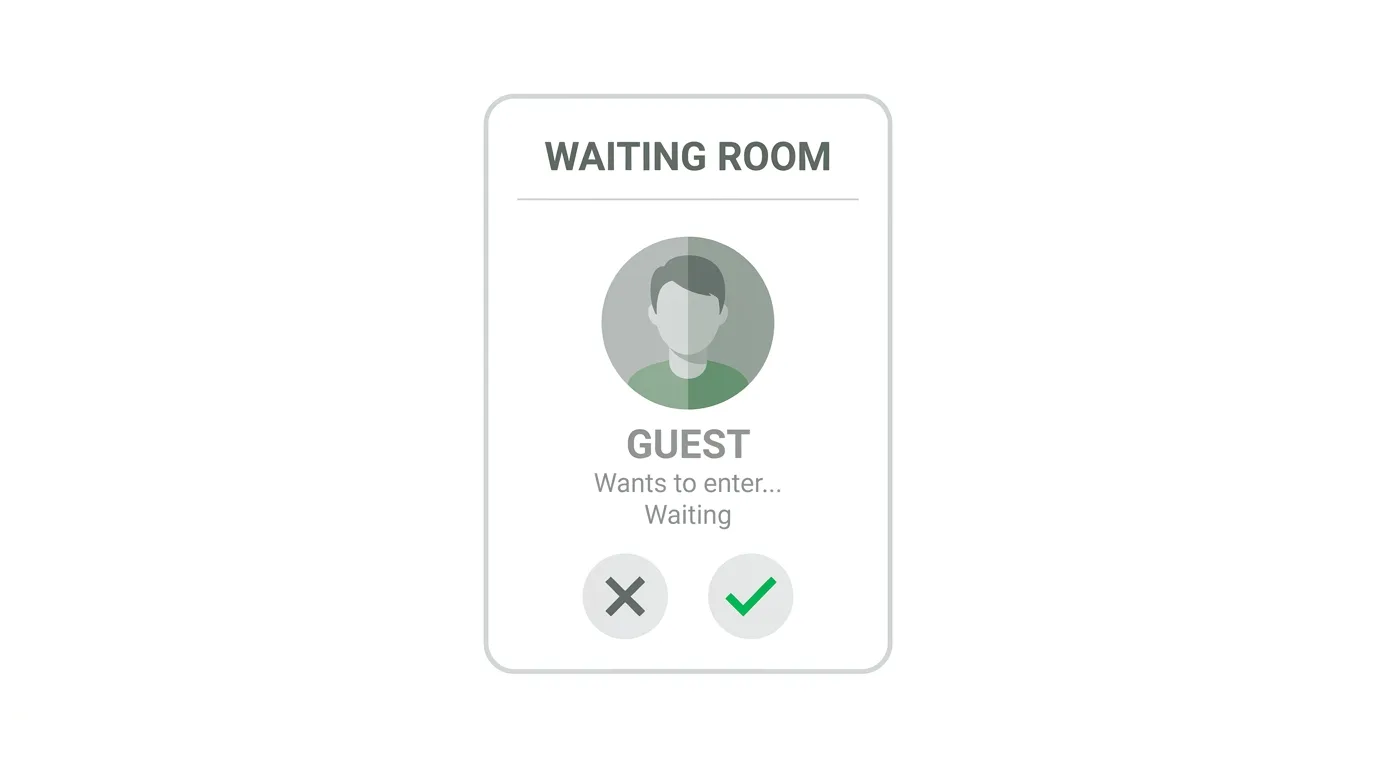
When the guest opens the link, they enter their name and wait in a virtual waiting room.
The host sees a request and chooses to let them in or turn them away.
Every call link has its own unique web address, and the addresses are designed to be hard to guess.
Who Can Create a Call Link?
Only people with a WhatsApp account can create one.
That means outsiders can be invited in, but they cannot start calls themselves.
This keeps control with existing WhatsApp users and helps protect against misuse.
Where Can Guests Join From?
According to WhatsApp, guests join from a desktop computer browser.
Reports mention Chrome and Edge as examples.
WhatsApp has not said how someone on a phone without the app would join, so the feature may work best on a computer for now.
If you plan to invite someone who only has a phone, it is wise to test the link first.
How Big Can a Guest Call Be?
Guest calling works for one-to-one calls and for group calls.
WhatsApp says calls can include up to 32 participants.
There are no time limits and no call fees, according to published reports.
That makes it suitable for family catch-ups, small meetings, study groups, and customer calls.
What Can Guests Not Do?
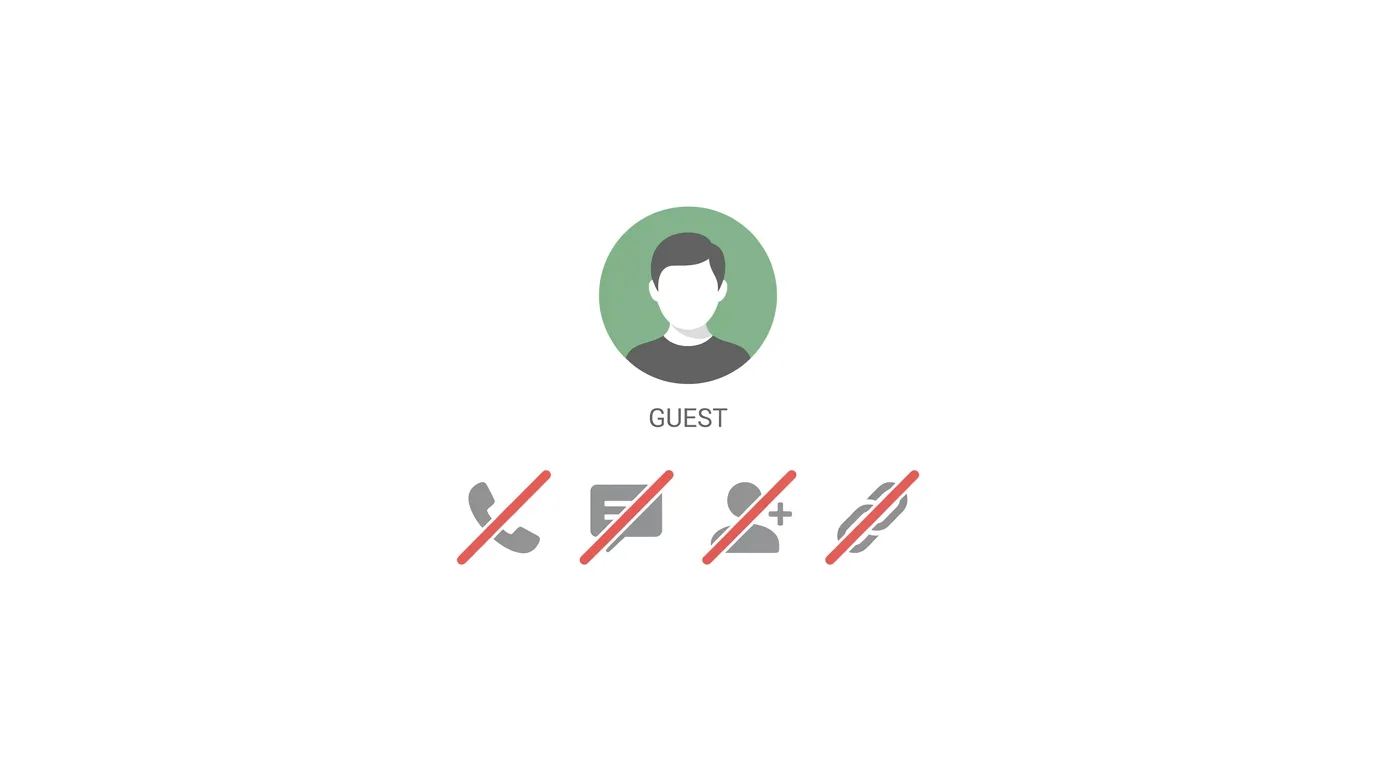
Guests have fewer powers than regular members.
They cannot see other participants’ phone numbers.
They cannot send messages in the call.
They cannot add other people to the call.
They cannot create their own call links.
These limits are meant to protect the privacy of the host and the other participants.
Does the Host Stay in Control?
Yes.
Guests always need the host’s approval to join, whatever other waiting room setting the host has chosen.
The host can remove a guest at any time during the call.
People that the host has blocked cannot join through that host’s call link.
WhatsApp may also cancel a link for privacy or security reasons.
Is Guest Calling Secure?
WhatsApp says personal calls made through call links are end-to-end encrypted.
That means only the people in the call can hear it, not WhatsApp.
However, the link itself is only as safe as the way you share it.
WhatsApp warns that anyone with the link can try to join, so you should share it only with people you trust.
The host should check each name in the waiting room before approving.
If you do not recognize a name, do not let the person in.
What Is Planned Next?
WhatsApp has said plugins for Google Calendar and Outlook are planned for later this year.
They would let a user add a WhatsApp call link to a calendar invite, much as people do with Zoom or Google Meet.
Invitees would then be able to join with or without a WhatsApp account.
Until those plugins arrive, the host must paste the call link into an invitation by hand.
Where Is It Available?
WhatsApp has not named the countries that can use guest calling.
Reports say it is arriving gradually for users on recent versions of the app.
Updating WhatsApp is a good first step if you cannot see the call link option.
Even after you update, the feature may take a little while to appear.
Why Does This Matter?
Video and voice calls have long been a strength of WhatsApp, but only among people who already use it.
Guest calling opens the door to people who do not.
That makes WhatsApp a more practical alternative for quick meetings, similar to Zoom, Google Meet, and Microsoft Teams.
It also follows a path set by other services.
Apple’s FaceTime has allowed call links for people on non-Apple devices for several years.
For WhatsApp, the move may also encourage outsiders to try the app and eventually join.
What Does This Mean for Everyday Users?
If you have relatives or friends who do not use WhatsApp, you can now call them without asking them to install anything.
This can be handy for older family members, travelers, or people who use a shared computer.
Always remember to check who joins before you approve them.
What Does This Mean for Businesses and Freelancers?
Businesses that already talk to customers on WhatsApp can use call links for support calls, demos, and consultations.
Freelancers and small teams can invite clients who do not use WhatsApp, without switching to a separate meeting app.
Because the call link is created inside WhatsApp, it fits easily into an existing chat.
However, businesses should not rely on it as their only meeting tool until the feature is available in all countries and works well on phones.
What Does This Mean for Teachers and Students?
Teachers can invite students to a small online class through a link.
Study groups can meet without everyone needing an account.
Keep in mind the 32-person limit, and the rule that guests join from a computer browser.
What Are the Open Questions?
A few things are still unclear.
WhatsApp has not listed the countries where guest calling works.
It has not explained how phone users without the app can join.
It has not shared exact dates for the calendar plugins.
Check WhatsApp’s official help pages for the latest details.
Frequently Asked Questions
Can I join a WhatsApp call without an account?
Yes, if a WhatsApp user sends you a call link and you open it in a computer browser.
Do I need an account to create a call link?
Yes.
Only people with a WhatsApp account can create call links.
How many people can join a guest call?
Up to 32 participants.
Is guest calling free?
According to published reports, there are no call fees or time limits.
Can guests see my phone number?
No.
Guests cannot see other participants’ phone numbers.
Are guest calls encrypted?
WhatsApp says personal calls made through call links are end-to-end encrypted.
Is it available in my country?
WhatsApp has not named the countries, and the rollout is gradual.
How To Change Your Email Address on Instagram (2026 Guide)
Final Thoughts
WhatsApp’s guest calling removes a big barrier by letting people without an account join a call from a browser. It is useful for families, small businesses, and study groups, as long as hosts share links carefully and approve guests one by one. Update the app, check for the call link option, and watch WhatsApp’s official announcements for wider availability.
