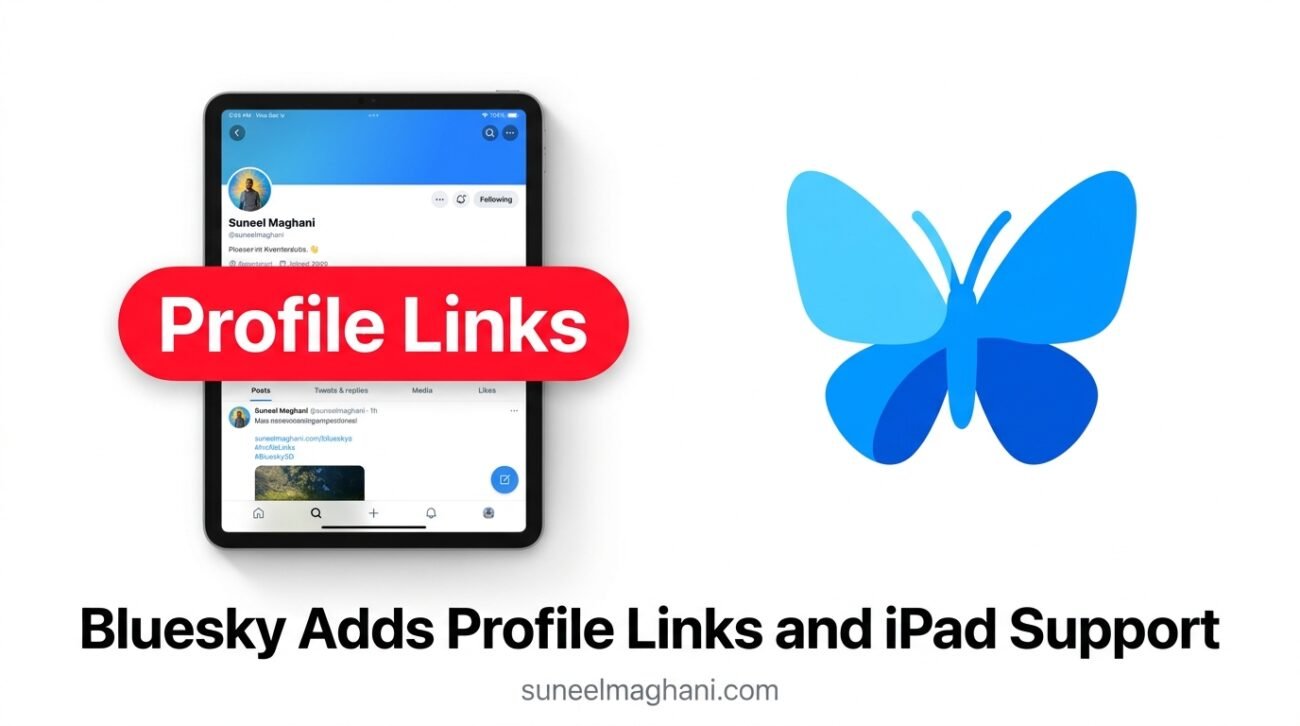
Bluesky has released an update that gives creators a better way to share their links and gives iPad owners a layout made for larger screens.
The update, version 1.136, arrived on October 22, 2026.
It adds a new Profile Links feature and a beta version of the app for iPad.
This article explains what changed, how the new links work, and what creators and everyday users should do next.
What Did Bluesky Announce?
Bluesky announced two changes in version 1.136.
The first is Profile Links, a section below your bio where you can show selected links.
The second is beta support for iPad, which Bluesky described as one of its most-requested features.
Both updates are rolling out through the regular app update, so you may need to update Bluesky to see them.
What Are Bluesky Profile Links?
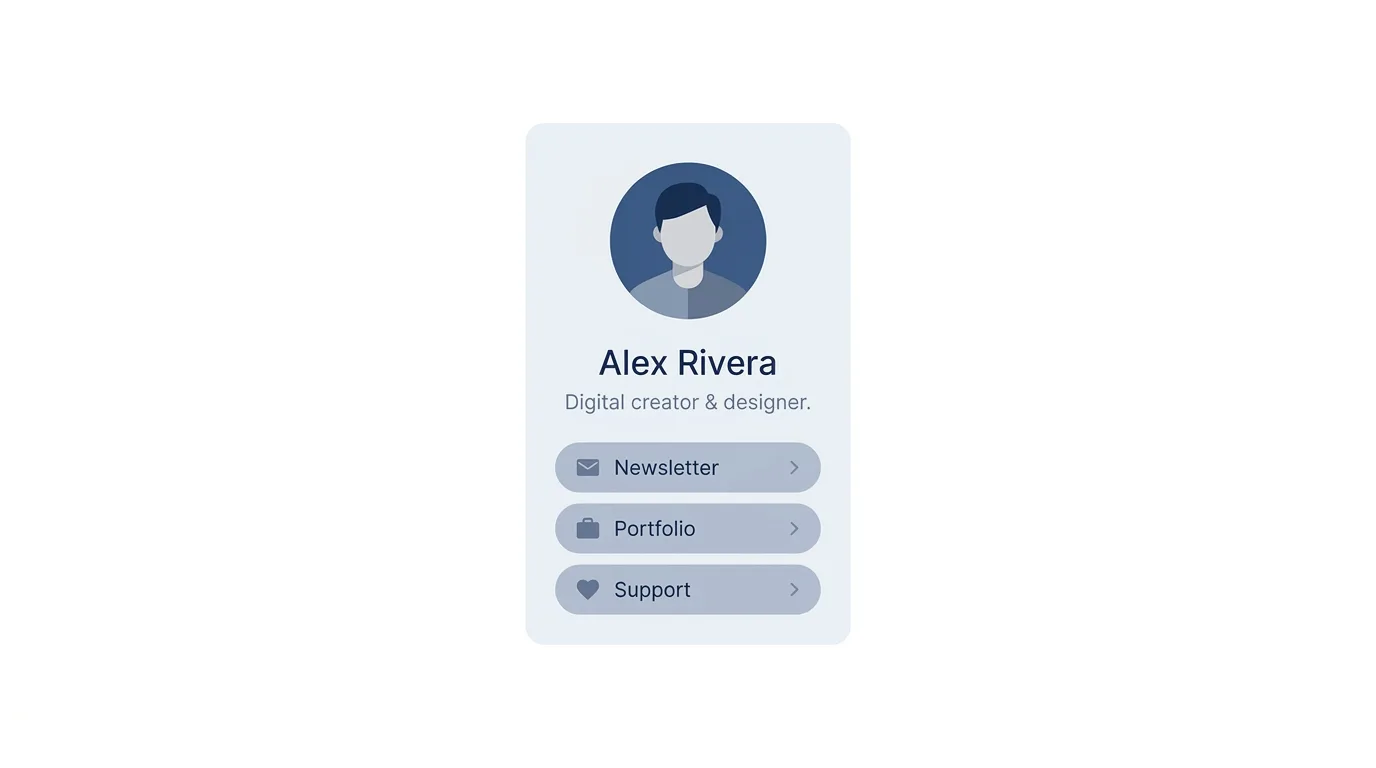
Profile Links let you put important web addresses directly under your bio.
Before this update, most people had to include a link inside their bio text or in a pinned post.
Now visitors can find your website, newsletter, portfolio, or support page in one clear place.
You can add your own links, write a custom title for each one, and arrange them in the order you prefer.
For example, a writer could add a link to a newsletter, a personal website, and a membership page, with the most important one first.
How Do You Add Profile Links?
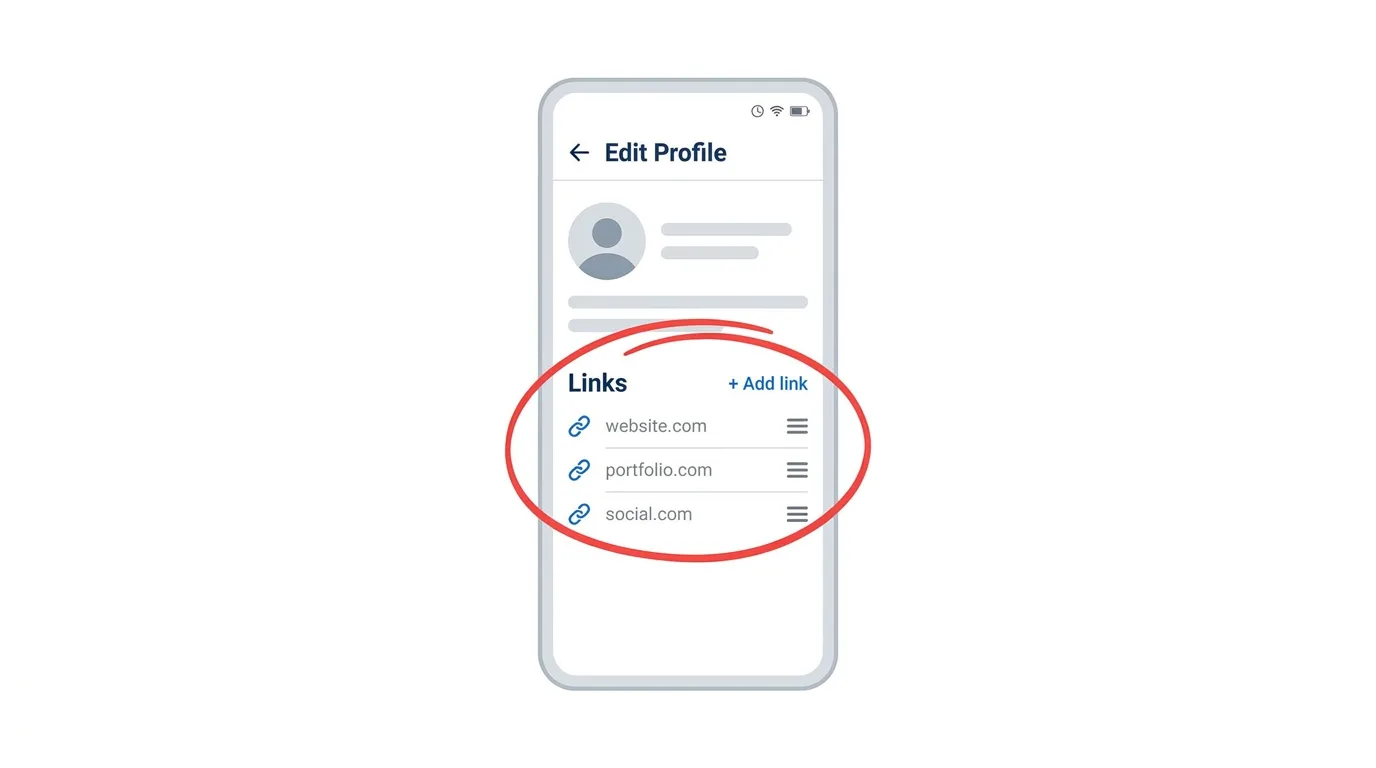
According to Bluesky, you can add links from your profile settings.
Open your profile, choose Edit Profile, and look for the Links section.
Add a web address, give it a clear title, and drag it into position.
Then save your changes and check how your public profile looks.
The menu names may change slightly in later versions, so look for the word Links if your screen looks different.
Bluesky has not published a limit on how many links you can add, so keep the list short and useful.
What Are the Special Patreon and Ko-fi Buttons?
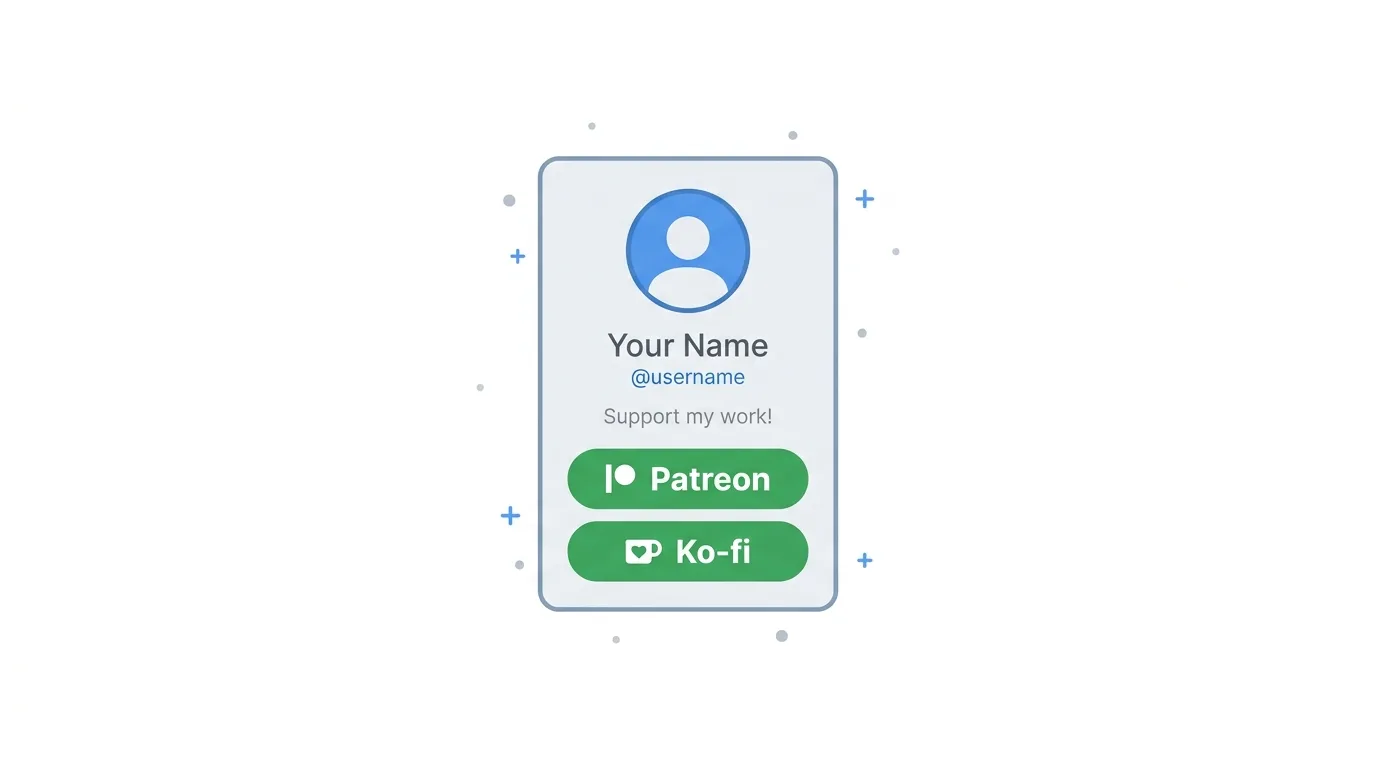
Some links get special treatment.
Links to Patreon and Ko-fi automatically appear as prominent green buttons on a profile.
They send followers to the creator’s existing payment page, so Bluesky does not need to run its own payment system.
This makes it easier for artists, writers, streamers, and other creators to ask for support without writing a long post.
It also means followers can find the support page in one tap.
Creators should make sure the page they link to is up to date before they promote it.
Can You Preview a Link Before Opening It?
Yes.
On mobile, you can press and hold a Profile Link to see the full web address before it opens.
This is a useful safety check.
A short custom title does not always show the real domain behind it.
Before you open a payment page, sign-up form, or login screen, make sure the address matches the website you expected.
If you do not recognize the domain, avoid entering passwords or payment details, and open the official site yourself instead.
What Does iPad Beta Support Mean?
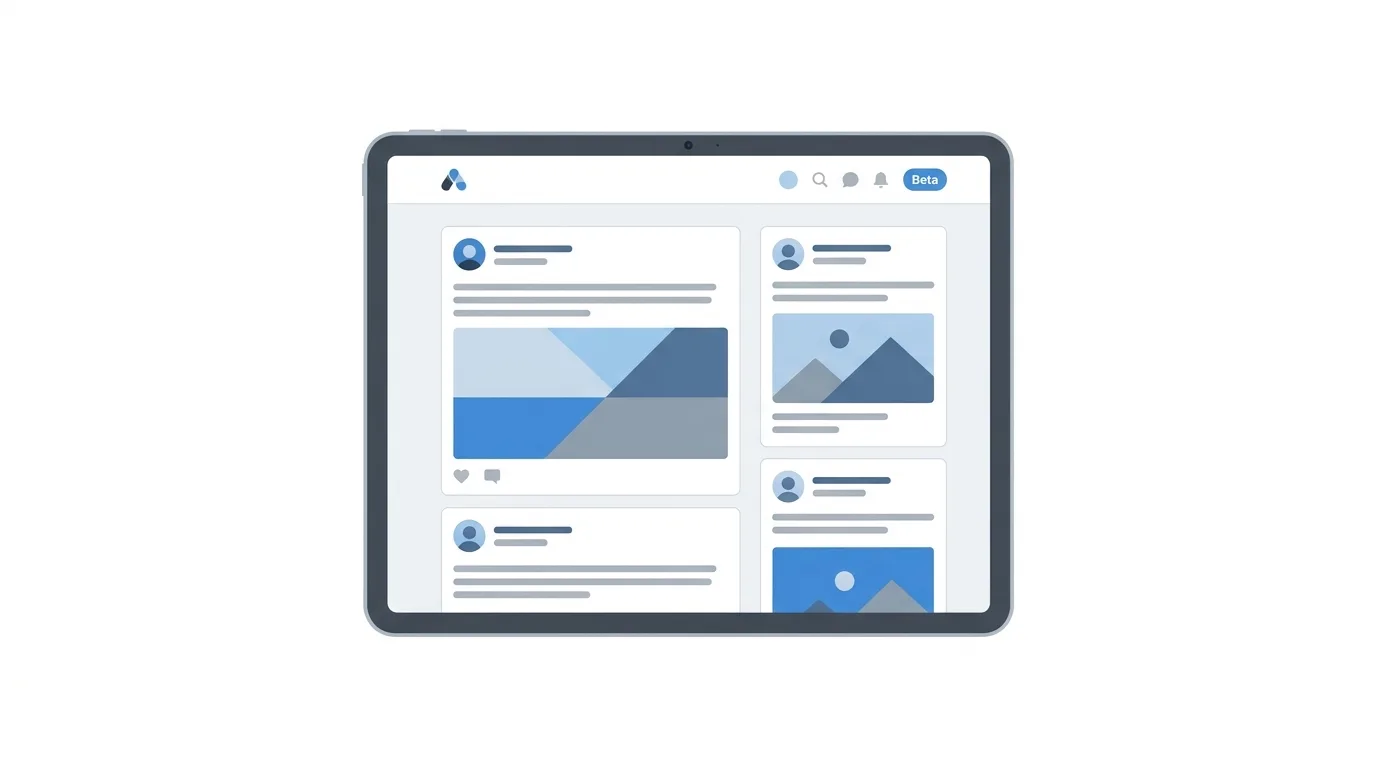
Until now, iPad users had to use a phone-style layout or the web version.
The new beta gives Bluesky a layout designed for larger screens, according to Bluesky’s update notes.
A bigger layout can make feeds, profiles, and replies easier to read and navigate.
Bluesky has not published a full list of every design change, so it is best to test the app yourself after updating.
Because it is a beta, some features may still change, and you may find rough edges.
How Do You Report iPad Beta Problems?
Bluesky asks beta testers to send feedback through the Beta Features area in Settings.
When you report a problem, include the screen where it happened and the steps that caused it.
Clear reports are more useful than a general comment that something feels wrong.
If you rely on Bluesky for work, you may prefer to keep using the phone or web version until the iPad layout is finished.
Why Does This Update Matter?
Bluesky is a growing social network built as a more open alternative to the big platforms.
It is used by writers, journalists, artists, developers, and communities who want a calmer space to share ideas.
For these users, links are important.
Profile Links make the profile itself a small hub, so people do not have to search through old posts to find where you work or where to support you.
The iPad update also shows Bluesky is working to make the app feel complete across devices.
What Does This Mean for Creators?
Creators can now treat their Bluesky profile as a landing page.
Choose your best destinations, such as a newsletter, portfolio, shop, or membership page, and put the most important one first.
Use clear titles like “Newsletter” or “Portfolio” so followers know what they will find.
If you already have a Patreon or Ko-fi page, you get a standout button without extra setup.
Check your links every few months, because a broken or outdated link can lose supporters.
What Does This Mean for Businesses and Brands?
Small businesses and personal brands can use Profile Links to send visitors to a website, booking page, or product page.
Because the links sit under the bio, they are easy to find on every visit.
Brands should still be careful about what they link to, and make sure each page is current and trustworthy.
Bluesky’s audience is smaller than that of the largest platforms, so treat it as an additional channel and track your results.
What Does This Mean for Everyday Users?
If you simply read and post on Bluesky, you may notice more links on profiles.
Use the long-press preview to check where a link goes before you tap it.
If you use an iPad, update the app and try the new layout.
You can always return to the older experience if something does not work well for you.
What Is Still Unknown?
A few things are not clear yet.
Bluesky has not said how many links one profile can hold.
It has not shared a date for when the iPad app will leave beta.
It has also not published a full list of layout changes for the iPad version.
Watch Bluesky’s official announcements for updates.
Frequently Asked Questions
What are Bluesky Profile Links?
They are links shown directly below your bio, with custom titles and an order you choose.
How do I add them?
Open your profile, choose Edit Profile, find Links, and add your web address and title.
Which links get special buttons?
Patreon and Ko-fi links appear as prominent green buttons.
Can I check a link before opening it?
On mobile, press and hold the link to see the full address first.
Does Bluesky have an iPad app now?
Bluesky has added beta support for iPad in version 1.136, with a layout designed for larger screens.
How do I report an iPad problem?
Use the Beta Features area in Settings and describe what happened.
When was this announced?
On October 22, 2026.
How To Change Your Profile Picture on Facebook (2026 Guide)
Final Thoughts
Bluesky’s version 1.136 gives creators a simple way to show their most important links and gives iPad users a layout made for bigger screens. Update the app, add a few clear links, and test the iPad beta if you use a tablet. Check Bluesky’s official announcements for more details as the features develop.
