
Your TikTok bio is limited space, but it’s often the deciding factor for whether a profile visitor taps follow.
Updating it takes just a moment. This guide walks through exactly how to change your bio on TikTok in 2026.
Step 1: Open Your Profile
- Open the TikTok app and tap your profile icon in the bottom right corner.
Step 2: Tap Edit Profile
- Tap Edit profile below your current bio.
Step 3: Edit Your Bio
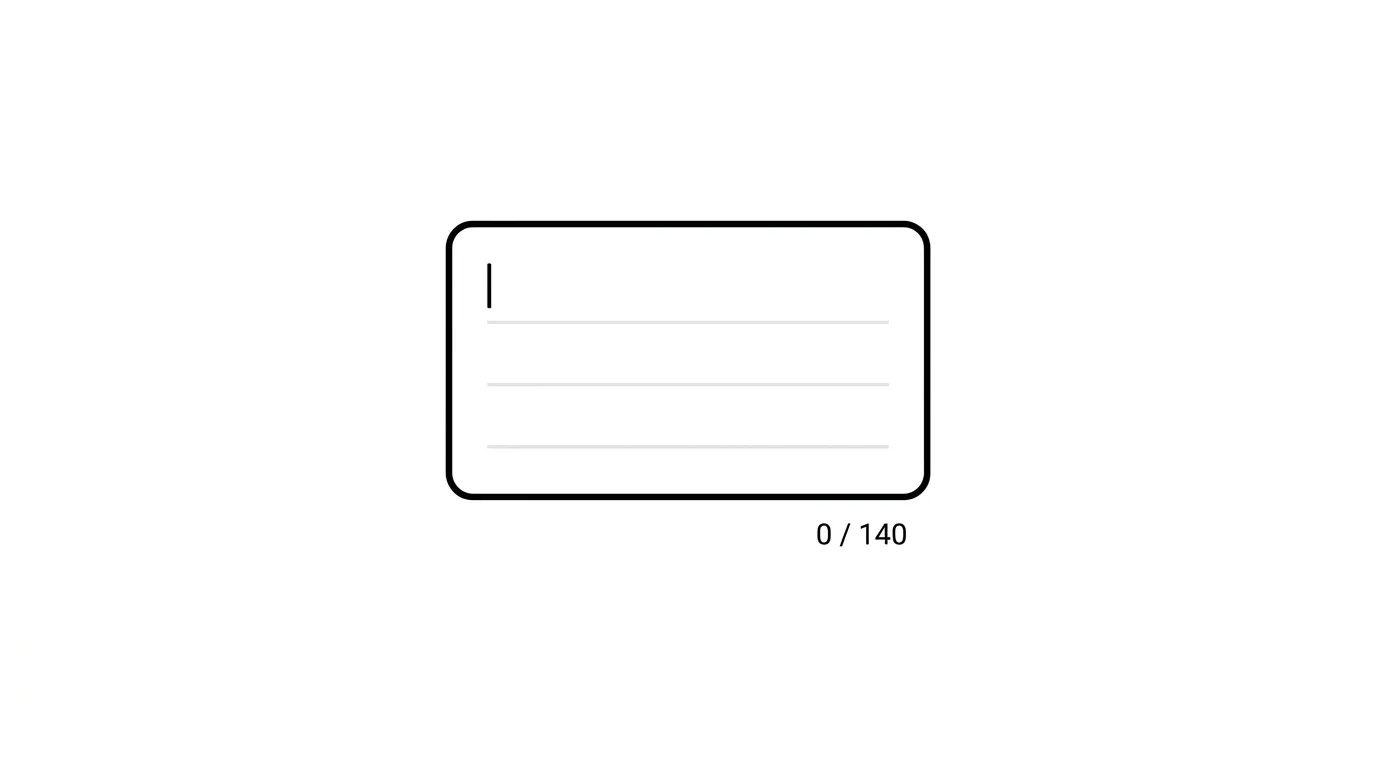
- Tap the Bio field.
- Delete your current text and type your new bio.
- Tap Save once finished.
Action step: Make use of TikTok’s character limit efficiently — clearly state who you are or what your content offers, since vague bios give profile visitors little reason to follow.
How to Change Your Bio on Desktop
Prefer using a browser? Here’s the process:
- Go to TikTok.com and log in.
- Click your profile icon, then Edit profile.
- Update the Bio field and click Save.
Linking Other Social Accounts From Your Bio
Beyond a website link, TikTok allows connecting your Instagram and YouTube accounts directly, displaying them near your bio.
Action step: Link relevant social accounts under Edit Profile alongside your bio text, since this gives interested visitors an easy way to find you elsewhere without needing to include those links within your limited bio character count itself.
How Your Bio Appears Differently Across TikTok’s Interface
Your bio displays slightly differently depending on where it’s viewed — your full profile page versus a smaller preview in search results or comments.
Action step: Keep your most essential information toward the beginning of your bio, since some interface contexts may truncate or partially hide longer bios, making the opening portion the most reliably visible content regardless of where someone encounters your profile.
Using AI Tools to Help Draft Your Bio

If you’re struggling to fit your message concisely within TikTok’s character limit, AI writing tools can help refine your wording.
Action step: Try asking an AI writing assistant like ChatGPT to condense your ideas into TikTok’s 80-character limit specifically, since AI tools are often effective at tightening wordy drafts into the kind of punchy, concise language that works well within strict character constraints.
TikTok’s Bio Character Limit
TikTok currently allows up to 80 characters in your bio, which requires being intentional about what you include.
Action step: Prioritize the single most important piece of information about your account — your niche, what followers get from your content, or a call-to-action — rather than trying to fit multiple messages into the limited space.
Can You Add Clickable Links in Your Bio?

Depending on your account type and follower count, TikTok may allow a clickable website link within your bio.
Action step: If your account is eligible for a bio link, use it to direct traffic to your most important destination — a website, a link-in-bio tool aggregating multiple links, or a specific product page — since this is one of the few ways to drive traffic off-platform from your profile.
Using Emojis and Formatting in Your Bio
TikTok bios support emojis, which can help break up text and add visual personality within the limited character space.
Action step: Use emojis sparingly and purposefully — as visual separators between short phrases or to represent your niche at a glance — rather than overusing them in ways that make your bio harder to quickly read and understand.
Should You Update Your Bio Regularly?
Unlike some content that benefits from frequent refreshing, bios generally work best with periodic, intentional updates rather than constant changes.
Action step: Update your bio when something meaningful changes — a new content focus, a current promotion, or a significant milestone — rather than changing it arbitrarily, since a stable, clear bio helps build consistent brand recognition over time.
Common Issues When Changing Your Bio
Changes not saving?
Force close and reopen the app, then try again — this usually resolves temporary sync issues during the save process.
Bio text getting cut off in preview?
Double-check you’re within the character limit, since TikTok will prevent saving text that exceeds the maximum allowed length.
Emojis not displaying correctly?
This can occasionally happen due to app version mismatches — ensure your TikTok app is updated to the latest version for the most consistent emoji rendering.
Writing a Bio That Actually Converts Visitors
Beyond the technical steps, the actual content of your bio matters most for driving follows.
A simple effective structure:
- Line 1: Who you are or what you do
- Line 2: What value followers get from your content
- Line 3 (if space allows): A simple call-to-action or fun personal detail
Action step: Read your bio as if you’re a stranger visiting your profile for the first time — does it clearly communicate why they should follow, within just a few seconds of reading?
Apple Deepens Siri and ChatGPT Integration Across iOS in 2026
Final Thoughts
Changing your TikTok bio takes just a moment, but writing one that actually converts profile visitors into followers deserves more thought than the technical steps themselves. Use your limited character space intentionally, prioritize clarity over cleverness, link your other social accounts separately rather than eating into your character count, and revisit your bio periodically as your content focus or goals evolve.
