
Are you looking for a solution on how to delete Zoom account permanently on your phone and PC? If so, then in this artcile i shall guide you on how to deactivate Zoom account in very simple steps.
What is Zoom
Zoom is one of the most popular and famous online meeting applications; users can easily make online video calls, online meetings, and many important school classes online with lectures and presentations.
Zoom also provides the best service to their users to talk with and see each other and share their online screen and also chat. You can easily access Zoom on a mobile phone (Android and iPhone), and it is completely free to use.
How To Delete Zoom Account
Here are the steps on how to delete Zoom account permanently on your phone (Android and iPhone).
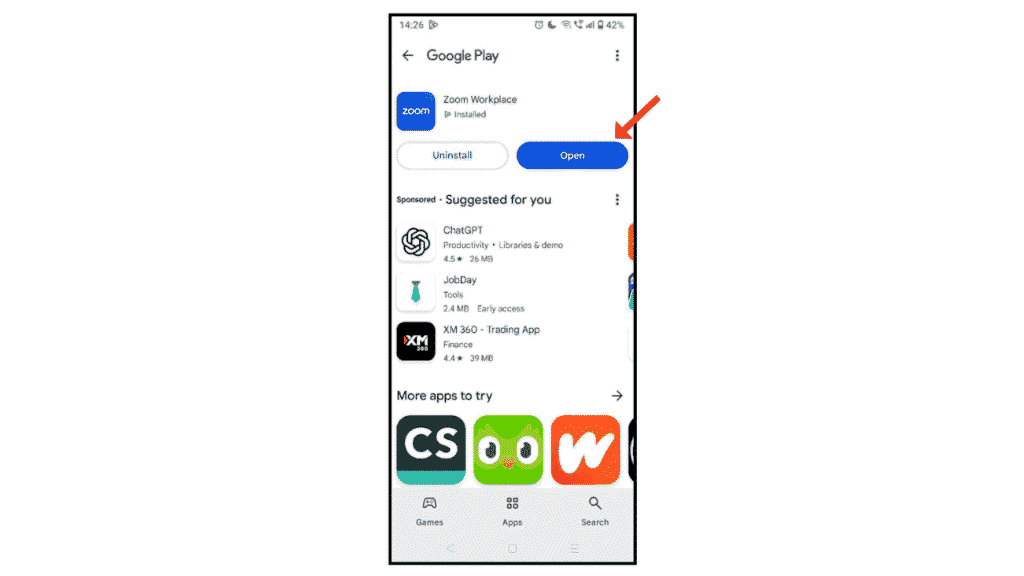
- In the first step, open Zoom Workplace on Android and iPhone.
- Now, click on the three lines.

- After that, click on user name.

- Now, click on the Account icon.

- In the last click, click on Delete Account.
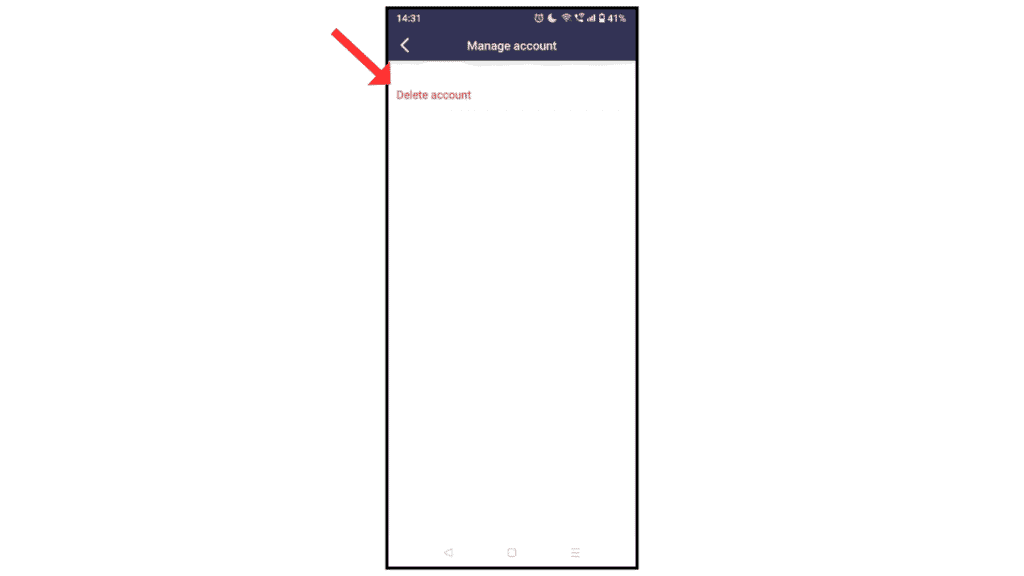
Now, you have successfully deleted or deactivated your Zoom account permanently on your phone and PC.
Also Read: How to Delete Pinterest and LinkedIn Accounts
Conclusion:
I am sure now you have successfully learned how to delete Zoom account permanently on your phone and PC. If you have any questions about deleting or closing a Zoom account, you can contact us at the email address.
