Pinterest works differently from nearly every other major social platform, and businesses that treat it like Instagram usually see disappointing results.
Understanding Pinterest as a visual search engine, not a social feed, changes how you should approach growth entirely. Here’s how to grow a Pinterest account for business in 2026.
Why Pinterest Isn’t Really “Social Media”
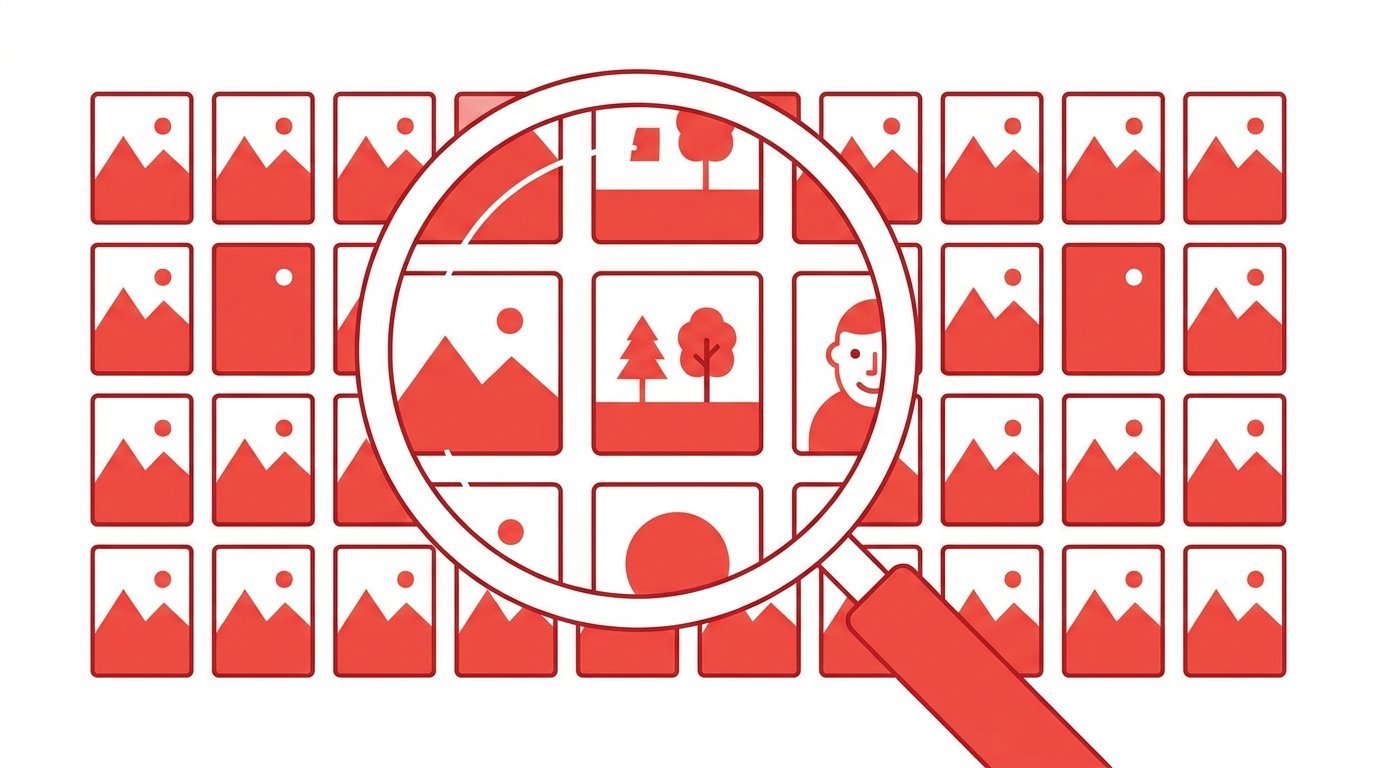
Pinterest functions much closer to a search engine than a traditional social feed.
Users come to Pinterest actively searching for ideas, products, and inspiration, rather than passively scrolling to see what friends are doing. This fundamentally changes what kind of content performs well.
Action step: Approach Pinterest content creation the way you’d approach SEO — focused on searchable, evergreen topics rather than timely, trend-driven posts.
Step 1: Set Up a Business Account
A Pinterest Business account unlocks analytics, ads, and rich pin features unavailable on personal accounts.
- Go to Pinterest.com and select Create a business account, or convert an existing personal account under Settings.
- Fill out your business name, website, and category completely.
Action step: Claim your website within Pinterest Business settings, since this unlocks additional analytics and adds your logo to pins linking back to your site.
Step 2: Optimize Your Profile for Search
Since Pinterest functions as a search engine, your profile itself should include relevant keywords.
Action step: Include your primary niche keywords naturally within your profile name and bio, since these fields factor into Pinterest’s internal search results.
Step 3: Create Keyword-Optimized Boards
Boards organize your content by topic, and board titles and descriptions carry real SEO weight on Pinterest.
Action step: Research relevant keywords for your niche using Pinterest’s own search bar (checking autocomplete suggestions) before naming and describing your boards.
Step 4: Design Pins That Stand Out in a Vertical Feed

Pinterest strongly favors vertical image formats, and pins need to grab attention while scrolling quickly through a dense grid.
Best practices for pin design:
- Use a 2:3 aspect ratio (1000×1500 pixels is a common standard)
- Include clear, readable text overlay summarizing the pin’s value
- Use bright, high-contrast colors that stand out in a crowded feed
Action step: Create a consistent, recognizable pin template for your brand, making your content easily identifiable as users scroll through mixed search results.
Step 5: Write Keyword-Rich Pin Descriptions
Each individual pin’s description also contributes to Pinterest’s search visibility.
Action step: Write natural, descriptive pin captions including relevant keywords, avoiding keyword stuffing that reads unnaturally to actual users.
Step 6: Pin Consistently, Not in Bulk Bursts
Pinterest’s algorithm favors consistent activity over sporadic large uploads.
Action step: Aim for a steady pinning schedule — even a handful of pins daily — rather than uploading dozens at once followed by long gaps of inactivity.
Step 7: Create Fresh Pins for Existing Content
Rather than only pinning new content, create multiple pin designs pointing to the same evergreen blog post or product page.
Action step: Design 3-5 different pin variations for your best-performing content, testing different headlines and visuals to see which drives the most engagement over time.
Step 8: Use Rich Pins for E-Commerce
Rich Pins automatically pull additional information — like pricing and availability — directly from your website into the pin itself.
Action step: Set up Rich Pins for product content specifically, since the added context (price, availability) tends to improve click-through rates for e-commerce use cases.
Step 9: Leverage Pinterest Trends for Content Planning

Pinterest’s Trends tool shows what’s gaining search interest, helping inform content planning ahead of seasonal demand.
Action step: Check Pinterest Trends a few months ahead of relevant seasons (holidays, back-to-school, etc.), since Pinterest content often needs lead time to gain traction before actual peak search interest arrives.
Step 10: Analyze Performance and Double Down on What Works
Pinterest Analytics shows which pins and boards drive the most engagement, saves, and website clicks.
Action step: Review analytics monthly, identifying your top-performing pin styles and topics, then create more content following those successful patterns.
Step 11: Use Idea Pins for Additional Reach
Pinterest’s Idea Pins (multi-page, video-friendly content) offer an additional discovery avenue beyond standard static pins.
Action step: Test Idea Pins for tutorial-style or step-by-step content specifically, since this format tends to perform well for process-driven content that benefits from multiple sequential slides.
Step 12: Engage With Pinterest’s Community Features
While Pinterest isn’t primarily social, it does include comments, reactions, and following features worth using.
Action step: Respond to comments on your pins and follow other relevant accounts in your niche, since this activity signals genuine engagement to Pinterest’s algorithm alongside your posting consistency.
How Pinterest Advertising Complements Organic Growth
For businesses wanting faster results alongside organic strategy, Pinterest Ads can accelerate reach for proven content.
Action step: Once you’ve identified organically strong-performing pins through analytics, consider promoting those specific pins through Pinterest Ads, since boosting already-proven content typically performs better than promoting unproven, newly created pins.
Why Pinterest’s Long Content Lifespan Matters
Unlike Instagram or X, where posts lose relevance within hours or days, Pinterest content can continue driving traffic for months or even years after publishing.
Action step: Treat Pinterest content as a long-term investment rather than expecting immediate results — well-optimized pins often see their strongest performance weeks or months after initial posting.
Common Mistakes When Growing a Pinterest Business Account
Treating it like Instagram. Pinterest rewards evergreen, searchable content over timely, trend-driven posts.
Ignoring keyword research entirely. Since Pinterest functions as a search engine, skipping keyword optimization significantly limits discoverability.
Only creating one pin per piece of content. Multiple pin variations testing different headlines and visuals typically outperform a single design.
How To Use Notion AI to Organize Your Work in 2026
Final Thoughts
Growing a Pinterest business account requires treating the platform as a visual search engine, not a social feed. Focus on keyword-optimized boards and pins, consistent posting, and creating multiple pin variations for your best content, and results tend to compound significantly over time compared to faster-decaying platforms.
