Runway has grown from a niche tool for AI researchers into one of the most capable AI-powered video editors available to everyday creators.
Its effects go well beyond simple filters, letting you remove objects, extend scenes, and generate footage that would normally require expensive production. Here’s how to use Runway AI for video editing in 2026.
What Makes Runway Different From Traditional Editors
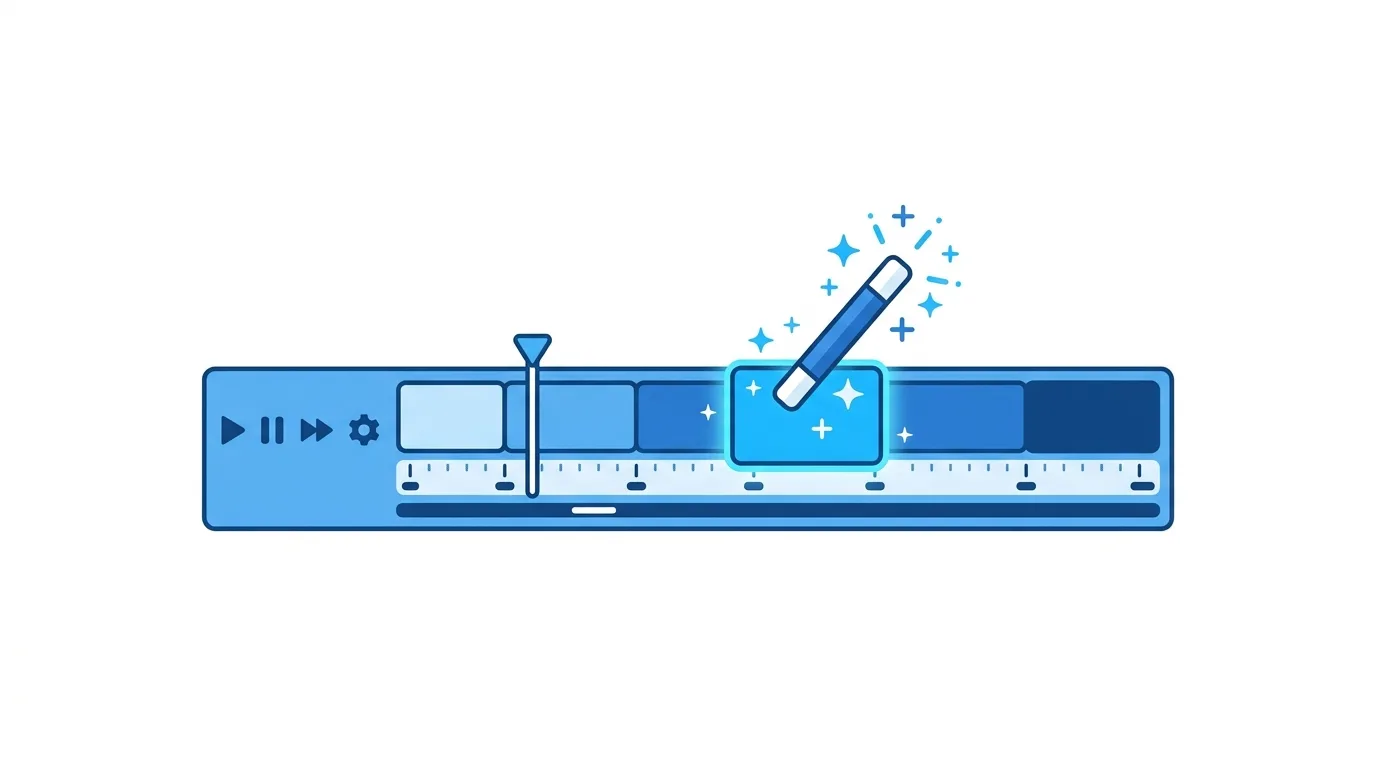
Runway blends traditional timeline editing with generative AI tools directly built into the same interface.
Rather than switching between separate apps for editing and effects, you can generate new footage, remove unwanted elements, or extend a scene’s length without leaving the editing environment.
Action step: Use Runway specifically when your project needs effects or footage that would otherwise require expensive reshoots or specialized visual effects software.
Step 1: Choose the Right Tool for Your Task
Runway offers several distinct AI-powered tools, each suited to different needs.
Key tools include:
- Gen-3/Gen-4 video generation (creating video from text or image prompts)
- Green screen (background removal without an actual green screen)
- Inpainting (removing unwanted objects from footage)
- Motion tracking and frame interpolation
Action step: Identify your specific editing challenge first, then select the matching tool rather than trying to use one feature for every task.
Step 2: Use Text-to-Video for Concept Footage
Runway’s generative video tools can create entirely new footage from a text description, useful for concept visualization or filling gaps in existing footage.
Action step: Write specific, detailed prompts describing camera movement, lighting, and scene composition, since vague prompts tend to produce inconsistent, less usable results.
Step 3: Use AI Green Screen Without Actual Green Screen Footage
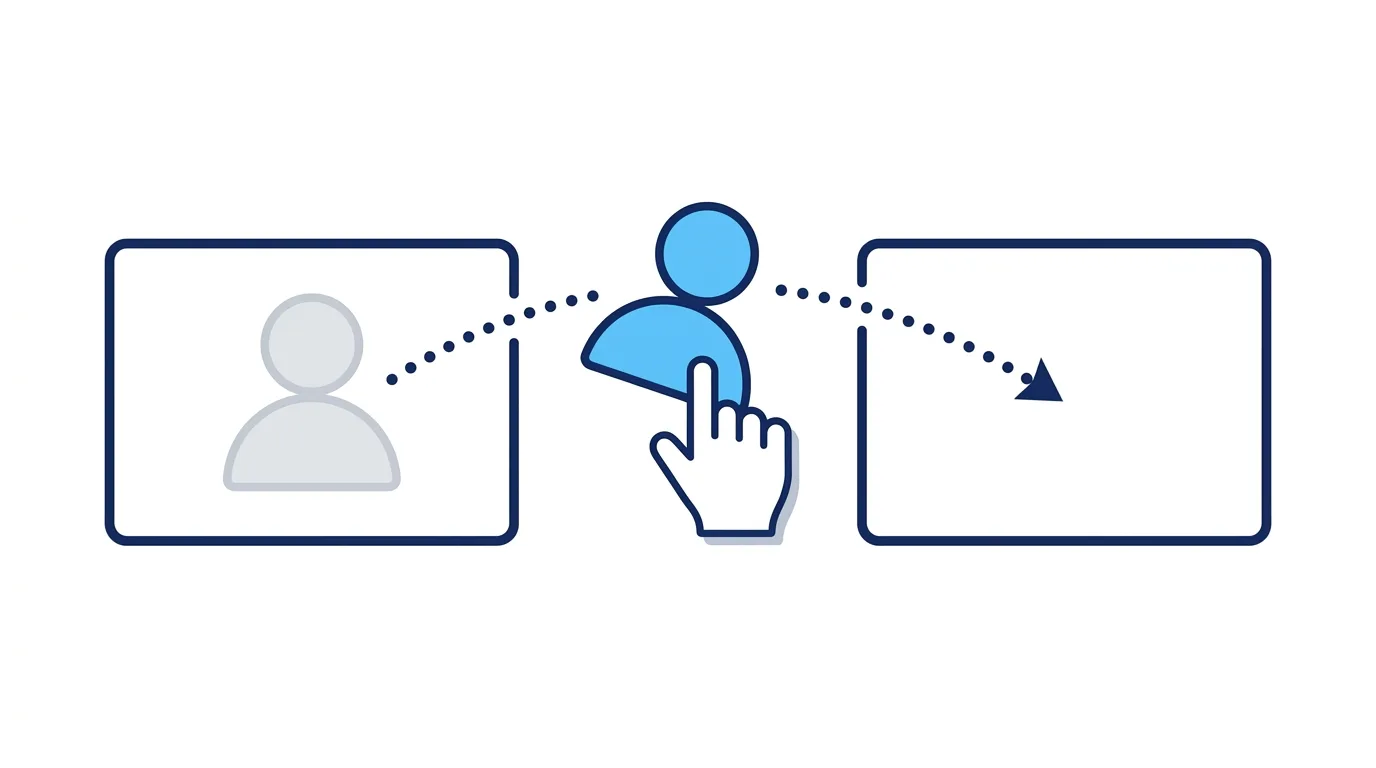
Runway’s background removal tool can isolate a subject from footage shot without a traditional green screen setup.
Action step: Use this specifically when you need to change backgrounds in footage you didn’t originally plan or shoot with visual effects in mind, saving reshoot costs.
Step 4: Remove Unwanted Objects With Inpainting

Distracting elements — a stray object, an unwanted person in the background — can be removed directly within Runway rather than requiring a full reshoot.
Action step: Use inpainting for small, specific fixes rather than major scene alterations, where results remain more reliable and convincing.
Step 5: Extend Clips Using Frame Generation
If a clip is slightly too short for your edit, Runway can generate additional frames extending the footage naturally.
Action step: Use this feature for small timing adjustments rather than significantly extending scenes, since longer extensions are more likely to show visible inconsistencies.
Step 6: Combine AI Tools With Traditional Editing
The most effective Runway workflows combine AI-generated elements with standard editing techniques rather than relying entirely on AI-generated footage.
Action step: Use Runway’s AI tools for specific problem-solving — filling gaps, removing distractions, generating supplementary footage — while keeping your core footage and narrative built through traditional filming and editing.
Step 7: Export and Refine in Your Primary Editing Software
For complex projects, many creators use Runway for specific AI-powered tasks, then finish the edit in a dedicated video editor like Premiere Pro or DaVinci Resolve.
Action step: Treat Runway as a specialized tool within a broader editing pipeline rather than necessarily your only editing software, particularly for longer, more complex projects.
Step 8: Use Motion Brush for Targeted Animation
Runway’s Motion Brush tool lets you select specific areas of a still image or frame and apply targeted motion, useful for bringing static elements to life without full video generation.
Action step: Use Motion Brush for subtle, localized animation — like adding movement to water, smoke, or hair — rather than attempting to animate an entire scene with this tool alone.
Step 9: Collaborate With Teams Using Shared Projects
Runway supports collaborative workspaces, letting teams share assets and generated content across a single project.
Action step: For agency or team-based video work, set up a shared workspace early in the project, keeping generated assets and edits organized in one place rather than scattered across individual accounts.
Pricing and Credit Systems
Runway typically operates on a credit-based system for its AI generation features, with different tiers offering varying monthly credit allowances.
Action step: Monitor your credit usage closely during a project, since generative video features can consume credits faster than expected, particularly when iterating on multiple prompt variations to get a satisfactory result.
Common Use Cases for Runway in Content Creation
Social media video ads. Generating supplementary footage or effects without a full production budget.
Product demonstration videos. Creating concept visualizations before committing to full production.
Background and object removal. Cleaning up existing footage without expensive reshoots.
Creative and experimental content. Producing stylized, AI-generated visuals for artistic or experimental projects.
Understanding Runway’s Limitations
AI-generated video still has recognizable limitations, particularly with complex motion, hands, and maintaining consistency across longer generated clips.
Action step: Test AI-generated segments carefully before committing them to a final published piece, since certain content types (close-up hand movements, complex physical interactions) remain more likely to show visible artifacts.
How Runway Compares to Other AI Video Tools
Choosing between Runway and alternatives depends on your specific need.
Runway tends to win for: Integrated AI editing tools combined with traditional timeline editing in one interface.
Alternatives focused purely on generation may offer different strengths for pure text-to-video creation without needing traditional editing features alongside it.
Action step: If your primary need is editing existing footage with AI assistance, Runway’s combined approach offers more practical value than tools focused purely on generating standalone video clips.
AI Video Generation Apps Are Having a Breakout Moment in 2026
Final Thoughts
Runway has made AI-powered video effects accessible without requiring specialized visual effects expertise, letting creators solve production problems that previously required expensive reshoots or dedicated VFX software. Use its specific tools for targeted problems — object removal, background changes, footage extension — while keeping your core narrative built through traditional filming and editing.
