Notion has grown from a simple note-taking app into a full workspace, and its AI features have made that workspace genuinely smarter.
Used well, Notion AI can cut hours off routine organizing and writing tasks. Here’s how to use Notion AI to organize your work in 2026.
What Notion AI Actually Does
Notion AI is built directly into your existing pages and databases, rather than existing as a separate chat window.
This means it can summarize, rewrite, and generate content using the context of whatever page or database you’re already working in, without needing to copy and paste information between tools.
Action step: Use Notion AI specifically for tasks tied to content you’re already organizing in Notion, since its biggest advantage is working directly within your existing structure.
Step 1: Use AI to Summarize Long Pages
If you have lengthy meeting notes, documents, or research pages, Notion AI can generate a quick summary without leaving the page.
- Open the page you want summarized.
- Use the AI menu (often triggered by typing
/aior selecting text). - Choose Summarize.
Action step: Use this specifically for long meeting notes or research dumps you’ll need to reference again later, saving time re-reading the full content each time.
Step 2: Generate First Drafts Directly Within Pages
Rather than drafting content elsewhere and pasting it in, Notion AI can generate a first draft directly within your workspace.
Action step: Use simple prompts like “draft an outline for [topic]” directly within a new page, then refine the AI-generated starting point rather than starting from a completely blank page.
Step 3: Use AI to Extract Action Items From Notes
Meeting notes and brainstorming sessions often bury important action items within longer text.
Action step: Select your notes and use Notion AI’s action item extraction feature to automatically surface clear next steps, rather than manually re-reading and pulling them out yourself.
Step 4: Use AI-Powered Autofill in Databases
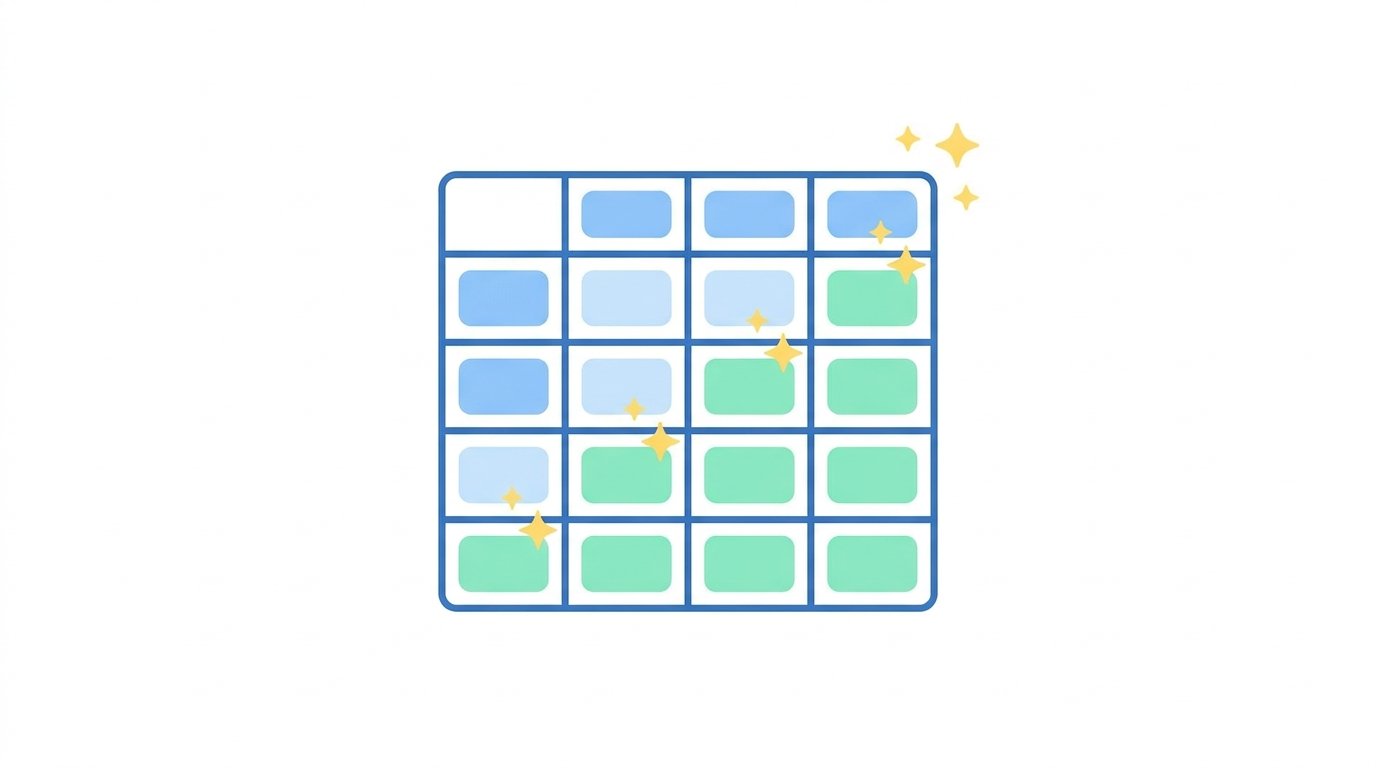
Notion’s databases can use AI to automatically fill in properties based on existing page content.
Action step: For databases tracking projects, content, or tasks, use AI autofill to generate summaries, categories, or tags automatically, reducing manual data entry across large databases.
Step 5: Translate and Adjust Tone Within Pages
Notion AI can translate content or adjust the tone of existing writing without needing external tools.
Action step: Use the built-in tone adjustment feature when repurposing content for different audiences — for example, converting formal documentation into a more casual internal update.
Step 6: Use AI Q&A to Search Your Own Workspace

Notion AI can answer questions based specifically on the content already stored in your workspace, functioning as a smart internal search tool.
Action step: Instead of manually searching through pages for specific information, ask Notion AI directly — for example, “What did we decide about the Q3 budget?” — and it will search your workspace for relevant context.
Step 7: Build AI-Assisted Templates for Recurring Work
If you regularly create similar types of pages — meeting notes, project briefs, content outlines — build templates that incorporate AI prompts directly.
Action step: Create a template with a pre-built AI prompt already embedded, so generating a first draft for recurring content types becomes a single click rather than writing a new prompt each time.
Step 8: Use AI to Maintain Consistency Across Team Documentation
Teams sharing a Notion workspace often struggle with inconsistent formatting and tone across different contributors’ pages.
Action step: Use Notion AI’s rewrite feature to standardize tone and structure across pages written by different team members, particularly for customer-facing documentation where consistency matters most.
Step 9: Combine AI With Notion’s Database Relations
Notion’s relational databases become significantly more powerful when paired with AI-generated summaries across linked items.
Action step: For complex project databases with multiple linked tasks or sub-pages, use AI to generate a rolled-up summary of related items, giving you a quick overview without manually clicking through each linked page.
Pricing Considerations for Notion AI
Notion AI is typically offered as an add-on to existing Notion plans, with usage-based or unlimited options depending on your subscription tier.
Action step: If you’re using AI features heavily across a team, compare the cost of an unlimited AI add-on against your team’s actual usage volume, since occasional users may find pay-per-use pricing more cost-effective than a full unlimited upgrade.
How This Fits Into a Broader Productivity Workflow
Notion AI works best as part of an integrated workspace, not an isolated tool.
A practical setup:
- Use Notion as your central hub for notes, projects, and documentation.
- Use Notion AI for summarizing, drafting, and organizing content already stored there.
- Use a dedicated chat-based AI tool for tasks requiring broader research or real-time information Notion doesn’t already contain.
Action step: Reserve Notion AI specifically for tasks tied to your existing workspace content, and use other AI tools for research requiring information beyond what’s already stored in Notion.
Common Mistakes When Using Notion AI
Treating it as a general-purpose chatbot. Notion AI’s real strength is working within your existing pages and databases, not standalone research.
Never building reusable templates. Manually re-prompting for recurring content types wastes the time-saving potential AI templates offer.
Ignoring the Q&A search feature. Many users manually search through pages for information Notion AI could surface instantly through a direct question.
Why Authenticity Apps Like BeReal Are Making a Comeback in 2026
Final Thoughts
Notion AI earns its value by working directly within your existing workspace, rather than requiring you to copy information back and forth between separate tools. Use it for summarizing, drafting, and searching your own content specifically, and build reusable templates for any recurring work to get the most consistent time savings.
