
You don’t need to block or unfollow someone just to keep them from seeing your Stories.
Instagram lets you hide Stories from specific people while keeping everything else about your relationship unchanged. This guide walks through exactly how to hide your Story from specific people on Instagram in 2026.
Step 1: Open Instagram Settings
- Open the Instagram app and tap your profile picture.
- Tap the three-line menu, then Settings and Privacy.
Step 2: Access Story Privacy Settings
- Tap Privacy, then select Story.
- Look for Hide story from.
Step 3: Select Who to Hide Your Story From
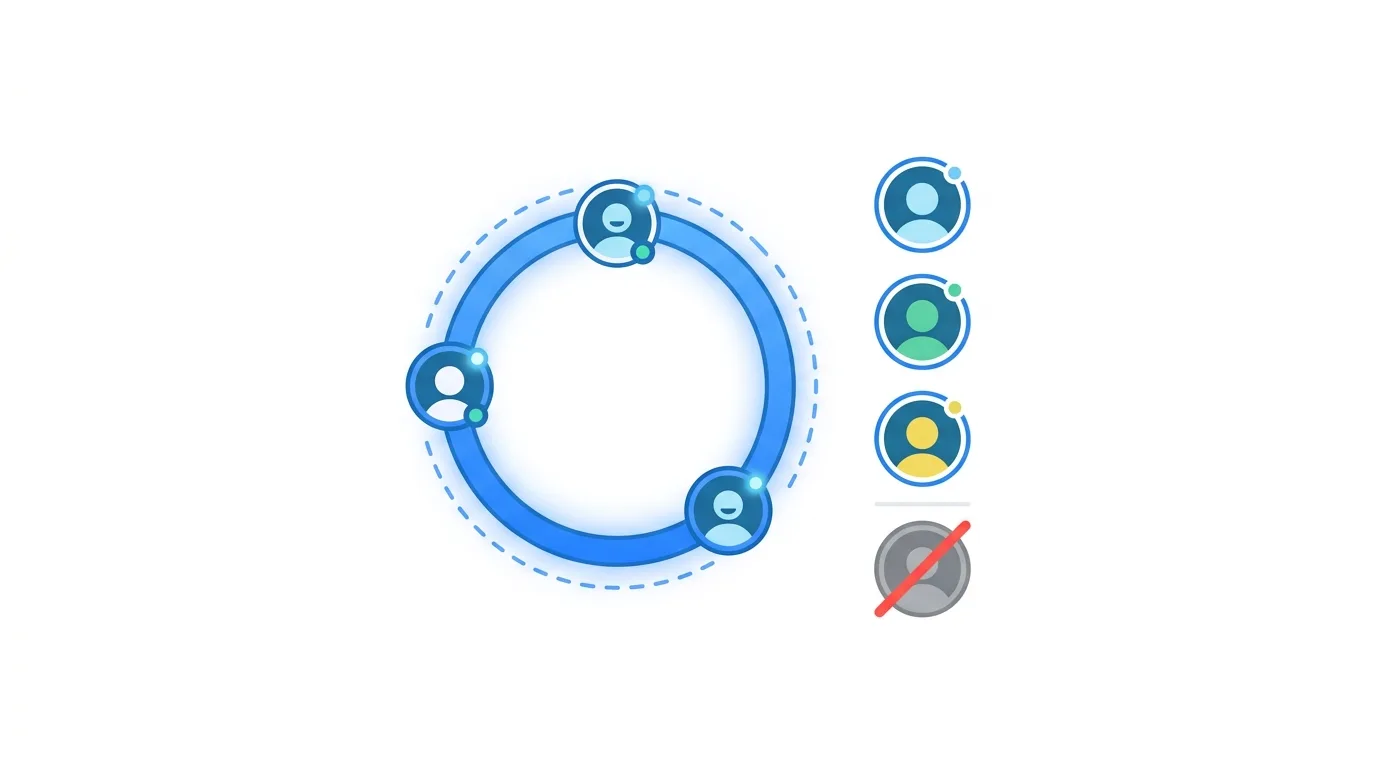
- Tap Hide story from.
- Search for and select the specific accounts you want excluded.
- Confirm your selections.
Once added to this list, the selected accounts won’t see your Story updates, even though they still follow you and can view your regular posts normally.
What This Setting Actually Does
Understanding the full scope helps clarify exactly what changes.
When you hide your Story from someone:
- They won’t see your Story updates in their feed or when visiting your profile.
- They remain a follower and can still see your regular posts and profile.
- They’re not notified that you’ve hidden your Story from them specifically.
Action step: Use this specifically when you want to maintain a normal following relationship while keeping your more casual, day-to-day Story content private from that particular person.
How This Differs From Restricting or Muting Someone
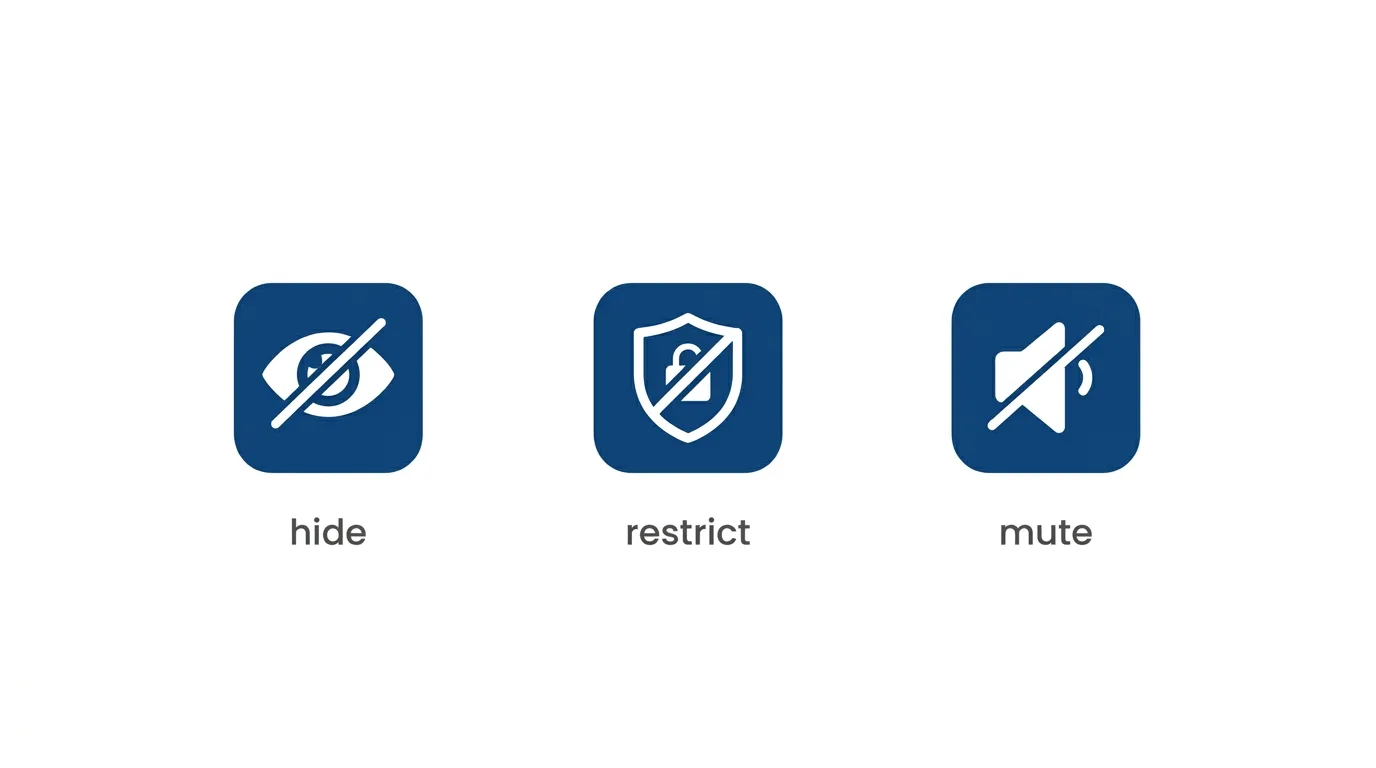
Instagram offers several distinct privacy tools, and understanding the differences helps you choose the right one for your situation.
Hiding your Story specifically limits visibility of Story content only, with no other effect on the relationship.
Restricting limits their ability to see when you’re active and moves their comments into a filtered state requiring your approval, affecting more than just Stories.
Muting hides their posts and Stories from your own feed without affecting what they see of yours at all.
Action step: Choose the specific tool matching your actual concern — if it’s purely about Story privacy, hiding your Story is the most targeted option, whereas Restricting or Muting address different, broader interaction concerns.
Using This Setting for Professional or Family Boundaries
Many people use this feature specifically to maintain separate boundaries between different parts of their life while staying connected on the platform.
Action step: Consider using this setting for maintaining appropriate boundaries with coworkers, extended family, or acquaintances who you want to stay connected with generally but don’t necessarily want viewing your more casual, personal Story content.
How to Remove Someone From Your Hidden Story List
If you change your mind, removing someone from this list is just as simple as adding them.
- Go back to Settings and Privacy → Privacy → Story → Hide story from.
- Find the person on your list and tap to remove them.
Action step: Review this list periodically if you’ve added several people over time, since it’s easy to forget who’s been added, especially if the original reason for hiding your Story from them no longer applies.
Using Close Friends as an Alternative Approach

Rather than hiding your Story from specific people, Close Friends offers the inverse approach — sharing with only a select group instead.
Action step: If you’re hiding your Story from most people and only want a small group to see it, Close Friends is often more efficient than adding many individual accounts to your hidden list, since you’d only need to manage one smaller “allowed” list instead of a potentially larger “excluded” list.
Does This Affect Story Replies and Reactions?
Since hidden accounts can’t see your Story at all, they naturally also can’t reply to or react to it.
Action step: Understand this as a complete Story visibility block for that specific person, not just a reduced-interaction setting — they have no access to view, react to, or reply to your Story content while on your hidden list.
Can They Tell You’ve Hidden Your Story From Them?
Instagram doesn’t send any notification indicating you’ve hidden your Story from someone.
Action step: While there’s no direct notification, an observant person might eventually notice they no longer see your Story updates over time, so understand this isn’t a completely undetectable action, even without an explicit alert.
Common Issues When Hiding Your Story From Someone
Person still appears to see your Story?
Confirm they were actually added successfully to your hidden list, and check that you’re not confusing this with Close Friends settings, which work in the opposite direction.
Can’t find a specific person in search when adding them?
Make sure you’re searching their exact username, and confirm you’re still following each other, since search results within this settings menu are typically limited to your existing connections.
Want to hide from someone but keep seeing their Stories?
Hiding your Story from someone doesn’t affect your own ability to see their content — these are independent, one-directional settings.
Grok Adds Real-Time Video Understanding as X Pushes Multimodal AI in 2026
Final Thoughts
Hiding your Story from specific people on Instagram takes just a few taps and offers a more surgical alternative to blocking, restricting, or unfollowing when you simply want more privacy around your day-to-day Story content. Review your hidden list periodically, and consider whether Close Friends might be a more efficient approach if you’re trying to hide your Story from a larger group while sharing with just a small circle instead.
